Unblock websites at work and school
A practical guide to understanding and ethically navigating website access at work or school.
Unblock websites at work and school: a practical guide
Many people hit a wall when they try to reach a site from work or school networks. Restrictions are common for security, productivity, and policy reasons. This guide explains what’s behind those blocks, what you can legally and ethically do, and practical options to get the information you need without compromising your institution’s rules.

Why websites get blocked
Blocked sites aren’t a mystery. They’re typically prevented for one or more of these reasons:
- Security: to prevent malware, phishing, or data leakage.
- Productivity: to reduce time-wasting activities.
- Bandwidth: to limit heavy usage that slows the network.
- Compliance: to enforce licensing, copyright, or regulatory requirements.
- Content policy: to block adult, extremist, or harmful content.
Understanding the motive helps you choose the right approach. If you’re unsure why a site is blocked, you can consult your IT or classroom tech support rather than trying to circumvent the block.
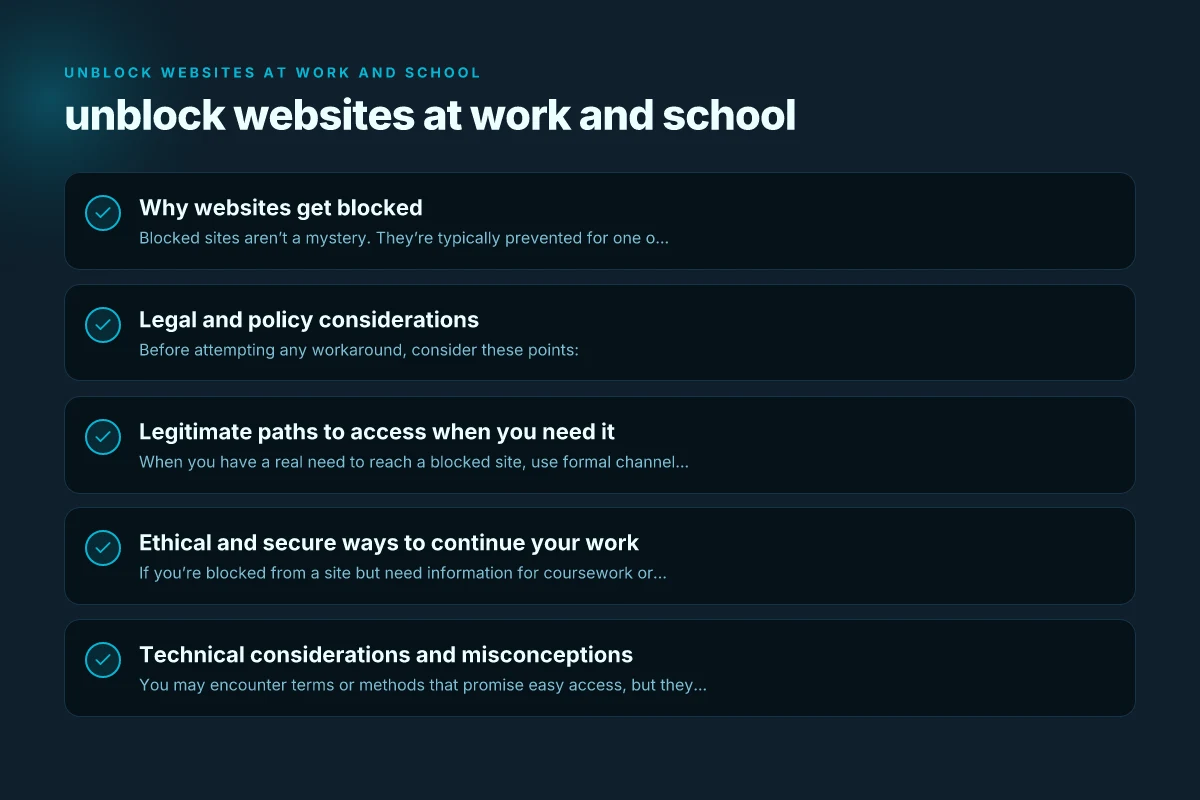
Legal and policy considerations
Before attempting any workaround, consider these points:
- Policy adherence: Most workplaces and schools have acceptable use policies. Violating them can lead to disciplinary action.
- Privacy and security: Bypassing blocks can expose devices and networks to risk or violate laws.
- Legal risks: Some methods could violate laws or terms of service.
- Transparency: If you have a legitimate need, there are formal channels to request access.
If you’re unsure, ask a supervisor, teacher, or IT administrator for guidance. They can explain what access is permitted and how to obtain it legitimately. Unblock Facebook Twitter YouTube
Legitimate paths to access when you need it
When you have a real need to reach a blocked site, use formal channels. Here are common options:
- Request access through IT support: Explain the business or educational rationale, desired deadline, and any safeguards you’ll follow.
- Use approved tools and resources: Many organizations provide sanctioned repositories, intranet portals, or approved VPNs for remote work or study.
- Access via approved devices or networks: Some institutions offer guest networks or specific Wi-Fi profiles that have different restrictions.
- Content- and site-approval processes: Some blocks are per-site. If your use is legitimate, ask for a temporary exception or a sanctioned whitelist.
By approaching access requests professionally, you’re more likely to gain usable access without risking policy violations.
Ethical and secure ways to continue your work
If you’re blocked from a site but need information for coursework or a project, consider these safer alternatives:
- Use cached or mirrored sources: For research, look for official mirrors, PDFs, or government/academic repositories that are allowed.
- Leverage search engine caches responsibly: Some search results link to cached versions in a compliant way, but always respect site terms.
- Work offline when possible: Download necessary materials during free time or at home, then work offline on a local device.
- Use institution-approved tools: Many schools and companies offer VPNs, remote desktops, or cloud services that are sanctioned and monitored.
Remember, the goal is to maintain security and compliance while still enabling your work or study. Top 10 VPN: the definitive guide to choosing the best VPN in 2026
Technical considerations and misconceptions
You may encounter terms or methods that promise easy access, but they come with serious caveats.
- VPNs and proxies: These can violate policies and pose security risks if not approved. Some institutions monitor VPN use and may block it.
- The “incognito” trick: Private browsing and similar hacks don’t bypass network blocks. They only affect local device history.
- DNS changes: Altering DNS settings without authorization can disrupt services and violate policies.
- Administrative safeguards: Modern networks often have endpoint protection, firewall rules, and EDR systems designed to detect and block attempts to bypass restrictions.
If you’re not sure, don’t experiment on a work or school device. It’s better to stop and ask for permission.
A practical comparison: approaches to unblock or access restricted content
Here is a simple comparison of common approaches, their typical outcomes, and potential risks.
| Approach | Typical outcome | Pros | Cons / Risks |
|---|---|---|---|
| Formal access request | Usually granted or declined | Lawful, traceable, supported by policy | May take time; not always possible |
| Approved tools (VPN/remote work) | Access through sanctioned channels | Secure, monitored, compliant | Requires permission; may have usage limits |
| Whitelist request (per-site) | Site added to allowed list | Direct, focused, preserves policy | Requires justification; approval delay |
| Offline work or local copies | No remote access needed | Simple, no policy conflict | Not always feasible for dynamic content |
| Alternatives (official repositories) | Access to legitimate sources | Safe and compliant | Availability varies; may not have all content |
If you need to explain an access request to your IT team, a short briefing that includes the site’s purpose, the project deadlines, and how you’ll handle data can improve your chances. The easy way to hide your IP address online
Responsible and practical steps you can take today
- Check the policy: Read your institution’s acceptable use policy or IT guidelines. This helps you frame a proper request.
- Define your need: Be specific about what you’re trying to access and why it’s essential for your work or studies.
- Ask for guidance: Contact your IT help desk, teacher, or supervisor. They can propose legitimate solutions.
- Use sanctioned options first: If a VPN, remote desktop, or approved cloud service exists, start there.
- Preserve security hygiene: Keep devices updated, use strong passwords, and avoid sharing credentials when seeking access.
If you’re a student, you might also consider talking with your librarian or research advisor. They’re often skilled at guiding you toward reputable, accessible sources that fit school policies.
Short final section: the recommended approach
The recommended approach is to start with formal channels. If you have a legitimate need to access a blocked site, your best path is to document the use case and request permission through the appropriate channel. Rely on sanctioned tools and approved workflows. This keeps you compliant, protects your devices, and maintains the trust of your employer or school.
If access is essential for your work or learning and permission is granted, follow the exact guidelines provided by your IT team. If access is denied, ask for alternatives or accommodations that still meet your objectives without breaching policy.
In summary, unblocking websites at work and school should be handled with care, transparency, and adherence to policy. When in doubt, choose the formal, approved route. The best kind of anonymous surfing software