Unblock Facebook Twitter YouTube

Practical steps to unblock access to Facebook, Twitter, and YouTube across devices and networks.
Unblocking Facebook, Twitter, and YouTube: a practical guide
If you’re trying to access Facebook, Twitter, or YouTube but run into blocks, you’re not alone. Networks at home, work, school, or on public Wi‑Fi often restrict these sites for productivity, safety, or policy reasons. This guide walks you through common blocking scenarios and the most reliable methods to regain access while staying mindful of security and policy rules. The goal is to help you unblock these platforms effectively without compromising your device or data.

Understanding the block: what you’re dealing with
Before you choose a method, identify the block type. Common scenarios include:
- DNS blocks: The domain resolves to an IP that’s blocked, or the DNS cannot resolve the domain.
- IP blocks: The site is reachable, but the IP address is filtered, often by schools or workplaces.
- Network firewall rules: Routers or gateways block specific ports or domains.
- Content filtering: Deep packet inspection or URL filtering blocks sites based on content categories.
- Regional restrictions: The site is blocked due to geo-restrictions or regulatory limits.
- Account or device blocks: Your account or device is restricted by the service or network administrator.
Knowing the block type helps you pick the most effective and safe solution.
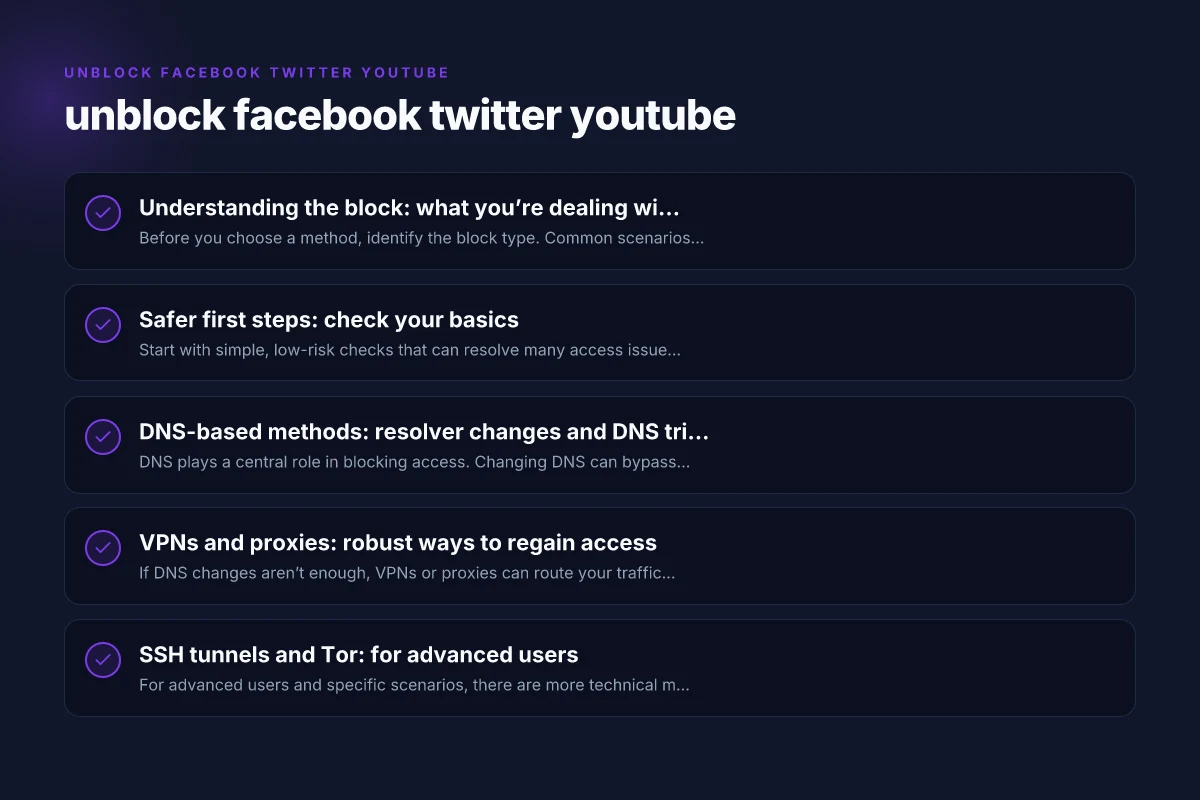
Safer first steps: check your basics
Start with simple, low-risk checks that can resolve many access issues:
- Confirm the site status: Sometimes Facebook, Twitter, or YouTube have outages. Check their official status pages or third‑party monitors.
- Test on another network: If possible, try a different Wi‑Fi network or mobile data to see if the block is network-specific.
- Clear cache and cookies: Browser data can cause loading errors. Clear cache and cookies, then retry.
- Update the app or browser: Ensure you’re using the latest version of the app or browser for compatibility and security.
- Check device date/time: Incorrect date/time settings can interfere with secure connections.
- Review your security software: Antivirus, firewall, or parental controls may block certain domains.
If none of these steps bypasses the block, move to more targeted methods. Top 10 VPN: the definitive guide to choosing the best VPN in 2026
DNS-based methods: resolver changes and DNS tricks
DNS plays a central role in blocking access. Changing DNS can bypass simple DNS-level blocks. Consider:
- Public DNS providers: Google DNS (8.8.8.8 and 8.8.4.4), Cloudflare DNS (1.1.1.1 and 1.0.0.1), and Quad9 (9.9.9.9).
- How to switch DNS:
- Desktop: Change network adapter settings to use a custom DNS server.
- Mobile: Reconfigure Wi‑Fi network or use a DNS app if allowed.
- Router: Set DNS at the router level so all connected devices use the new DNS.
- Pros and cons:
- Pros: Easy, often fast, no software installation.
- Cons: Won’t bypass IP blocks or deep content filtering. Some networks may block DNS requests to public resolvers.
- Quick checklist:
- After changing DNS, flush DNS cache and restart the browser.
- Revisit Facebook, Twitter, and YouTube to see if access is restored.
If DNS alone doesn’t help, you may combine it with other methods for stronger results.
VPNs and proxies: robust ways to regain access
If DNS changes aren’t enough, VPNs or proxies can route your traffic through an alternate location, effectively bypassing blocks. Consider these options:
- VPNs (Virtual Private Networks):
- How they work: Encrypt your traffic and tunnel it through a server in a chosen region.
- Pros: Strong privacy, broad site access, protection on public networks.
- Cons: Some networks block VPN traffic. Potential speed reduction. Some services detect and block VPN usage.
- Proxies:
- Web proxies: Browser-based, easy to use but often slower and less secure.
- SOCKS proxies: Flexible but requires configuration in apps. Less encryption by default.
- Pros: Quick setup, good for one-off access.
- Cons: Generally weaker privacy and security than VPNs. Many proxies log data.
- Choosing a reputable provider:
- Look for no-logs policies, strong encryption (AES-256), reputable audits, transparent privacy practices, and clear terms.
- Avoid free VPNs that monetize your data or insert ads.
- Best practices:
- Use a VPN on trusted networks, not public or unsecured ones when possible.
- Turn on kill switch features to prevent traffic leakage if the VPN disconnects.
- Verify the VPN’s jurisdiction and data retention policies.
- Cautions:
- Accessing blocked services in restricted environments may violate policies or laws. Always ensure you’re compliant with local rules and network policies.
SSH tunnels and Tor: for advanced users
For advanced users and specific scenarios, there are more technical methods: The easy way to hide your IP address online
- SSH tunneling:
- How it works: Create an encrypted tunnel from your device to a remote server and route traffic through it.
- Use cases: Bypassing local blocks on a per-application basis.
- Considerations: Needs access to an SSH server. Can be complex to configure for all apps.
- Tor network:
- How it works: Routes traffic through multiple relays to anonymize and bypass some blocks.
- Pros: Strong anonymity and censorship circumvention.
- Cons: Significantly slower. Some sites block Tor exit nodes. Not ideal for all uses.
- When to choose these:
- If you require high privacy or need to bypass highly restrictive networks but are comfortable with setup complexity and potential performance trade-offs.
A practical comparison: which method to pick?
Here’s a quick side-by-side to help decide what to try first, especially if you’re unsure about the block type.
| Method | Best for | Pros | Cons |
|---|---|---|---|
| DNS change | Simple DNS blocks, family networks | Easy, no app install, fast | Won’t bypass IP blocks or deep filters |
| VPN | Geo-restrictions, workplace/school blocks, privacy | Strong access, encrypted, wide app compatibility | Some networks block VPNs; may slow down; trust and policy concerns |
| Web/proxy | Quick one-off access, testing | Easy to try, no long-term setup | Security and privacy risks; unreliable for long sessions |
| SSH tunnel | Tech-savvy users, specific app routing | Encrypted, customizable | Complex setup; needs server access |
| Tor | High privacy, censorship-heavy environments | Anonymity; circumvents many blocks | Very slow; not ideal for media streaming or login-heavy sites |
Practical, safe steps you can take today
- Start with a DNS change for a quick test. If it works, you’ve identified DNS blocks as the main issue.
- If DNS change fails, try a reputable VPN with strong encryption and a no-logs policy. Test all three sites after connecting to a diverse set of servers.
- For occasional access, consider a secure web proxy as a temporary measure, but avoid entering sensitive data through proxies.
- Use privacy-conscious browsers and enable tracking protection. Update extensions and disable questionable add-ons.
- If you’re on a school or workplace network, review the policies. Some blocks are in place for safety or productivity. Consider discussing access needs with admins or using allowed channels.
Potential pitfalls and responsible use
- Legal and policy considerations: Bypassing blocks may violate local laws or terms of service. Always check your user agreement and network policy.
- Security risks: Free VPNs and proxies can log data or inject ads. Stick to trusted, audited services.
- Data leaks: If a VPN disconnects, your traffic may leak outside the encrypted tunnel. Use features like kill switch and DNS leak protection.
- Performance: VPNs and Tor can slow your connection. If you’re streaming video, choose servers near your location or optimize settings.
Final recommendation
If you want a reliable, generally safe path to unblock Facebook, Twitter, and YouTube, start with a trusted VPN. It provides robust access, strong encryption, and the flexibility to switch regions. Pair it with a DNS change if you’re still facing DNS-level blocks. Reserve advanced techniques like SSH tunnels or Tor for experienced users or highly restricted environments. Always stay within your network’s policies and local laws, and prioritize your security and privacy.
If you’d like, I can tailor recommendations based on your device (Windows, macOS, iOS, Android), network (home, school, work, public Wi‑Fi), and whether you prefer a quick test or long-term solution.