The easy way to hide your IP address online
A practical guide to concealing your IP address quickly and safely using simple tools and best practices.
In today’s online world, hiding your IP address is a practical step to boost privacy, reduce unwanted tracking, and prevent some forms of abuse. You don’t have to be a tech expert to start. This guide lays out straightforward options, from quick browser tweaks to more robust services. It covers what to expect, how to use each method, and what to watch out for.

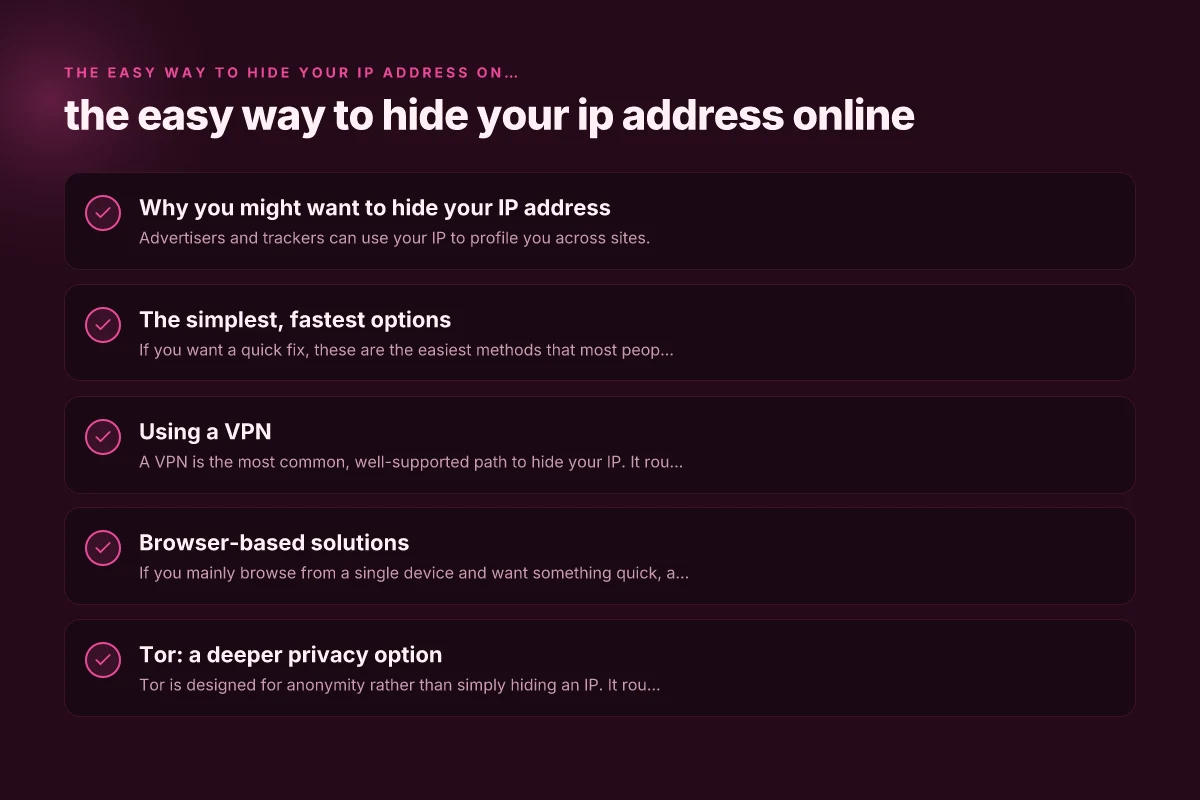
Why you might want to hide your IP address
- Advertisers and trackers can use your IP to profile you across sites.
- Some networks enforce monitoring or geography-based restrictions.
- Hiding your IP can add a layer of anonymity for everyday browsing.
- It can help protect you on public Wi-Fi from local snooping.
Quick note on limitations
Hiding your IP is not a silver bullet. It can affect connection speeds, and some sites may require you to solve captchas more often. Some services may still log data on their end regardless of your IP. Always read the privacy policy of any tool you use and respect the terms of service of websites.
The simplest, fastest options
If you want a quick fix, these are the easiest methods that most people can start using today.
- VPN (Virtual Private Network): Encrypts traffic and hides your IP from the sites you visit.
- Browser-based proxy extensions: Simple to install and use, but may be less secure.
- Public or private DNS with privacy features: Can mask some identifying signals but not a full IP hide.
How to pick the right quick option
- Speed: VPNs often add some latency but many providers optimize for speed.
- Privacy: Look for no-logs policies and trusted jurisdictions.
- Convenience: Browser extensions are fastest to start but may require more frequent reconfiguration.
Using a VPN
A VPN is the most common, well-supported path to hide your IP. It routes your traffic through a server in another location, masking your real IP.
- Steps to get started:
- Choose a reputable VPN provider with a clear no-logs policy.
- Install the app on your device (desktop, mobile, or browser extension).
- Open the app and connect to a server location you prefer.
- Verify your IP has changed by visiting a site like whatismyip.com.
- Pros: Strong encryption, broad compatibility, can mask all traffic on your device.
- Cons: Can slow down connections. Some services try to block VPN traffic. Paid plans are common.
Tips for VPN use
- Pick servers in trusted jurisdictions with robust privacy laws.
- Enable kill switch features so your real IP isn’t exposed if the VPN drops.
- Use split tunneling carefully if you only want some apps to use the VPN.
Browser-based solutions
If you mainly browse from a single device and want something quick, a browser-based option can be enough. The best kind of anonymous surfing software
- Proxy extensions: Simple to enable, routes browser traffic through a proxy server.
- Built-in private browsing with a proxy: Some browsers offer integrated privacy features, though not all hide IPs fully.
- Tor Browser: Routes traffic through multiple relays for anonymity, at the cost of speed.
What to expect with browser proxies
- They generally cover only browser traffic, not other apps.
- They can leak IPs via WebRTC. Disable WebRTC or use a browser that blocks it.
- They’re convenient for casual use, but not ideal for sensitive activities.
Tor: a deeper privacy option
Tor is designed for anonymity rather than simply hiding an IP. It routes traffic through multiple volunteer servers to obscure origin.
- How it works: Your traffic bounces through at least three relays, making it hard to trace back to you.
- Pros: Strong privacy protections, good for whistleblowers or high-risk users.
- Cons: Significantly slower. Some sites block Tor exit nodes. Not ideal for streaming or gaming.
Tor best practices
- Use Tor for sensitive browsing rather than everyday tasks.
- Don’t log into personal accounts that harm anonymity (or create separate profiles).
- Avoid installing browser plugins or addons that could compromise privacy.
Privacy-conscious configuration: a quick checklist
If you want a more thoughtful setup, here’s a compact checklist to maximize privacy without overhauling your entire workflow.
- Enable a reputable VPN with a kill switch and no-logs policy.
- Disable WebRTC in your browser to prevent IP leaks.
- Use HTTPS everywhere and consider HTTPS-only extensions.
- Keep software updated to patch privacy or security gaps.
- Be mindful of leaks from DNS, IPv6, and torrent clients. Disable leaks where possible.
- Consider routing only sensitive traffic through a VPN if you need speed elsewhere.
A quick comparison table: VPN vs Browser Proxy vs Tor
| Criterion | VPN | Browser Proxy | Tor Browser |
|---|---|---|---|
| What it hides | Your IP for all traffic | IP for browser traffic only | IPs through multiple relays |
| Encryption | Yes, strong encryption | Varies, often none or light | Yes, multiple layers |
| Speed impact | Moderate to noticeable | Often fast | Usually slow |
| Ease of use | Moderate to easy | Very easy | Moderate (new user interface) |
| Privacy strength | High (with no-logs) | Moderate to low (depends on provider) | Very high, but complex usage |
| Best for | Everyday browsing, streaming (with limits) | Quick masking for casual use | High anonymity needs, research, journalism |
| Potential downsides | Cost, possible performance hit | Trust in provider, possible leaks | Slow, sites block Tor exit nodes |
Common pitfalls and how to avoid them
- IP leaks: Some apps or features can reveal your real IP even when using a VPN. Use a kill switch, disable WebRTC, and test for leaks.
- Trust and logs: A VPN’s privacy depends on the provider’s logging policy and legal jurisdiction. Read the privacy policy and terms.
- Blocked services: Some streaming platforms and websites actively block VPNs and Tor exit nodes. If access is essential, try different servers or temporarily disable.
What to choose, based on your goals
- Quick privacy boost with minimal fuss: Browser proxy extension plus WebRTC disabled.
- Strong, ongoing protection for all network activity: Reputable VPN with kill switch and no-logs policy.
- Maximum anonymity for sensitive tasks: Tor Browser, used with caution and realistic expectations about speed and site compatibility.
Quick-start plan (tailored by goal)
- If you want ease and broad protection: Install a reputable VPN, connect to a nearby server, and run a leak test.
- If you want privacy mainly in browsing: Add a trusted browser extension proxy, disable WebRTC, and enable HTTPS Everywhere.
- If you need high anonymity for specific tasks: Use Tor Browser for those sessions, but keep regular activities on a VPN for speed.
Final recommendation
For most people who want a reliable, user-friendly way to hide their IP address online, a reputable VPN is the easiest, most balanced choice. It provides strong privacy protections, works across devices, and supports a straightforward setup. If you’re curious about higher anonymity or have specific privacy concerns, you can layer in Tor for select activities, but be mindful of speed and usability trade-offs. Start with a trusted VPN, follow best practices (kill switch, no-logs policy, server choice), and complement with WebRTC protections and HTTPS everywhere.