Get an IP address from yemen

Learn practical ways to obtain an IP address from Yemen for browsing, testing, or geo-specific access.
Introduction Gaining access to an IP address located in Yemen can be useful for market research, localized testing, or accessing regionally restricted content. There are legitimate methods to obtain a Yemeni IP, but you should weigh reliability, speed, privacy, and legality. This guide walks you through practical options, how they work, and best practices to keep your connection stable and compliant.

Why you might want a Yemeni IP
Common use cases
- Market testing: See how Yemeni users experience a website or app.
- Content access: View content that’s region-locked to Yemen.
- Compliance checks: Validate localization, currency, or date formats.
- Security testing: Analyze how services respond to traffic from Yemeni IPs.
Important considerations
- Legality: Ensure you’re not bypassing government restrictions unlawfully.
- Terms of service: Some services prohibit using VPNs or proxies to obfuscate location.
- Performance: Routeing traffic through distant servers can slow down your connection.
- Privacy: Some providers log activity. Read the privacy policy carefully.
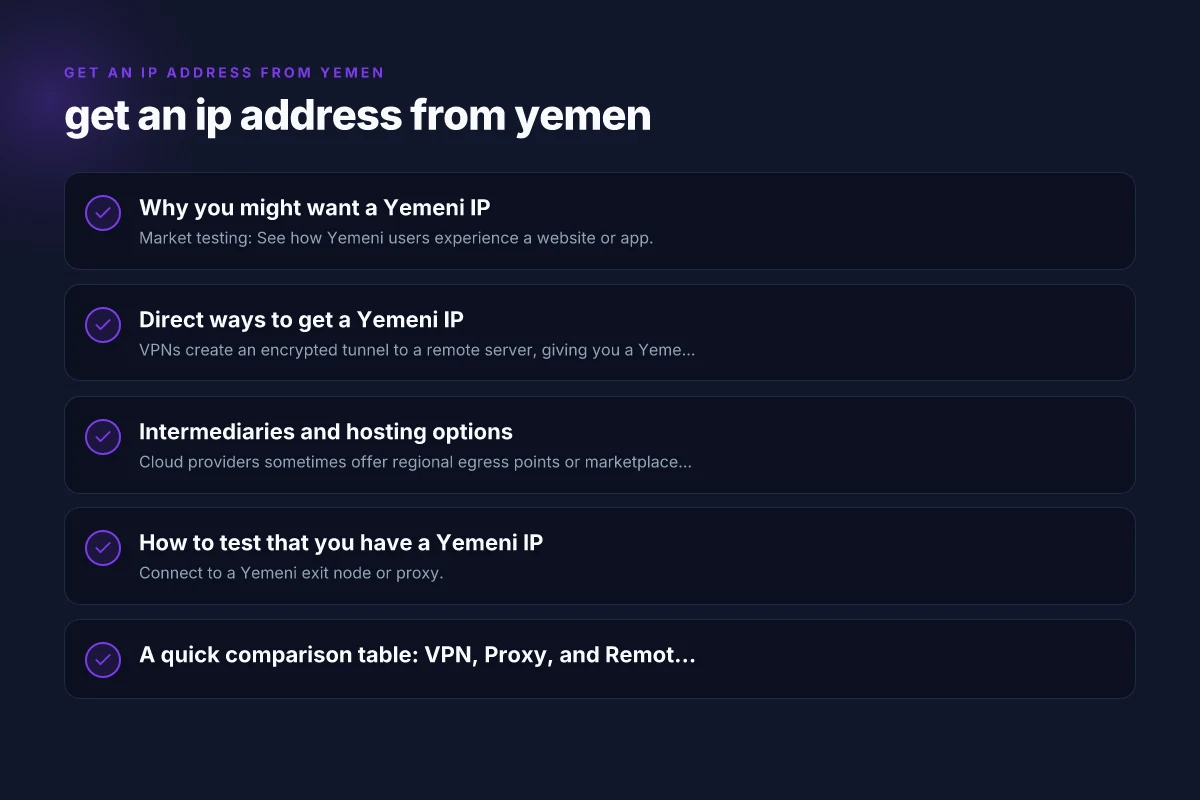
Direct ways to get a Yemeni IP
VPN services with Yemeni exit points
VPNs create an encrypted tunnel to a remote server, giving you a Yemeni IP when you connect to a Yemeni-based exit node.
- Pros: Easy to set up, strong encryption, multiple Yemeni locations if available.
- Cons: Not all VPNs offer Yemen specifically. Speed varies. Some services may log data.
Proxy servers in Yemen
Proxies act as intermediaries that forward your traffic with a Yemeni IP.
- Pros: Often cheaper than premium VPNs. Simple to configure for single apps.
- Cons: Generally less secure. May be slower or unreliable. Potential logging.
Remote desktop or server solutions
Rent a server or virtual machine physically hosted in Yemen and use it as a gateway.
- Pros: Stable IP, full control, suitable for testing apps from Yemen.
- Cons: More complex setup. Higher cost. Requires ongoing maintenance.
Mobile carrier IPs
Some mobile networks in Yemen may offer IPs that appear to be Yemeni when you’re connected. Get an IP address from western sahara
- Pros: Can be used for mobile app testing and geolocation checks.
- Cons: Not reliable for consistent IP addressing. Carrier routing can change.
Intermediaries and hosting options
Cloud-based regional nodes
Cloud providers sometimes offer regional egress points or marketplace solutions that can route traffic through Yemeni networks.
- Pros: Scalable, often with SLAs, good for automated tests.
- Cons: Availability may be limited. May require advanced networking setup.
Global VPNs with multiple regions
Big-name VPNs may include Yemeni IPs or near-region exits. They can be a practical choice if Yemen is not a standard option.
- Pros: Familiar interfaces, good apps, user-friendly.
- Cons: Yemen coverage is less common. You may need to request features or use a workaround.
How to test that you have a Yemeni IP
Basic verification steps
- Connect to a Yemeni exit node or proxy.
- Check your public IP on a site like whatismyipaddress.com and verify it shows Yemen or a Yemeni ASN.
- Run a traceroute to a known Yemeni endpoint to confirm regional routing.
Common pitfalls
- IP leaks: Ensure DNS isn’t leaking your true location. Use DNS over HTTPS or a trusted resolver.
- IPv6 considerations: Some setups may expose an IPv6 route that bypasses the VPN or proxy.
- Speed and latency: Expect higher latency when routing through distant or congested paths.
A quick comparison table: VPN, Proxy, and Remote Server for Yemeni IPs
| Method | Ease of use | Privacy and security | Reliability | Best use cases |
|---|---|---|---|---|
| VPN with Yemeni exit | Easy; apps available | High if provider has strict no-logs; encryption | Moderate to high; depends on server load | Browsing, testing from Yemen, geolocation checks |
| Proxy in Yemen | Moderate; manual config per app | Varies; generally weaker | Variable; mid-range | Lightweight tasks, single-app testing |
| Remote Yemen server | Moderate to advanced | High control; depends on server security | High stability if managed well | Automated testing, stable Yemeni IP for long sessions |
| Cloud regional node | Moderate to advanced | High if secured; traffic is routed | High if SLA-backed | Large-scale testing, automation pipelines |
Best practices and safety considerations
Choose reputable providers
- Read reviews and privacy policies.
- Look for “no-logs” guarantees, though verify what is logged.
- Check jurisdiction and data retention policies.
Protect your data
- Use strong encryption (HTTPS, TLS) for all endpoints.
- Enable DNS leak protection and consider a VPN kill switch.
- Separate work and personal traffic with different profiles or devices when possible.
Manage performance
- Test latency before critical tasks. Choose a server with acceptable pings.
- Monitor throughput. Some Yemeni routes may be congested.
- Consider scheduled checks during off-peak hours if speed is essential.
Legal and ethical notes
- Do not use Yemeni IPs to commit fraud, bypass prohibitions, or evade sanctions.
- Respect terms of service of sites you access. Some services actively detect and block VPNs or proxies.
- If you’re conducting research, obtain permission when required and follow applicable laws.
How to set up a Yemeni IP with common tools
VPN setup (high-level)
- Subscribe to a VPN that offers a choice of exit locations, ideally indicating Yemen or nearest Yemeni gateways.
- Install the app on your device, or configure on your router for whole-network coverage.
- Connect to a Yemeni server. Verify with an IP lookup site.
Proxy setup (per-app)
- Obtain a Yemeni proxy URL and port, plus any required credentials.
- In your browser or app, configure the proxy settings to route traffic through that proxy.
- Confirm with an IP check and ensure DNS does not leak.
Remote server setup (SSH-based tunnel)
- Rent a Yemeni or nearby VPS or dedicated server.
- Create a secure SSH tunnel or VPN from your local device to the remote server.
- Route your traffic through the tunnel and verify the Yemeni IP.
Troubleshooting common issues
- Issue: No Yemeni IP shown after connection.
- Check server status, verify you’re connected to the correct exit node, and clear DNS caches.
- Issue: Poor performance or high latency.
- Try a different Yemeni node or protocol, reduce encryption overhead, or choose a closer alternative if Yemen is not required.
- Issue: DNS leaks detected.
- Enable DNS leak protection, use a trusted DNS resolver, or force the VPN to handle DNS requests.
Final recommendations
If your goal is reliable access to a Yemeni IP for testing or localization, start with a reputable VPN that explicitly lists Yemen as an exit location. This balances ease of use, privacy, and performance for most users. If you need long-running or highly controlled testing, a Yemeni-based remote server gives you the highest control and stability, though with more setup overhead.
Always pair your Yemeni IP solution with strong privacy practices and a clear understanding of the legal context. For casual needs or quick checks, a VPN is typically sufficient. For automated testing or ongoing research, a Yemeni-hosted server or cloud node provides better consistency and flexibility. Get an IP address from venezuela
If you’d like, tell me your priorities (ease of setup, performance, cost, or long-term stability), and I’ll tailor a concrete setup plan with step-by-step instructions and recommended providers.