Get an IP address from venezuela
Learn practical ways to obtain an IP address from Venezuela for browsing, streaming, or testing geolocation.
The short guide below explains how to get an IP address from Venezuela, why you might want one, and how to choose a reliable method. Whether you’re testing geo-based content, accessing Venezuela-only services, or simply exploring how geolocation works, you’ll find practical options and cautions here.

Why someone might want a Venezuelan IP address
- Geo-restricted content: Some streaming services or regional websites offer Venezuela-specific catalogs or pricing.
- Local testing: Developers may want to emulate traffic from Venezuela to test localization, currency, or regional bugs.
- Market research: Researchers might simulate Venezuelan user conditions, such as language, time zone, and network latency.
- Security and privacy: In some cases, users want to mask their true location for privacy, though this should be done within legal boundaries.
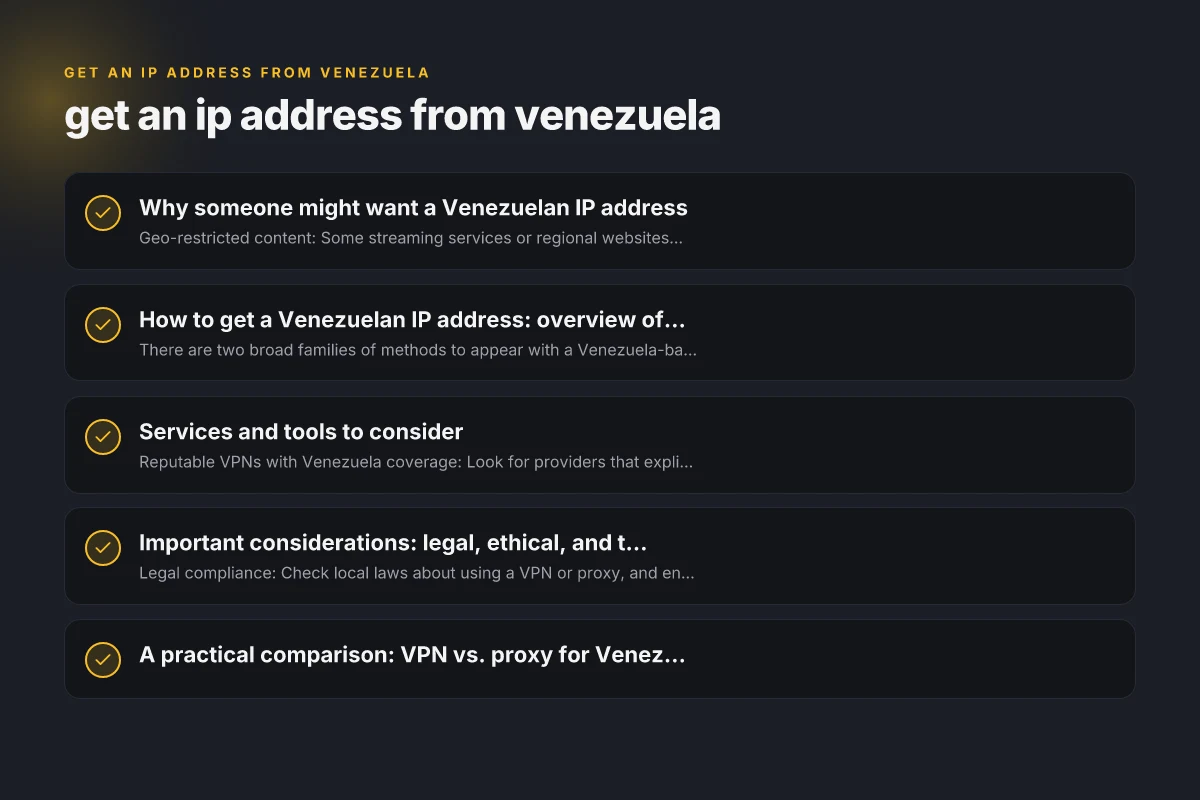
How to get a Venezuelan IP address: overview of methods
There are two broad families of methods to appear with a Venezuela-based IP: VPNs and proxies. Both route your traffic through an intermediary server located in Venezuela, but they differ in setup, reliability, and use cases.
VPNs (Virtual Private Networks)
- What it does: Encrypts traffic and tunnels it to a VPN server in Venezuela, giving you a Venezuelan IP.
- Pros: Strong encryption, easier to use, good for streaming and browsing.
- Cons: Some services block VPNs, speeds can vary, some providers log activity.
- How to choose:
- Venezuelan servers: Ensure the VPN has a server in Venezuela.
- Speed and reliability: Look for providers with fast, stable connections.
- Privacy policy: Favor zero-logs or minimal-logging policies.
- Customer support: 24/7 help is valuable for troubleshooting.
- How to use:
- Sign up with a VPN that offers Venezuela servers.
- Install the VPN app on your device.
- Connect to a Venezuelan server.
- Verify your IP location using an IP checker tool.
Proxies (HTTP/SOCKS)
- What it does: Routes some or all traffic through a proxy server in Venezuela, showing a Venezuelan IP.
- Pros: Often cheaper or free, simple to set up for specific apps.
- Cons: Usually less secure (no encryption), can be blocked by services, may leak DNS.
- Types:
- HTTP proxies: For web traffic in browsers.
- SOCKS5 proxies: Flexible, works with more apps but requires setup.
- How to use:
- Configure the application or OS to use the proxy address and port.
- For SOCKS5, provide username/password if required.
- Test with an IP checker to confirm the Venezuelan IP.
Services and tools to consider
- Reputable VPNs with Venezuela coverage: Look for providers that explicitly mention servers in Venezuela and offer reliable performance. Avoid free VPNs for sensitive tasks.
- Trusted proxy services: If you only need a Venezuelan IP for specific tasks, a paid proxy service with good transparency and a clear no-logs policy is preferable to free options.
- IP verification: Use an online IP location tool to confirm your current exit IP appears as Venezuela.
Important considerations: legal, ethical, and technical
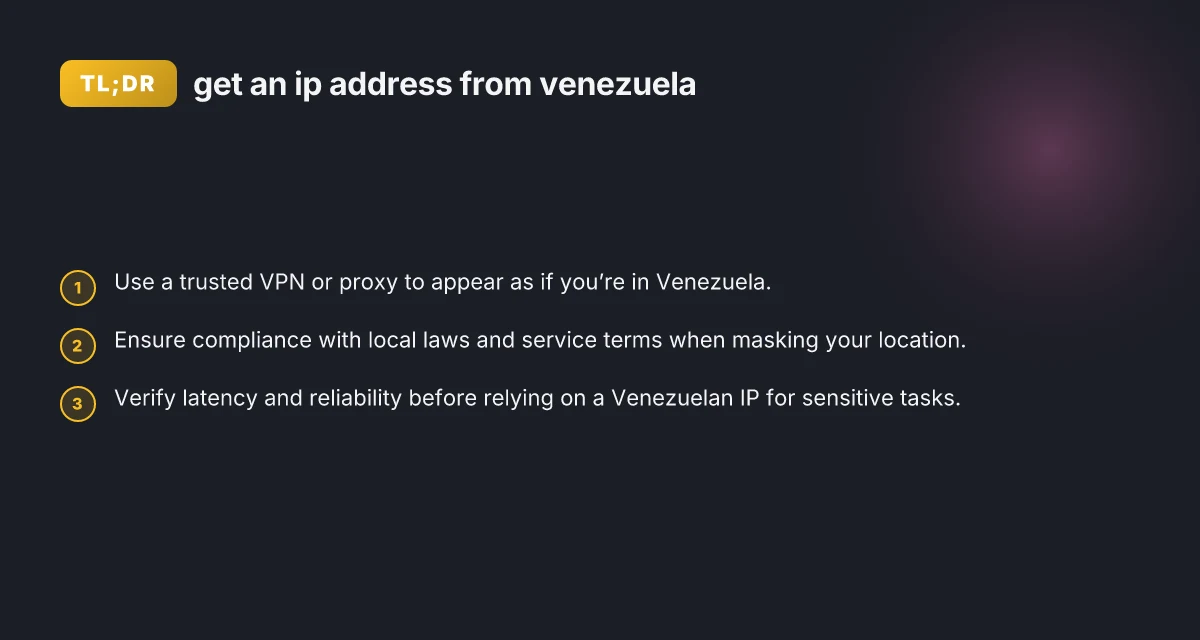
- Legal compliance: Check local laws about using a VPN or proxy, and ensure you’re not violating any terms of service or regional regulations.
- Terms of service: Some streaming platforms prohibit VPN/proxy use. You may face errors or account actions.
- DNS leaks: Ensure your DNS requests aren’t leaking your real location when using a VPN or proxy. Use a solution that routes DNS through the same tunnel.
- Leaks and switches: Some VPNs have IPv6 leaks or “kill switches” that fail. Choose providers with strong leak protection and a reliable kill switch.
- Latency and performance: Venezuelan servers may have higher latency from many regions. Test ping and throughput to confirm acceptable performance.
- Data privacy: Understand what data the service logs and how it handles metadata, especially if you’re concerned about privacy.
A practical comparison: VPN vs. proxy for Venezuelan IP
| Feature | VPN | Proxy |
|---|---|---|
| Encryption | Yes (strong) | Typically no (except if you run HTTPS) |
| Device coverage | System-wide (all apps) | App/by-setup, often browser-only |
| Setup complexity | Moderate | Low to moderate |
| Reliability for streaming | Generally good, may be blocked by some services | Variable, often blocked by streaming platforms |
| DNS handling | Usually good, reduces leaks | Requires careful DNS configuration to avoid leaks |
| Cost | Subscriptions typical | Subscriptions or pay-per-use common |
| Privacy protection | High if no-logs policy | Limited; depends on provider |
Steps to test and verify your Venezuelan IP
- Step 1: Connect to a Venezuela-based server via VPN or configure your proxy accordingly.
- Step 2: Clear browser cache or restart apps to ensure no cached location data remains.
- Step 3: Visit an IP location checker (e.g., iplocation, whatismyipaddress) to verify the country shows Venezuela.
- Step 4: Check for leaks:
- DNS leak test: Ensure DNS queries show a Venezuela-based resolver.
- WebRTC leak test: Some browsers reveal real IPs. Disable WebRTC in settings if needed.
- Step 5: Run a throughput test to assess latency and download speeds, especially if you plan to use the Venezuelan IP for streaming or testing.
Common pitfalls and how to avoid them
- Using free or dubious services: These can expose you to malware, misrepresented locations, or poor privacy.
- Assuming all traffic is masked: Some apps may bypass VPNs or proxies through split tunneling. Disable split tunneling if you need full coverage.
- Overreliance on location alone: Be mindful that some services consider more than just country, such as account origin, user agent, or payment method.
- Ignoring data caps: Some providers impose limits on data or throttle speeds. Monitor usage if you have bandwidth concerns.
Best practices for getting a Venezuelan IP
- Choose a well-reviewed provider with Venezuela servers and transparent privacy policies.
- Prefer VPNs over proxies for general privacy, security, and reliability.
- Test your setup before relying on it for important tasks.
- Use additional privacy measures when needed, such as a trustworthy browser with privacy-focused settings.
- Stay updated on service terms to avoid account penalties.
Use cases and practical scenarios
- Content testing: You’re a developer testing a Venezuela-specific storefront or localization. A Venezuelan IP helps you see regional variations.
- Market access: You want to view pricing or promotions offered to Venezuelan customers for competitive analysis.
- Privacy-conscious browsing: You need to obscure your true location for general browsing while staying within legal boundaries.
- Educational exploration: You’re learning about geolocation, latency, and routing by comparing experiences from different countries.
Final recommendations
If your goal is reliability, privacy, and broad compatibility, start with a reputable VPN that explicitly offers servers in Venezuela and strong privacy protections. This approach helps you achieve a Venezuelan IP address across all your devices and applications, with encryption and easier management. If you only need access for a single app or a specific task, a trusted proxy service can be a lighter-weight option, as long as you’re aware of the privacy trade-offs and potential for leakage or blocking by services.
Before you commit, test several providers during real-world tasks to compare speed, stability, and whether the Venezuelan IP actually satisfies your needs. Remember to review the terms of service for any platform you plan to use with a masked location, and ensure you stay within legal guidelines and ethical use.