Get an IP address from macau
Learn practical ways to obtain an IP address projected from Macau, including VPNs, proxies, and local network tips.
Getting an IP address that appears to originate from Macau can be useful for testing regional availability, accessing localized content, or evaluating geolocation-dependent features. This guide covers practical, legitimate ways to obtain an IP address from Macau, along with considerations and best practices.

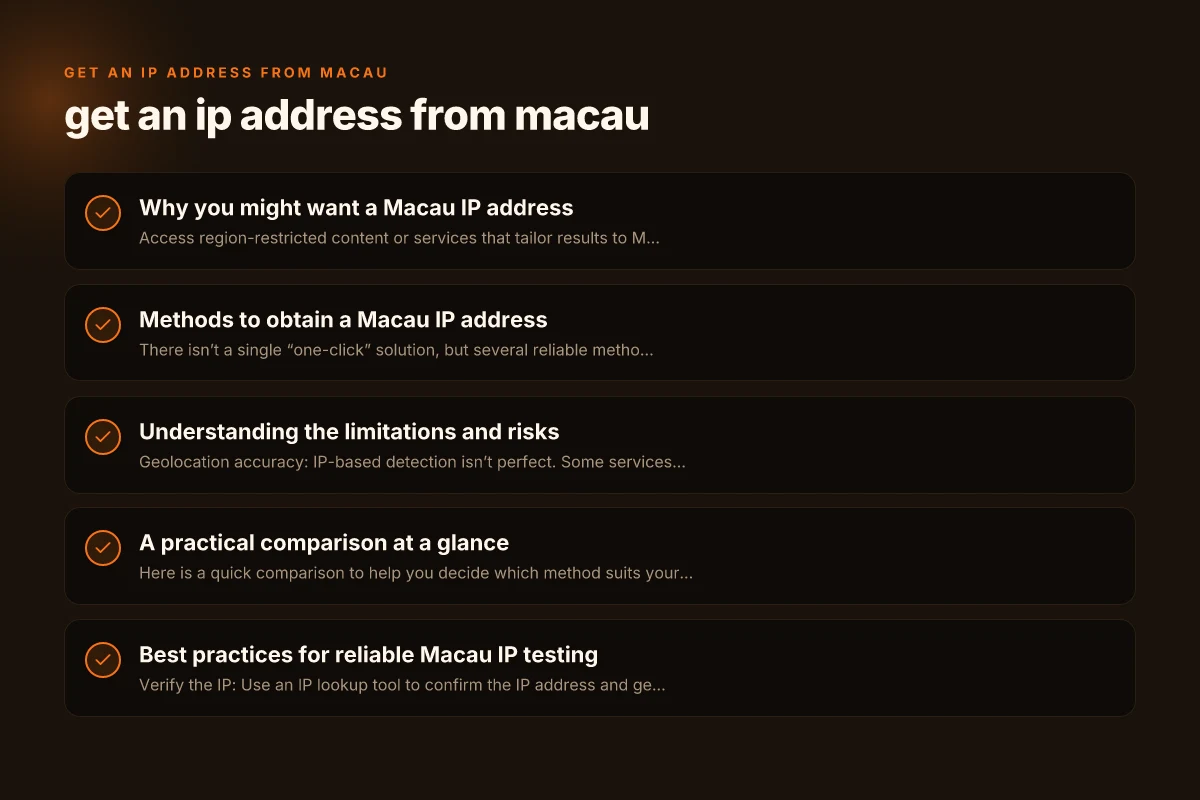
Why you might want a Macau IP address
- Access region-restricted content or services that tailor results to Macau users.
- Test how websites or apps behave for Macau-based traffic.
- Verify geolocation features, such as price localization or language handling.
- Perform QA on apps with Macau-specific regulations or content.
Methods to obtain a Macau IP address
There isn’t a single “one-click” solution, but several reliable methods can yield a Macau IP address. Your choice depends on privacy, performance, cost, and compliance with terms of service.
1) Use a Macau-based VPN
A VPN (virtual private network) routes your internet traffic through a Macau server, making websites see a Macau IP.
- Pros
- Easy to use. Supports multiple devices.
- Consistent Macau appearance across apps and browsers.
- Cons
- Potentially slower speeds due to distance and server load.
- Some services block VPNs. Choose reputable providers with Macau servers.
- How to choose
- Look for providers offering dedicated Macau or nearby Hong Kong/Macau nodes.
- Check for strong no-logs policies, DNS leak protection, and kill switch.
2) Use a Macau proxy or Web Proxy
Proxies forward your traffic through a Macau IP. They can be browser-based or system-wide.
- Pros
- Often cheaper or free options are available.
- Browser proxies are quick for testing websites.
- Cons
- Less secure. Traffic may be logged by the proxy operator.
- Not suitable for all services (many sites detect proxies and block them).
- Best practices
- Prefer trusted, paid proxies with clear privacy policies.
- Avoid sending sensitive data through proxies.
3) Use a Macau SIM card with mobile data
If you need a Macau IP for mobile testing, use a SIM card registered in Macau. Get an IP address from liberia
- Pros
- Realistic user experience for mobile apps.
- No need for software routing. The device itself is Macau-based.
- Cons
- Requires physical access to a Macau SIM or an international roaming plan.
- Data costs may apply. Some carriers limit speeds.
- How to obtain
- Purchase a Macau local SIM from carriers like CTM or local distributors when in Macau.
- Ensure the device supports the SIM’s network bands.
4) Remote desktops or cloud instances located in Macau
Lease a server or desktop in Macau and tunnel your traffic to it.
- Pros
- Very convincing Macau-origin IP for all traffic.
- Useful for automated testing and hosting services that require a Macau IP.
- Cons
- Higher cost and setup complexity.
- May introduce latency for interactive use.
- How to implement
- Rent a VPS or dedicated server in Macau from a hosting provider with Macau presence.
- Use SSH or a VPN to redirect traffic to that machine.
5) Browser-based geolocation spoofing (limited)
Some sites use browser geolocation APIs combined with IP lookups. You can sometimes simulate Macau location in your browser for testing UI, but this won’t change the IP address the site sees.
- Pros
- Quick for UI testing.
- Cons
- IP-based checks remain unchanged. Many services cross-check with IP geolocation.
- Useful as a supplementary step, not a replacement for a Macau IP.
Understanding the limitations and risks
- Geolocation accuracy: IP-based detection isn’t perfect. Some services rely on GPS or user-uploaded data or require multiple signals to determine location.
- Speed and latency: Macau-based routes may introduce additional latency. VPNs with nearby servers (Hong Kong, Singapore) might offer better performance while still demonstrating Macau relevance.
- Legal and terms: Moving traffic to a different region can violate terms of service for some apps or platforms. Always read the terms and ensure compliance.
- Privacy considerations: VPNs and proxies route your traffic through third parties. Choose providers with strong privacy policies and transparency.
A practical comparison at a glance
Here is a quick comparison to help you decide which method suits your needs. The table uses common scenarios. Actual performance varies by provider and network conditions.
Method: VPN Get an IP address from kuwait
Macau IP availability: High (if provider has Macau servers)
Setup ease: Easy
Speed impact: Moderate to high (depends on server load)
Use case: General testing, browser, apps Get an IP address from kiribati
Method: Macau Proxy
Macau IP availability: Medium
Setup ease: Easy for browser. Moderate for system-wide
Speed impact: Variable Get an IP address from kazakhstan
Use case: Quick site testing, lightweight tasks
Method: Macau SIM mobile data
Macau IP availability: High
Setup ease: Moderate (need SIM) Get an IP address from jordan
Speed impact: Good on modern networks
Use case: Real mobile testing, app behavior on Macau networks
Method: Macau cloud desktop/server
Macau IP availability: Very high (server is Macau-based) Get an IP address from isle of man
Setup ease: Moderate to complex
Speed impact: Local to Macau network. Generally good
Use case: Automated testing, hosting, data processing from Macau
Method: Browser geolocation spoof Get an IP address from maldives
Macau IP availability: Low (does not alter IP)
Setup ease: Easy
Speed impact: None
Use case: UI localization testing only Get an IP address from malta
Best practices for reliable Macau IP testing
- Verify the IP: Use an IP lookup tool to confirm the IP address and geolocation before and after applying the Macau routing method. Tools like ipinfo.io or what'smyipaddress.com can help.
- Test on multiple services: Some sites aggressively block VPNs or proxies. Validate with a few targets to ensure your Macau IP is recognized consistently.
- Consider DNS leaks: A VPN can expose your real location if DNS requests bypass the VPN tunnel. Enable DNS leak protection and use a trusted DNS provider.
- Use a kill switch: If your VPN disconnects, a kill switch will prevent accidental exposure of your actual IP.
- Monitor battery and data usage: For mobile-based Macau IPs, keep an eye on data usage and battery impact, especially for prolonged tests.
- Document your setup: Keep notes on the method you used, the provider, the Macau node, and the date. This helps reproduce tests or troubleshoot inconsistencies.
Step-by-step quick-start guide
- Decide your goal: simple testing vs. production-like access.
- Choose a method (VPN, Macau SIM, or Macau server).
- Set up the chosen method on your device(s):
- VPN: Install the provider's app, select a Macau node, and connect.
- Proxy: Configure browser or system proxy with Macau proxy details.
- SIM: Insert Macau SIM, enable data roaming if needed, and test connectivity.
- Macau server: Deploy or rent a Macau-based server. Configure a VPN or SSH tunnel to that server.
- Check your apparent location: Visit a geolocation check site to verify the Macau IP is detected.
- Run your tests: Access the services you’re evaluating and collect results.
- Revert or adjust: If you need to return to your original IP, disconnect the VPN/proxy or switch off the Macau server route.
Final recommendation
If your goal is reliable, consistent access from Macau for testing or regional verification, start with a reputable Macau-capable VPN. It offers a straightforward setup, cross-device compatibility, and clear controls to switch back and forth. For more advanced workflows or production-grade testing, pair a Macau-based server or cloud instance with a VPN or SSH tunnel to ensure you have a stable Macau-origin IP for automated tasks. Always prioritize privacy, legal compliance, and transparency with the services you access.