Get a US IP address
Learn practical ways to get a US IP address for browsing, streaming, or work while understanding legal and security considerations.
Getting a US IP address means your device appears online as if it’s located in the United States. This can unlock region-locked content, improve access for work, or enhance privacy. There are several straightforward methods, each with its own pros, cons, and legal considerations. Below you’ll find a practical guide to obtaining a US IP address responsibly and securely.

Understand why you need a US IP address
Before choosing a method, clarify your goal. Common reasons include:
- Streaming content that’s geo-restricted to the US
- Accessing US-based services, banking, or corporate networks
- Bypassing IP-based throttling or local network issues
- Protecting privacy when using public Wi-Fi Knowing your目的 helps you pick the right tool and set expectations about speed, reliability, and terms of service.
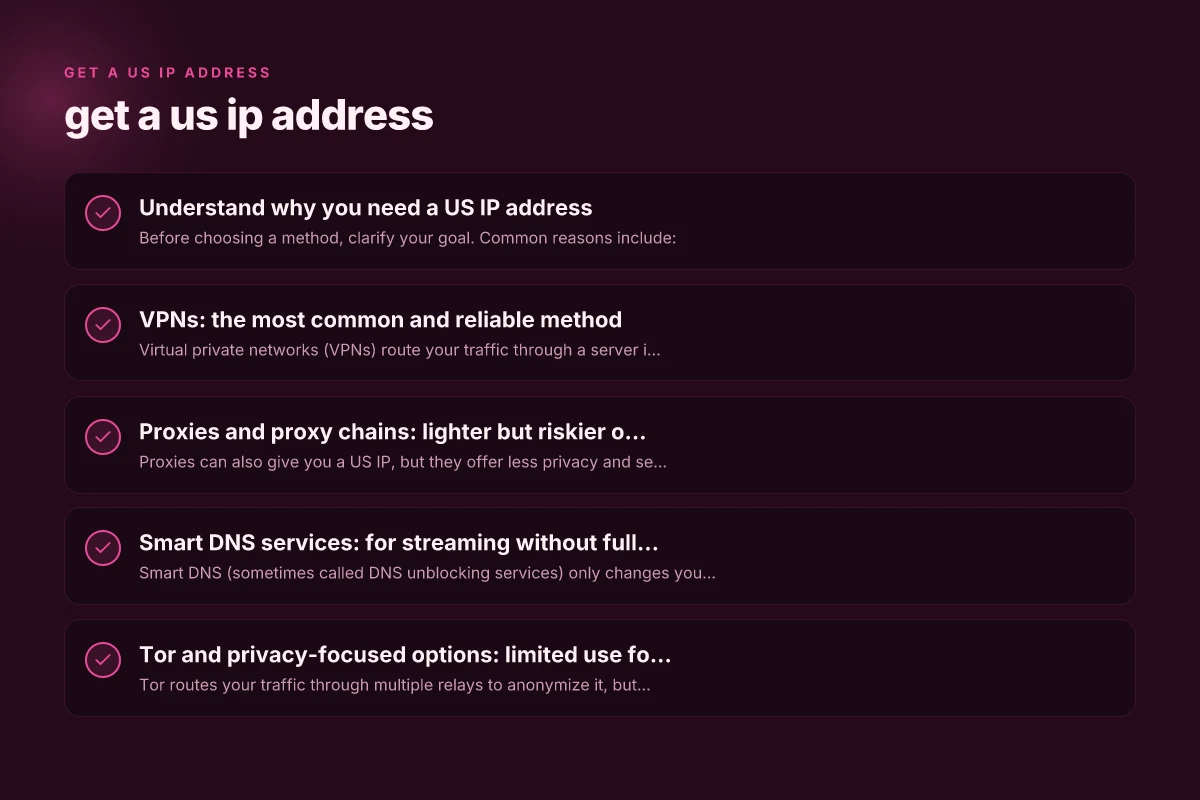
VPNs: the most common and reliable method
Virtual private networks (VPNs) route your traffic through a server in the US, assigning you a US IP address. They are typically the easiest and most secure option for most users.
- How they work: Your device connects to a VPN server in the US. All traffic appears to come from that server.
- Pros: Strong encryption, multiple US server locations, easy to use, broad platform support.
- Cons: Some streaming services block VPNs, speeds depend on server load, paid plans usually required.
- What to choose: Look for no-logs policies, strong encryption (AES-256), a kill switch, and a reputable track record.
- Typical usage: Install the app, select a US server, connect, then browse or stream as if you were in the US.
Proxies and proxy chains: lighter but riskier options
Proxies can also give you a US IP, but they offer less privacy and security than VPNs.
- Types: HTTP/SOCKS proxies, residential proxies, and rotating proxies.
- Pros: Often cheaper, can work with specific apps, good for quick tests or geolocation checks.
- Cons: No strong encryption, higher risk of data exposure, some proxies are unreliable or slow.
- Best for: Quick checks, non-sensitive tasks, or when VPNs are blocked by a service.
- Cautions: Avoid free proxies for sensitive activity. They can log data or inject ads.
Smart DNS services: for streaming without full tunneling
Smart DNS (sometimes called DNS unblocking services) only changes your location for certain services, not your entire traffic. Get a ukrainian IP address
- How it works: It rewrites DNS requests to make streaming platforms think you’re in the US.
- Pros: Typically faster for streaming, minimal impact on general browsing, easy setup on many devices.
- Cons: No encryption by default, not suitable for privacy or security, some services detect and block smart DNS.
- Best use: Accessing US Netflix, Hulu, or other streaming libraries when you don’t need a full VPN.
Tor and privacy-focused options: limited use for a US IP
Tor routes your traffic through multiple relays to anonymize it, but it does not guarantee a US exit node.
- How to get a US IP: You’d need a US exit relay, which Tor users cannot control. Your exit node could be in or out of the US.
- Pros: Strong anonymity, free to use.
- Cons: Much slower, not reliable for geo-restricted content, potential exit-node variability.
- Best for: anonymous browsing, not for streaming or US-restricted services.
Considerations when using a US IP address
- Legal and contracts: Some services prohibit using VPNs or proxies to bypass regional restrictions. Read terms of service to avoid account bans.
- Security and privacy: Encrypting your traffic protects you on public networks. Be mindful of the data handling practices of any service you use.
- Performance: The distance to the US server and the server’s load affect speed. If you notice buffering, switch servers or protocols.
- Compatibility: Some devices (smart TVs, game consoles) have native VPN or DNS settings. Others may require router-level configuration or a dedicated app.
Quick comparison: VPN, Proxy, Smart DNS
| Feature | VPN | Proxy | Smart DNS |
|---|---|---|---|
| IP address outcome | US IP, all traffic via US server | US IP, but only for selected apps/browser | US location for streaming services only |
| Encryption | Yes (strong) | No or limited | No (unless paired with another tool) |
| Speed | Generally good; depends on server | Often faster but variable | Very fast; optimized for streaming |
| Privacy | High (if no-logs) | Low to moderate | Low (no encryption) |
| Setup complexity | Moderate | Low to moderate | Low to moderate |
| Legality/terms | Usually allowed; may breach terms of some services | Often violates terms for streaming | May violate terms for streaming; check policies |
Step-by-step: how to get a US IP address with a VPN
- Pick a reputable VPN provider with US servers and a clear no-logs policy.
- Create an account and choose a plan that fits your needs.
- Install the VPN app on your device (Windows, macOS, iOS, Android, browser extensions).
- Open the app and select a US-based server location.
- Connect and confirm your IP address is US-based using a site like whatismyipaddress.com.
- Test the service you intend to use (streaming, work portal, etc.). If issues occur, try a different US server or protocol (UDP vs TCP) and enable/disable features like kill switch or obfuscation if available.
How to set up a US IP address on your router
If you want all devices in your home to appear as US-based, setting up VPN on a router can be effective.
- Check compatibility: Not all routers support VPN client mode. Look for models with OpenVPN or WireGuard support.
- Install firmware: If your router supports it, you may need official firmware (e.g., ASUSwrt, stock), or a third-party option like DD-WRT or OpenWrt.
- Configure: Enter VPN server address, your login credentials, and the chosen protocol.
- Test: Connect a device and verify its IP. Keep in mind any home network performance impacts.
Common pitfalls and how to avoid them
- Free services: Free VPNs, proxies, or DNS services may compromise your data or inject ads. Avoid free options for anything sensitive.
- IP leaks: Some apps may leak your real IP through WebRTC or DNS. Use a VPN with a kill switch and DNS leak protection.
- Streaming blocks: Some platforms actively block VPN IPs. Switch servers or use dedicated streaming-optimized plans if available.
- Legal risk: Bypassing geo-restrictions can violate terms of service. Use responsibly and respect licensing agreements.
Final tips and best practices
- Prioritize trust and transparency: Look for providers with transparent privacy policies and independent audits.
- Test before committing: Use a trial period to test performance across streaming, gaming, or work connections.
- Use device-specific settings: On tablets and phones, enable split tunneling if you only want some apps to use the US IP.
- Keep security in mind: Always enable encryption and a kill switch when using a VPN on public networks.
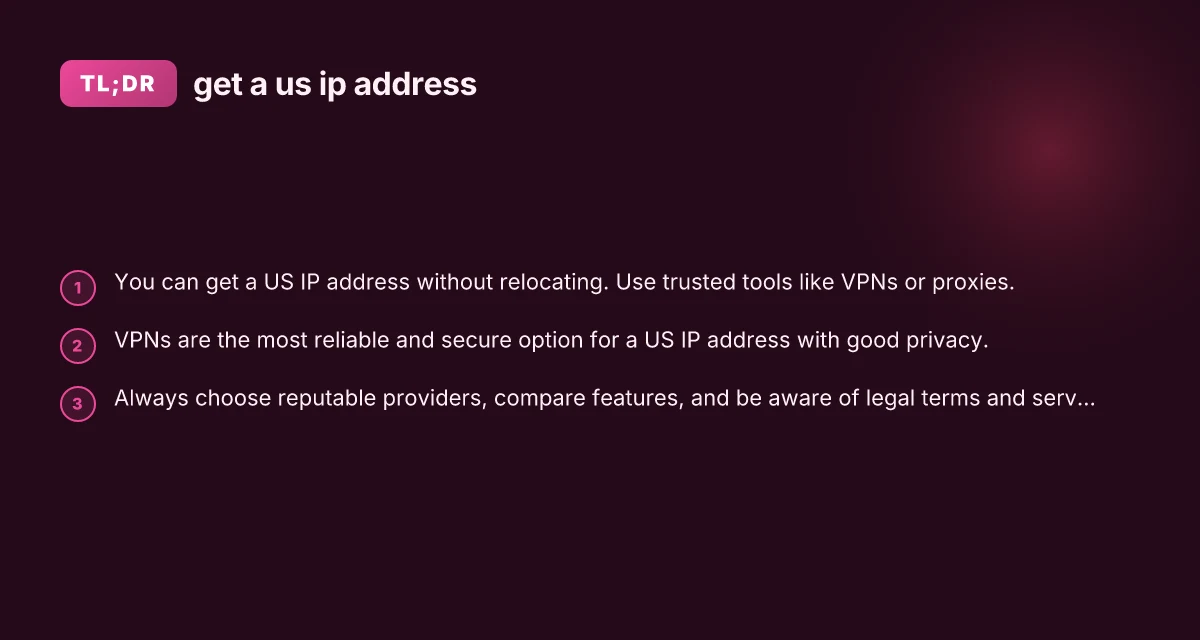
Recommendation For most users who want a reliable, secure, and straightforward way to get a US IP address, a reputable VPN is the best option. It provides consistent US IP access, strong encryption, and broad compatibility across devices. Start with a trusted provider that offers US server locations, a clear privacy policy, fast speeds, and responsive support. If your goal is primarily streaming, look for VPNs that are known to work with major streaming services and offer streaming-optimized servers. If you don’t need encryption for all traffic, consider Smart DNS for fast access to US streaming libraries, but beware it doesn’t protect your privacy. Always review terms of service for the services you access, and choose the solution that best balances privacy, legality, speed, and convenience for your situation.