Get a surinamese IP address
Learn how to obtain a Surinamese IP address for privacy, access, and regional content with practical methods and cautions.
Suriname is a small but increasingly connected country in South America, and there are times you might want an IP address that appears to originate from Suriname. Whether you’re trying to access region-locked content, test geolocation features, or protect your privacy, obtaining a Surinamese IP address is a practice you can approach in a few reliable ways. This guide walks you through practical options, what to watch out for, and how to verify your results.

Why you might want a Surinamese IP address
- Access region-locked content: Some services restrict catalogs or pricing by country. A Suriname IP can unlock or tailor experiences if the service recognizes Suriname as its location.
- Privacy and testing: Developers and testers sometimes need to simulate traffic from Suriname to verify geolocation behavior or regional compliance.
- Business purposes: Firms operating in or with Suriname may require IP routing that appears to originate there for compatibility checks.
However, there are caveats. Some services prohibit IP spoofing or require strict geolocation verification. Always review the terms of service and local laws before attempting to mask your location.
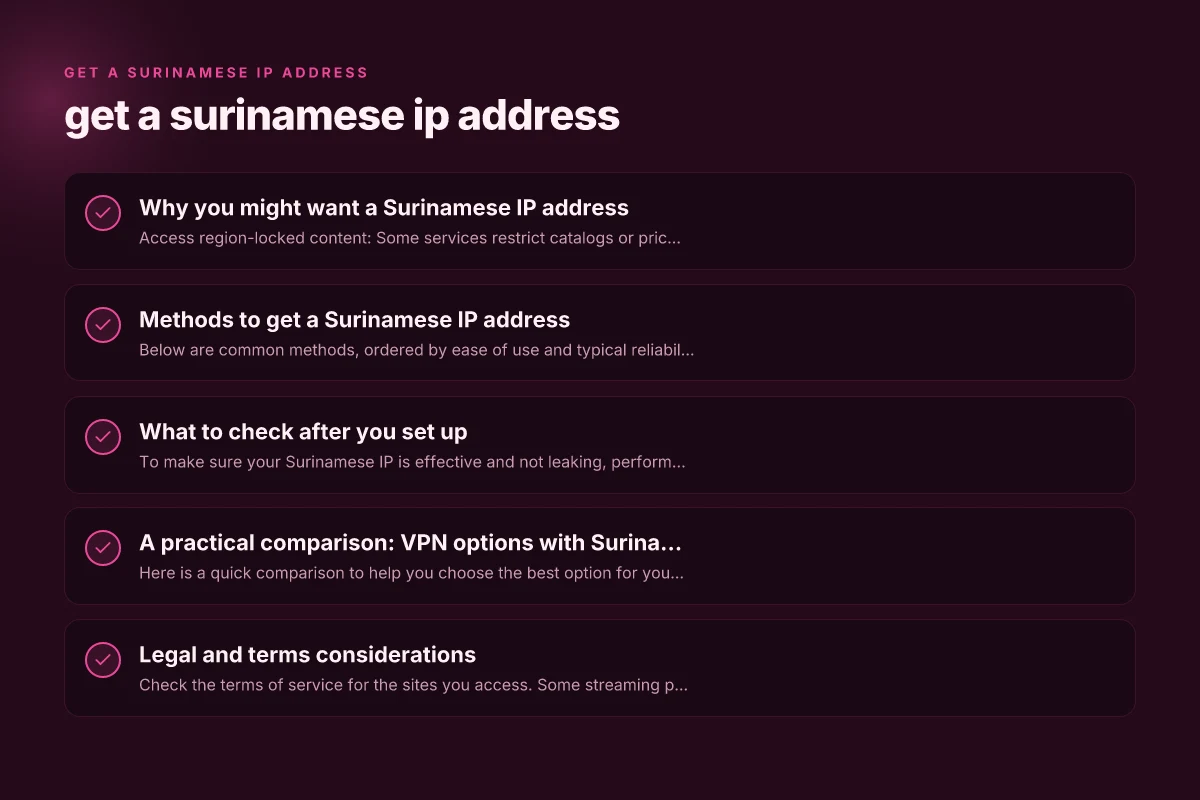
Methods to get a Surinamese IP address
Below are common methods, ordered by ease of use and typical reliability. Each method has benefits and trade-offs.
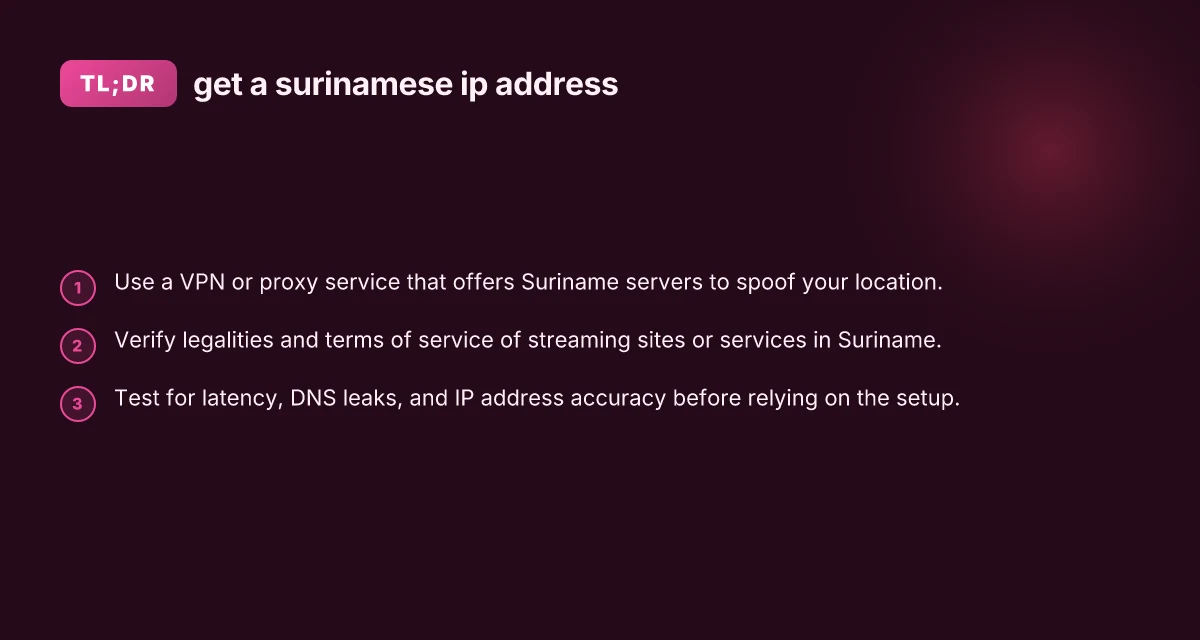
VPNs with Suriname servers
- Pros: User-friendly, often fast, widely supported on Windows, macOS, iOS, Android.
- Cons: Not all providers offer Suriname locations. Some streaming platforms block VPNs.
- How to do it:
- Choose a reputable VPN service that explicitly lists Suriname as a server location.
- Install the app on your device.
- Connect to a Suriname server or location closest to Suriname if direct is unavailable.
- Verify your IP address via an IP checker to confirm Suriname as the origin.
- Tips: Look for providers with independent audit statements, transparent privacy policies, and kill switch features.
Proxy services with Suriname endpoints
- Pros: Often cheaper than VPNs. Simple browser-level usage.
- Cons: Proxies typically do not encrypt traffic. Higher risk of leaks or misuse.
- How to do it:
- Find a proxy service that offers Suriname endpoints (HTTP/SOCKS proxies).
- Configure your browser or device to route traffic through the proxy.
- Check IP address to ensure Suriname appears as the source.
- Cautions: Do not route sensitive data or login credentials through untrusted proxies.
Tor with entry/exit nodes near Suriname
- Pros: Strong privacy features. Free to use.
- Cons: Often slow. Exit nodes in Suriname may not be available. Not ideal for streaming.
- How to do it:
- Install Tor Browser or configure your app to use Tor as a proxy.
- Use bridges or specific circuits that exit near Suriname if possible.
- Test your effective exit IP URL to verify location.
- Cautions: Performance may be inconsistent. Not reliable for all geolocation requirements.
Remote desktop or VPS with Surinamese IP
- Pros: Full control. Can run any software as if you were in Suriname.
- Cons: More technical setup. Monthly cost. Potential latency.
- How to do it:
- Rent a virtual private server (VPS) physically located in or near Suriname or with a Suriname IP block.
- Set up a secure VPN or SSH tunnel from your device to the VPS.
- Route your traffic through the VPN tunnel to appear as if from Suriname.
- Tips: Choose reputable hosting providers and configure firewall rules to minimize risk.
Mobile carrier configs and SIM-based approaches
- Pros: Useful for mobile-only testing or app development.
- Cons: Complex to set up; Suriname-specific SIMs may be hard to obtain outside the country.
- How to do it:
- If you’re physically in Suriname, use a local SIM card for mobile data that routes traffic with Suriname geolocation.
- For remote testing, pair the SIM with a device and use mobile hotspot sharing.
- Cautions: Only feasible if you’re in Suriname or have roaming options. Data costs can be high.
What to check after you set up
To make sure your Surinamese IP is effective and not leaking, perform a quick verification and privacy check.
IP address and location verification
- Use multiple IP checking sites to validate that your public IP is from Suriname.
- Compare results from different geolocation databases. Some sites may show nearby LAT/LONG that differs slightly.
- Check both HTTP and DNS results to confirm consistency.
DNS leak and WebRTC risk
- DNS leaks can reveal your real location even when using a VPN. Run a DNS leak test.
- WebRTC can expose real IP addresses in certain browser configurations. Disable or mitigate WebRTC leaks if needed.
Latency and performance
- VPNs and proxies add latency. Run speed tests and traceroutes to Suriname endpoints.
- If you’re using Suriname for streaming, test buffering and stability at different times of day.
A practical comparison: VPN options with Suriname access
Here is a quick comparison to help you choose the best option for your needs. The table shows typical aspects. Real results depend on the provider and your location. Get a sri lankan IP address
| Method | Ease of use | Latency impact | Privacy and encryption | Content access potential | Cost range |
|---|---|---|---|---|---|
| VPN with Suriname server | High | Moderate | Strong (AES-256, kill switch) | Good for many services, some blocks | Low to moderate monthly |
| Proxy with Suriname endpoint | Very easy | Moderate to high | Low (no encryption or limited) | Best for browser-based access | Low |
| Tor with Suriname exit | Moderate | High (slow) | Strong (Tor protocols) | Variable; best for privacy, not streaming | Free or cheap if self-hosted |
| VPS + VPN tunnel | Moderate to high | Variable | Strong (full control) | Very good for all traffic, if configured | Moderate to high (hosting) |
| Local Suriname SIM | Moderate (physical presence) | Low to moderate (depends on network) | Moderate (carrier-level) | Great for mobile access | Moderate to high (data costs) |
Legal and terms considerations
- Check the terms of service for the sites you access. Some streaming platforms explicitly prohibit IP spoofing or access from proxies or VPNs.
- In some jurisdictions, circumventing geolocation may violate terms of service rather than law. It’s essential to comply with local regulations and platform rules.
- If you’re using a Suriname IP for business testing or development, document your use, especially if you’re handling user data or restricted content.
Best practices for reliability and security
- Always use a reputable provider with clear privacy policies, transparent logging statements, and a robust support system.
- Prefer providers with a no-logs policy, DNS leak protection, and a kill switch to prevent accidental IP exposure.
- Regularly test for DNS leaks and WebRTC IP leaks after configuring your setup.
- If streaming is your goal, have a fallback method (another Suriname server or a different geo-location) in case the primary server is blocked or congested.
- Keep software up to date. VPN apps, browsers, and operating systems should have current security patches.
Final recommendation
If your primary goal is reliable access with a good balance of privacy and performance, choose a VPN service that explicitly lists Suriname as a server location and offers strong security features, a clear privacy policy, and responsive support. Use the VPN as your default method for establishing a Surinamese IP, and reserve proxies or Tor for specific tasks that don’t require encryption or for testing privacy properties. For enterprise or testing scenarios needing consistent Suriname-origin traffic, a VPS plus VPN tunnel provides the most control and stability, though it requires more technical setup.
If you’re unsure where to start, look for reputable providers with Suriname servers, read user reviews focused on latency and streaming experience, and try a short-term plan or trial to verify performance.