Get a singaporean IP address
A clear guide to obtaining a Singaporean IP address for browsing, streaming, or business use.
Singapore is a popular location choice for many online services, streaming libraries, and business tools. If you need access as if you’re in Singapore, you’ll want a Singaporean IP address. This article explains practical ways to get one, how to test it, and what to watch out for. We’ll cover the most common methods, their pros and cons, and a simple decision framework to help you choose.

How a Singaporean IP address works
When you connect to the internet, your device uses an IP address assigned by your internet service provider (ISP) or the VPN/proxy you’re using. A Singaporean IP address simply means the outward-facing address appears to originate from Singapore. Services that check location include streaming platforms, banking apps, and regional websites. Masking or changing your IP can help with geo-restriction challenges, regional pricing, or localization needs.
Key concepts:
- IP address: the numerical label identifying your device on the internet.
- Geolocation: rough location inferred from the IP, not always exact.
- VPN/proxy: tools that tunnel traffic to another country to assign a different IP.
- Reliability: depends on server load, routing, and service policies.
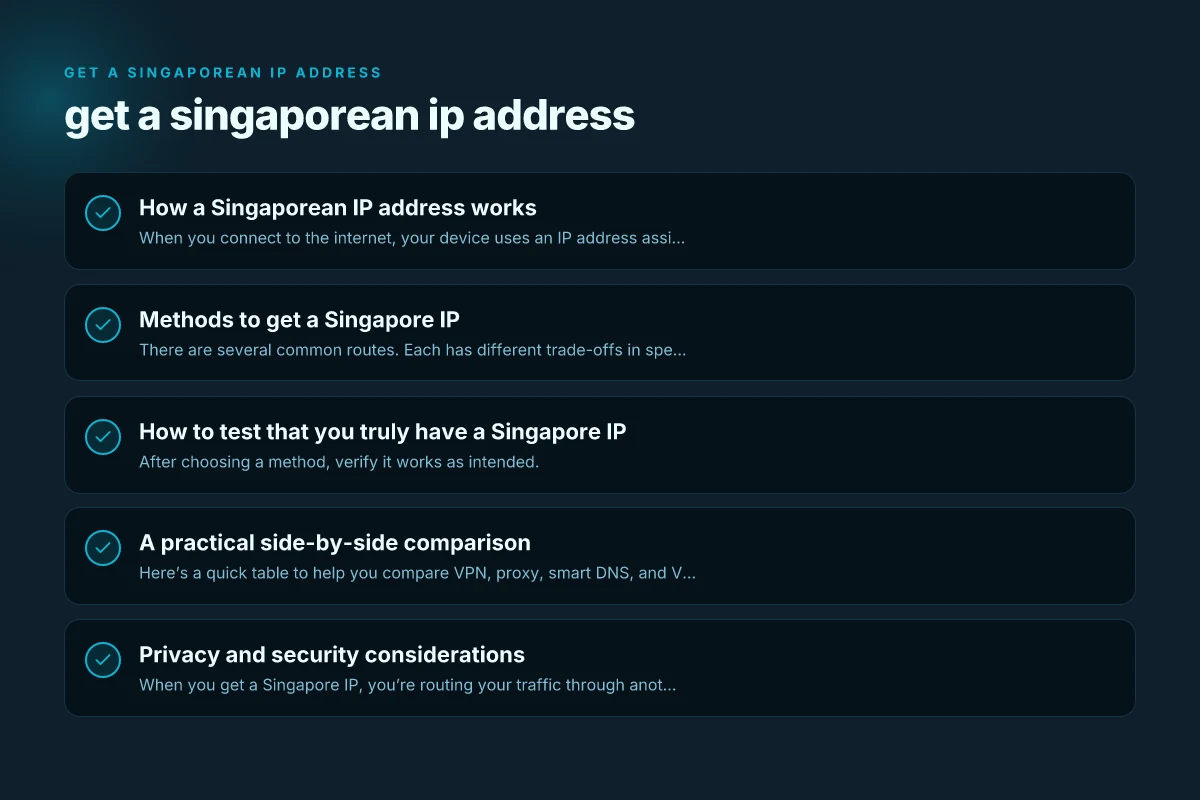
Methods to get a Singapore IP
There are several common routes. Each has different trade-offs in speed, privacy, cost, and ease of use.
1) VPN (Virtual Private Network)
- Pros:
- Easy to use with dedicated apps for Windows, macOS, iOS, Android.
- Often fast enough for streaming and everyday browsing.
- Strong encryption and privacy features.
- Cons:
- Some services try to block VPNs. You may need to switch servers.
- Shared IPs can lead to slower performance if many users share the same endpoint.
- How to pick:
- Look for Singapore-based or Singapore-located VPN servers.
- Check for no-logs policy, strong encryption (AES-256), and leak protection.
- Ensure streaming-friendly servers if you want access to local libraries.
2) Proxy server (HTTP/SOCKS)
- Pros:
- Sometimes cheaper or free options exist.
- Simple to configure for specific apps or browsers.
- Cons:
- Usually lacks strong encryption. Privacy risk.
- SEVERAL proxies are unreliable and can log data.
- Use case:
- Lightweight tasks or geo-testing rather than sensitive activities.
3) Smart DNS or Geo-unblocking services
- Pros:
- High speeds for streaming due to not routing all traffic through a remote server.
- Good for accessing region-locked content without changing IPs everywhere.
- Cons:
- Does not hide your IP. Can be detected by some services.
- Privacy protections are limited.
- When to use:
- If you mainly want to access Singapore-only content without changing IP visibility.
4) VPS or dedicated server in Singapore
- Pros:
- Full control. You can route traffic through Singapore from your own machine.
- Useful for developers, testing, or business workflows.
- Cons:
- More technical to set up. Longer initial setup.
- Maintenance and cost are higher.
- Typical setup:
- Rent a Singapore-based VPS, install a VPN or proxy server, and configure devices to connect through it.
5) Tor with a Singapore exit (not common)
- Pros:
- Strong privacy guarantees.
- Cons:
- Very slow. Not reliable for streaming or real-time tasks.
- Exit nodes can be unstable or blocked by services.
How to test that you truly have a Singapore IP
After choosing a method, verify it works as intended. Get a Serbian IP Address: How to Access Serbia Online Safely and Privately
- Quick check: visit a site like whatismyipaddress.com or ipinfo.io. Confirm the location reads Singapore.
- Check for accuracy: ensure the city or region is reasonable (e.g., Singapore, SG) and that your real country isn’t shown.
- Service testing: try the exact service you want to use (e.g., streaming library, online banking). If it blocks or detects VPNs, you may need a different server or solution.
- DNS and leaks: run a DNS leak test to ensure DNS queries aren’t revealing your actual location.
- Speed/latency: run a quick speed test with and without the Singapore route to gauge impact.
A practical side-by-side comparison
Here’s a quick table to help you compare VPN, proxy, smart DNS, and VPS options for getting a Singapore IP.
| Method | Typical speed | Privacy protection | Ease of setup | Best use cases | Cost range (per month) |
|---|---|---|---|---|---|
| VPN | High to medium | Strong (encrypted) | Easy | Streaming, browsing, light business | $2–$12+ |
| Proxy | High (in ideal) | Low to none | Moderate | Browser-only tasks, quick tests | Free to $5+ |
| Smart DNS | Very high | Low to moderate | Easy | Streaming hard-to-access libraries | $2–$8+ |
| VPS (Singapore) | Medium to high | Depends on setup | Advanced | Development, secure routing, testing | $5–$40+ |
Note: prices vary based on providers, plans, and promotions. Check current offers and terms for refunds, privacy policies, and uptime guarantees.
Privacy and security considerations
When you get a Singapore IP, you’re routing your traffic through another location. This has several implications:
- Data protection: A reputable VPN should have a solid no-logs policy and robust encryption. Look for AES-256 encryption and secure tunneling protocols (OpenVPN, WireGuard).
- IP sharing: Some services assign shared IPs to many users. This can be advantageous for privacy but may affect performance or trigger bans on some sites that distrust VPNs.
- Leaks: Verify there are no DNS, WebRTC, or IPv6 leaks that reveal your real location.
- Jurisdiction: The country where your VPN operates can influence data handling requests. Singapore’s legal framework differs from other regions. Choose a provider with clear privacy commitments.
Common pitfalls and how to avoid them
- Not verifying the IP after setup: Always test the IP location to ensure you’re actually showing Singapore.
- Connecting to a blocked server: Streaming services actively block many VPN IPs. If one server fails, try another city in Singapore if offered, or switch to a VPS-based solution.
- Using free tools: Free proxies or VPNs may log data, inject ads, or be insecure. Prefer paid, reputable services with transparent policies.
- Ignoring terms of service: Some services prohibit VPN usage. If you’re attempting to access a service’s geo-restricted content, ensure you’re in compliance with their terms.
Step-by-step quick-start guide
If you want a fast path to a Singapore IP: Get a scottish IP address in hungary
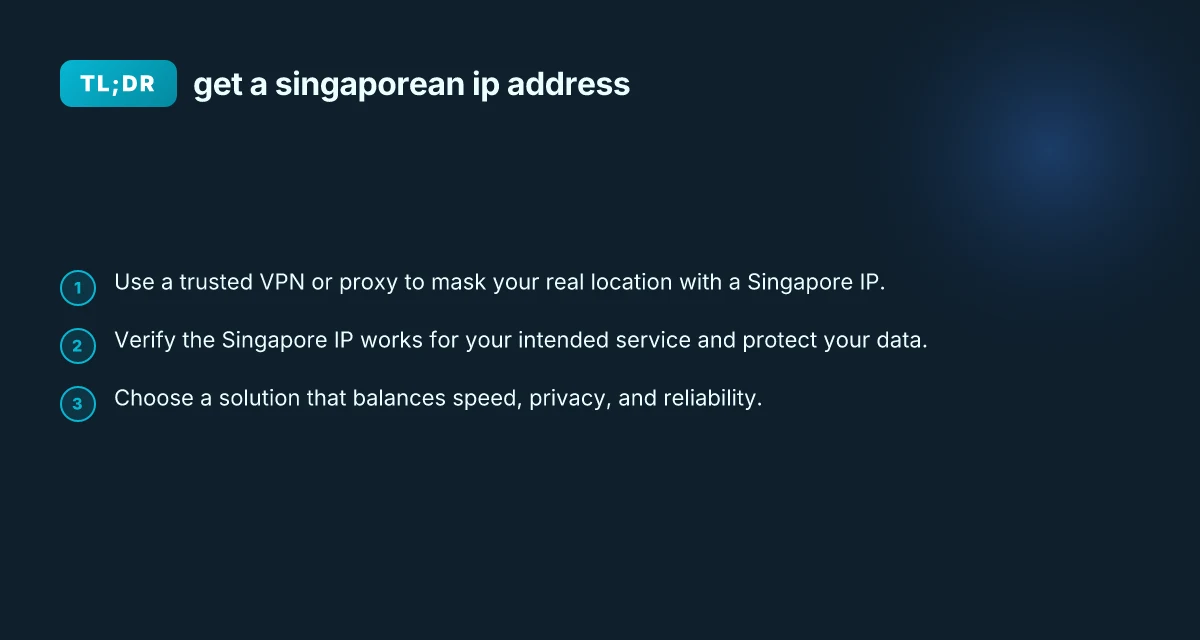
- Choose your method: VPN is the most balanced option for most users.
- Pick a reputable provider with Singapore servers and a clear privacy policy.
- Install the app on your primary device(s) and log in.
- Connect to a Singapore server and confirm the IP shows Singapore.
- Test the service you intend to use to ensure access and performance.
- Enable extra protections: kill switch, DNS leak protection, and split tunneling if available.
- Maintain updates: keep your app and operating system current for security.
Use cases: why you might need a Singapore IP
- Streaming libraries: Access local catalogs for Singapore-only content.
- Business access: Connect to Singapore-based services, internal tools, or regional websites.
- Web testing: Check how your site or ads appear to users in Singapore.
- Shopping comparisons: See Singapore pricing and promotions that rely on location.
Responsible use and ethical considerations
- Respect regional laws and terms of service.
- Avoid bypassing restrictions in ways that could be illegal or violate agreements.
- If privacy is a concern, prioritize providers with transparent data practices.
- Use two-factor authentication and strong passwords for any accounts you access from a Singapore IP to reduce risk.
Final recommendation
For most users who want a reliable, user-friendly route to a Singapore IP address, a reputable VPN is the best balance of privacy, performance, and ease of use. Look for providers with robust security features, Singapore-based or Singapore-reachable servers, good streaming compatibility, and transparent privacy policies. If you need higher performance with less IP visibility (for streaming), consider smart DNS in conjunction with a VPN. If you’re technically inclined and require full control, a Singapore-based VPS with a self-hosted VPN or proxy can be the most flexible option.
If you’d like, tell me your primary use case (streaming, business access, speed, or privacy), your budget, and the devices you use. I can suggest specific providers and a tailored setup to get you a solid Singapore IP address fast.