Get a luxembourgish luxembourgian IP address
A practical guide to obtaining a Luxembourg IP address for browsing, streaming, and privacy.
If you want to get a Luxembourgish (Luxembourgian) IP address, you basically need a route that makes your internet traffic appear to originate from Luxembourg. The most practical ways to do this are by using a virtual private network (VPN), a Luxembourg-based proxy, or a remote network service that terminates your connection in Luxembourg. This article explains how each method works, what to consider, and how to choose the right option for your needs.

What a Luxembourg IP address is and why you might want one
- A Luxembourg IP address means your online activity appears to come from Luxembourg’s IP range.
- Common reasons include accessing region-locked services, testing geolocation-aware apps, or protecting privacy when browsing from abroad.
- It can help with market research, travel planning sites, or streaming libraries that restrict content by country.
- It’s not a magical shield, site owners can still detect your device, cookies, and behavior, and some services actively block VPNs.
Quick definitions
- Luxembourg IP: An IP address assigned to devices in Luxembourg by the local or international telecoms ecosystem.
- VPN (Virtual Private Network): A service that encrypts traffic and tunnels it through a server in Luxembourg.
- Proxy: A server in Luxembourg that forwards your traffic, usually without strong encryption.
- VoIP, streaming, and banking considerations: Some services actively block known Luxembourg IP ranges or VPNs.
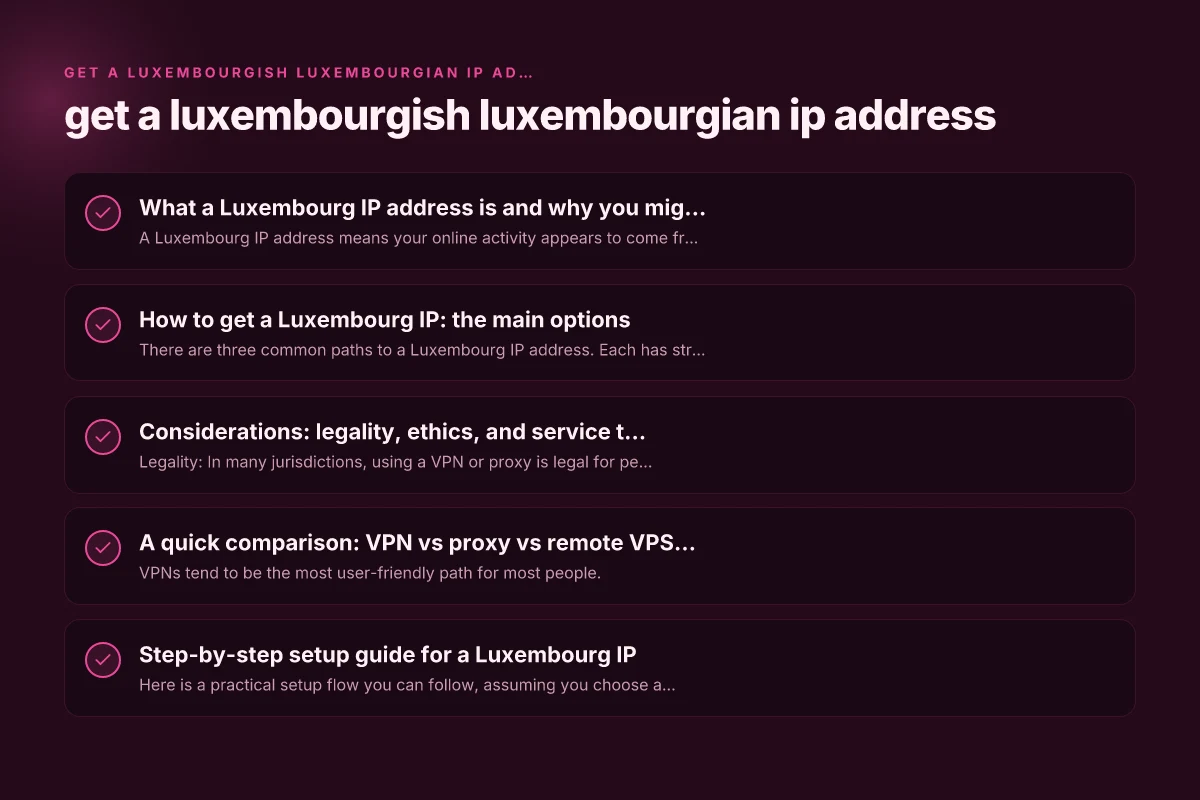
How to get a Luxembourg IP: the main options
There are three common paths to a Luxembourg IP address. Each has strengths and trade-offs.
1) Luxembourg-based VPN
- Pros: Strong encryption, easy setup, wide server selection, consistent apps for devices.
- Cons: Some streaming services block VPNs. Performance depends on server load.
- What to look for:
- A server or exit node located in Luxembourg.
- Transparent no-logs policy and reputable jurisdiction.
- Kill switch and DNS leak protection.
- Fast speeds and adequate bandwidth for your use case.
- Steps to use:
- Choose a VPN with Luxembourg servers.
- Install the app on your device.
- Connect to a Luxembourg server.
- Verify your new IP via a site like whatismyip.com.
2) Luxembourg proxy service
- Pros: Often cheaper and simple for basic tasks. Suitable for lightweight browsing.
- Cons: Usually lacks encryption. Privacy risk if the proxy is untrusted.
- Best practices:
- Use HTTPS/SSL proxies to encrypt traffic when possible.
- Prefer reputable providers with clear privacy policies.
- Don’t use proxies for sensitive logins or banking.
- Steps to use:
- Select a Luxembourg proxy (HTTP(S) or SOCKS5).
- Configure your browser or app to route traffic through the proxy.
- Confirm your IP shows a Luxembourg address.
3) Remote desktop or VPS in Luxembourg
- Pros: Full control of traffic, strong privacy if you own the server, works for all apps.
- Cons: Requires more setup effort and ongoing maintenance. Higher cost.
- How it works:
- Rent a VPS in Luxembourg or set up a small dedicated server.
- Create a secure tunnel (VPN) into the server or use remote desktop to route traffic.
- Steps to use:
- Rent a Luxembourg-based VPS.
- Install a VPN tool or configure SSH dynamic port forwarding.
- Connect and route traffic through the Luxembourg server.
- Check your IP to confirm the Luxembourg address.
Considerations: legality, ethics, and service terms
- Legality: In many jurisdictions, using a VPN or proxy is legal for personal use. However, some services or jurisdictions restrict encryption or traffic tampering. Always check local laws and the terms of service of sites you access.
- Terms of service: Streaming services often prohibit VPN usage to bypass geo-restrictions. If detected, you may face blocks or account penalties.
- Privacy and logging: Vendors differ in how they handle logs. If privacy matters, read the privacy policy, audits, and jurisdiction.
- Security: Free or low-cost proxies and VPNs may compromise your data. Prefer reputable paid providers with strong security practices.
- Performance: Luxembourg servers may be subject to distance-based latency. If you need real-time performance (gaming, video calls), test speeds and latency after connection.
A quick comparison: VPN vs proxy vs remote VPS (at a glance)
| Method | Encryption | Bandwidth limits | Ease of use | Content access | Cost range |
|---|---|---|---|---|---|
| Luxembourg VPN | Yes (strong) | Usually high | Very easy | High chance for streaming access; may be blocked sometimes | Moderate to high |
| Luxembourg Proxy | Often no encryption | Variable; often limited | Easy | Moderate; often blocked for streaming and rich content | Low to moderate |
| Remote VPS in Luxembourg | Depends on setup; can be very secure | Typically high if you manage it | Moderate to high (setup required) | Best for all traffic through VPN; reliable if configured | Moderate to high (monthly hosting) |
Notes:
- VPNs tend to be the most user-friendly path for most people.
- Proxies are best for lighter tasks and simpler site access.
- A Luxembourg VPS with a VPN gives you full control and broad compatibility.
Step-by-step setup guide for a Luxembourg IP
Here is a practical setup flow you can follow, assuming you choose a Luxembourg VPN (the most common route).
- Pick a reputable VPN with Luxembourg servers
- Look for servers specifically listed in Luxembourg.
- Check reviews about speed, reliability, and customer support.
- Verify privacy commitments and whether they log activity.
- Install and configure
- Install the VPN app on your device (Windows, macOS, iOS, Android, Linux, or browser extensions).
- Enable features like a kill switch and DNS leak protection.
- Optionally enable split tunneling if you want only certain apps to use the Luxembourg IP.
- Connect to Luxembourg
- Open the app and select a Luxembourg server.
- Connect and wait for the connection to establish.
- Confirm your IP shows as Luxembourg using an external check tool.
- Test performance and compatibility
- Open the services you need (streaming, banking, or testing geo-restricted sites).
- Run speed tests. Performance should meet your needs without extreme latency.
- If a service blocks the VPN, try a different Luxembourg server or contact support.
- Maintain privacy best practices
- Keep the VPN updated to the latest version.
- Avoid sharing sensitive credentials over unencrypted channels.
- Periodically review app and device permission settings for the VPN.
If you prefer proxies or a VPS-based setup, apply the corresponding steps, focusing on choosing a trusted Luxembourg-based provider, configuring encryption, and validating the Luxembourg IP after setup. Get a lithuanian IP address
How to verify you have a Luxembourg IP
- Visit iplocation.net or whatismyipaddress.com and look for Luxembourg as the country in the results.
- You can also use site-specific checks: streaming services often show the country in account settings or during playback.
- Check for DNS leaks by running a DNS leak test. Ensure the test shows Luxembourg-based DNS resolvers.
Common pitfalls and how to avoid them
- IP blocks: Some services block known Luxembourg IP ranges or VPNs. If blocked, switch servers, contact support, or try a different provider.
- Leaks: DNS, WebRTC, or IPv6 leaks can reveal your real location. Ensure DNS leak protection is on and consider disabling WebRTC in browsers when using a VPN.
- Speed loss: Proximity matters. Luxembourg servers can still be fast, but if you see significant lag, test multiple Luxembourg servers or upgrade your VPN plan.
- Battery and data usage: Mobile devices can consume more data when connected to a VPN. Monitor data usage if you’re on limited plans.
Final recommendation
If your goal is a reliable Luxembourg IP for general browsing, testing, or streaming with reasonable ease, a reputable Luxembourg-based VPN is the best starting point. It provides encryption, privacy protection, and broad compatibility with devices and apps. For power users who want complete control and can handle a bit more setup, a Luxembourg VPS with a VPN offers the most versatility and consistent access across services. Proxies can be useful for quick tasks or light browsing but come with privacy trade-offs and potential blocks.
When choosing a method, weigh your priorities: ease of use, level of privacy, streaming compatibility, and long-term costs. Always stay aware of local laws and service terms to ensure your setup remains compliant and secure.