Get a kenyan IP address
Learn practical ways to obtain a Kenyan IP address for online access and privacy.
Getting a Kenyan IP address means making your online connection appear as if it originates from Kenya. This is useful for streaming geo-restricted content, accessing local Kenyan services, or protecting your privacy while browsing. There are several legitimate routes to achieve this, each with its own trade-offs. In this guide, you’ll learn practical, straightforward ways to get a Kenyan IP, what to look for in a service, and how to use it safely and effectively.

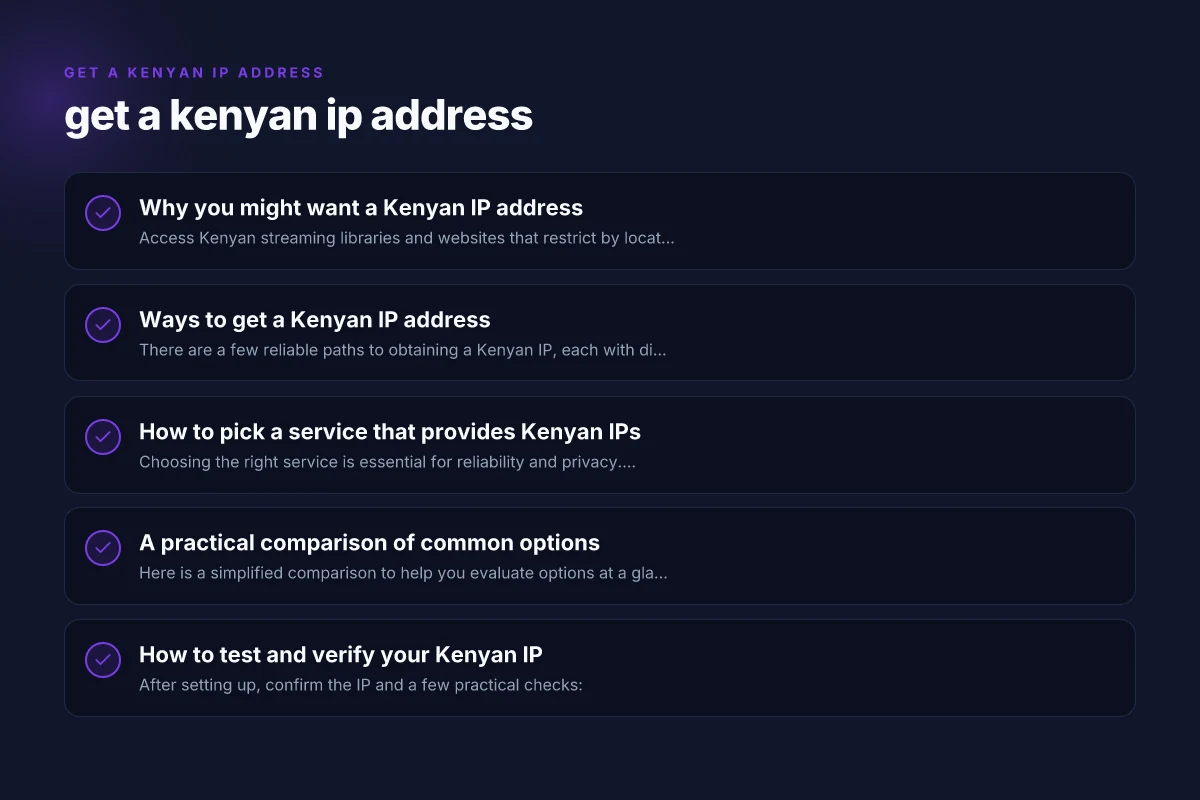
Why you might want a Kenyan IP address
- Access Kenyan streaming libraries and websites that restrict by location.
- Use Kenyan banking or government portals that require a Kenyan IP for security reasons.
- Protect your privacy by masking your actual location when browsing.
- Test how your websites or apps behave for Kenyan users.
Kenyan IPs can help you see content that is otherwise blocked outside the country, while also guarding your real location from trackers. However, it’s important to use reputable services to avoid scams, data leaks, or slow connections.
Ways to get a Kenyan IP address
There are a few reliable paths to obtaining a Kenyan IP, each with different setup steps and outcomes.
1) Virtual Private Network (VPN)
A VPN is the most common method. It creates an encrypted tunnel between your device and a server located in Kenya, making your traffic appear to originate there.
- How it works: Your device connects to a Kenyan VPN server. All traffic is routed through that server.
- Benefits: Strong encryption, multiple devices supported, usually easy to use.
- Considerations: Not all VPNs have Kenyan servers. Performance depends on distance and server load. Some streaming services block VPNs.
How to use: Get a japanese IP address in saudi arabia
- Choose a reputable VPN with Kenyan servers (research for current server locations).
- Install the VPN app on your device.
- Connect to a Kenyan server.
- Verify your IP using a site like whatismyipaddress.com to confirm the location.
2) Kenyan-based proxy services
A proxy forwards your web requests through a proxy server located in Kenya. This can be easier for simple tasks but often lacks encryption.
- Benefits: Often cheaper or free options, simple to set up for specific apps or browsers.
- Considerations: No built-in encryption, higher risk of data interception, some proxies are unreliable or operated by malicious actors.
How to use:
- Find a trusted Kenyan proxy provider or a browser proxy extension.
- Configure the proxy settings in your browser or app to point to the Kenyan proxy.
- Check your IP to confirm the Kenyan address.
3) Dedicated or shared Kenyan servers for testing
If you’re a developer or need more control, you can rent a Kenyan server or virtual private server (VPS) and route traffic through it.
- Benefits: Full control, can host your own services, good for testing.
- Considerations: More technical to set up (routing, firewall rules). Higher cost than VPNs or proxies.
How to use: Get a japanese IP address
- Rent a Kenyan VPS from a credible provider.
- Set up a VPN or SSH dynamic port forwarding to tunnel your traffic.
- Point your devices or apps to the VPS as the gateway.
4) Mobile carrier options and SIM-based testing
Some developers use Kenyan SIM cards in devices or use mobile tethering to test regional access.
- Benefits: Real mobile IPs, useful for app testing with cellular networks.
- Considerations: Not ideal for broad browsing. Plans and data limits apply. Location can shift.
How to use:
- Insert a Kenyan SIM into your device or use a Kenyan eSIM if supported.
- Enable tethering or use the device itself for online access.
- Confirm you appear as being in Kenya on tests.
5) DNS-based geolocation tricks (limited use)
There are DNS-based methods to influence some location-based checks, but these do not reliably provide a Kenyan IP for all traffic.
- Benefits: Lightweight, can bypass some simple blocks.
- Considerations: Not a true Kenyan IP. Many sites detect and block DNS tricks. Not recommended for privacy or streaming.
How to pick a service that provides Kenyan IPs
Choosing the right service is essential for reliability and privacy. Here’s what to look for: Get a jamaican IP address
- Server coverage in Kenya: Confirm the provider actually has servers in Kenya and note the city locations if possible.
- Privacy policy and logging: Look for a transparent policy that minimizes data collection and does not log user activity.
- Encryption and security: Ensure strong protocol support (e.g., OpenVPN, WireGuard) and a no-logs stance if privacy matters.
- Speed and reliability: Check for bandwidth limits, consistent availability, and reviews about performance in Kenya.
- Customer support: 24/7 support and a knowledge base can help resolve issues quickly.
- Device compatibility: Ensure the service supports your devices (Windows, macOS, iOS, Android, routers).
A practical approach is to shortlist a few providers, try their trial or money-back guarantees, and test streaming, browsing, and login experiences from Kenya or a location close to it.
A practical comparison of common options
Here is a simplified comparison to help you evaluate options at a glance. This table focuses on VPNs and proxies, which are the most common routes to a Kenyan IP.
| Service type | Kenyan presence | Encryption | Streaming capability | Pricing cues | Best use case |
|---|---|---|---|---|---|
| VPN | Yes (servers in Kenya) | Strong (OpenVPN, WireGuard) | Generally good if servers aren’t blocked | Mid-to-high; long-term plans save money | Regular streaming, secure browsing, multi-device use |
| Kenyan proxy | Yes (proxy servers in Kenya) | Often none or weak | Variable; not reliable for streaming | Typically cheaper or free | Lightweight tasks, browser-specific needs |
| VPS route | Yes (Kenya VPS options) | Depends on setup | Good for controlled environments | Higher upfront; ongoing hosting cost | Dev testing, custom routing, personal server projects |
Note: Availability of Kenyan servers can change. Always verify current locations with the provider and read recent user reviews.
How to test and verify your Kenyan IP
After setting up, confirm the IP and a few practical checks: Get a hungarian IP address
- IP verification: Visit whatismyipaddress.com or iplocation.net to confirm the country shows as Kenya.
- Streaming checks: Try a Kenyan streaming service or a region-locked catalog to ensure you can access content.
- Speed tests: Run a speed test to measure latency and download/upload speeds to ensure acceptable performance.
- Location checks: Open location-based services or apps to see if they detect a Kenyan address.
If your tests fail (for example, streaming blocks or inconsistent IP), you might need to switch to a different server, enable a protocol with better performance, or contact support for help. In some cases, services actively block IPs known to be used for geolocation. Rotating servers frequently helps.
Security and legality considerations
- Respect terms of service: Some streaming platforms and services prohibit using VPNs or proxies to bypass geo-blocking.
- Privacy basics: Use reputable providers with strong privacy practices. Avoid free services that monetize user data.
- Data protection: If you access sensitive accounts (banking, government portals), ensure encryption is robust and your device security is current.
- Local laws: While acquiring a Kenyan IP is not illegal per se in most jurisdictions, using it to commit fraud or access restricted content may violate laws or terms of service.
If you are unsure about the legality or implications in your country or for a given service, consult legal guidance or the provider’s terms.
Practical setup checklist
- Decide the goal: streaming, secure browsing, development testing, or access to Kenyan services.
- Choose a method: VPN first for best balance of privacy and usability. Proxy or VPS if specific needs arise.
- Verify Kenyan presence: Confirm server locations, uptime, and support responsiveness.
- Install and configure: Follow the provider’s setup guides for your device(s).
- Test thoroughly: IP check, speed test, streaming test, and service-specific access checks.
- Maintain and review: Regularly update apps, rotate servers if blocked, and monitor any privacy changes.
Final recommendation
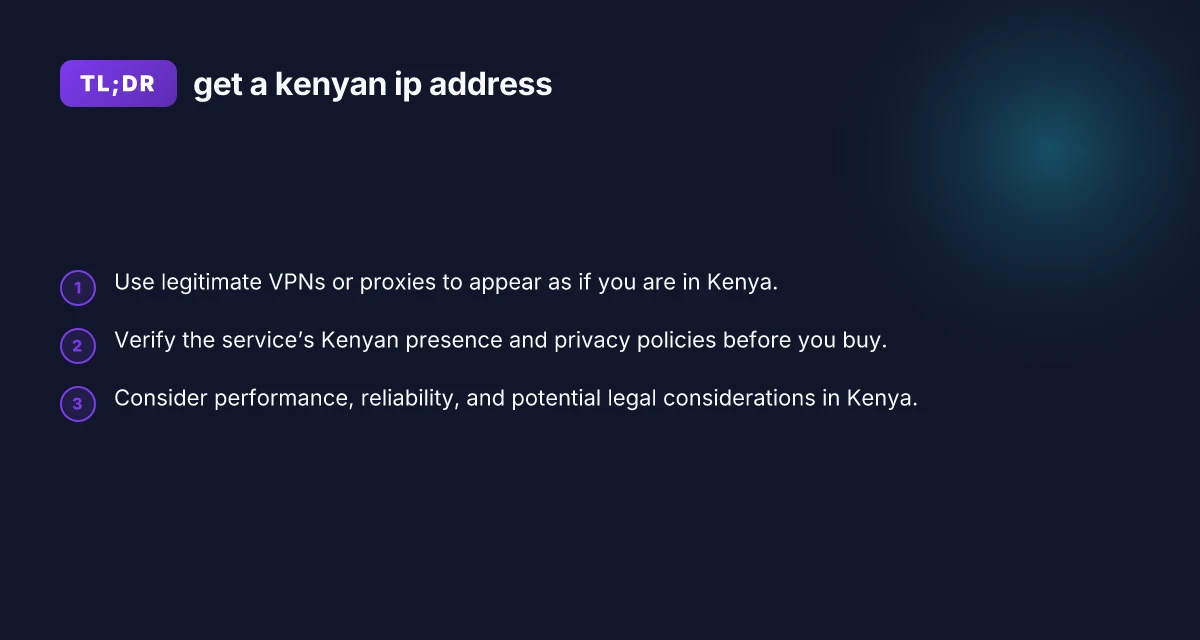
If your primary goal is reliable, secure access to a Kenyan IP with good performance, start with a reputable VPN that explicitly lists Kenyan servers. A VPN provides encryption, easier multi-device support, and generally better streaming compatibility than proxies. Before subscribing, read the privacy policy, confirm current Kenyan server availability, and look for a trial period or money-back guarantee. If you have specialized needs (like running your own Kenyan server for testing), a VPS setup can be a powerful option, but it requires more technical effort. Always balance convenience, security, and cost to choose the path that best fits your use case.