Get a danish IP address
A practical guide to obtaining a Danish IP address for streaming, privacy, and access to Danish services.
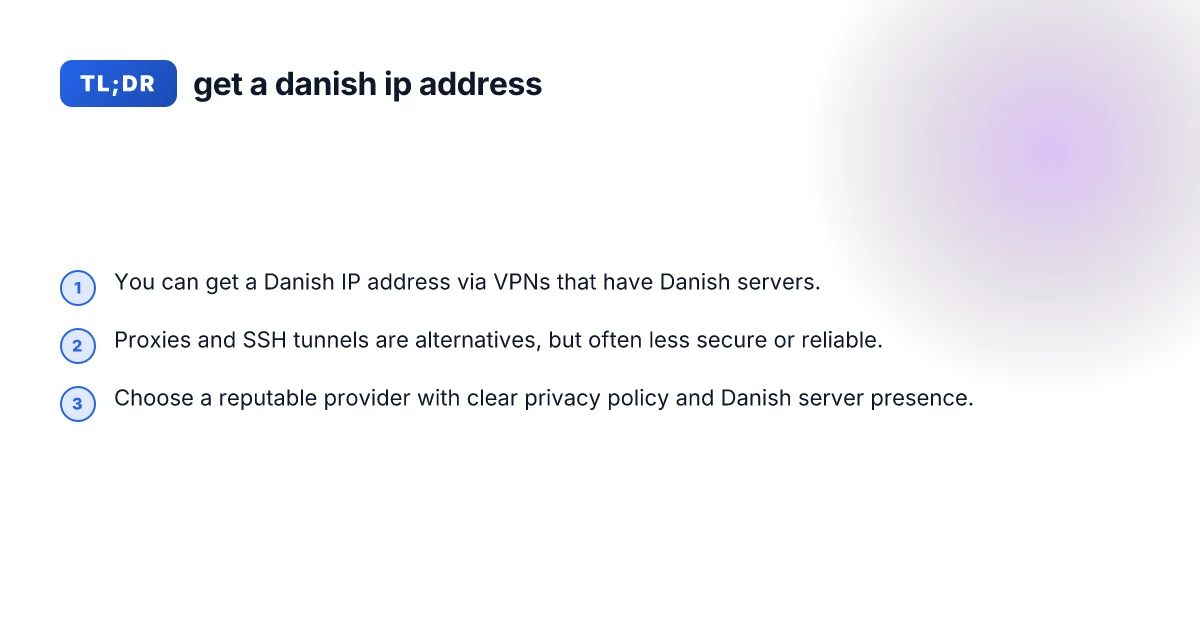
In today’s connected world, there are many legitimate reasons to want a Danish IP address. You might be traveling, living abroad, or trying to access region-specific content like streaming libraries, banking services, or websites that require a Danish locale. The simplest and most reliable way to obtain a Danish IP address is to use a VPN with Danish servers. Below I’ll walk you through practical options, how to choose a method, and best practices to stay safe and avoid common pitfalls.

Why you might want a Danish IP address
- Access region-locked streaming: Some Danish services or content libraries are restricted to Danish IPs.
- Online banking and government portals: Some sites require a local IP for security reasons.
- Privacy and censorship: A Danish IP can help protect your privacy or bypass geo-based restrictions, depending on your needs.
- Travel and remote work: When abroad, a Danish IP makes your traffic appear to come from Denmark, reducing pages that block foreign IPs.
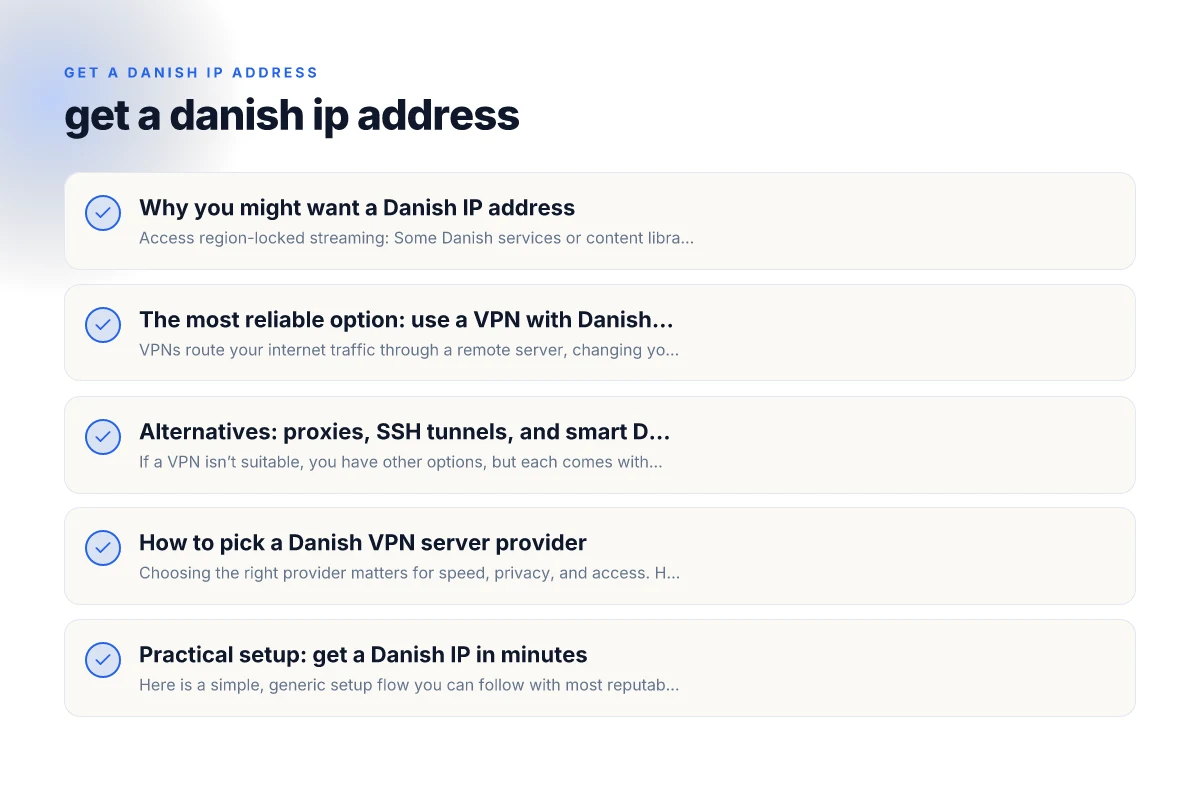
The most reliable option: use a VPN with Danish servers
VPNs route your internet traffic through a remote server, changing your apparent location. If you connect to a VPN server in Denmark, your IP address appears Danish.
- How it works: Your device connects to the VPN server, traffic is encrypted, and the server forwards your traffic to the internet.
- What to look for:
- Danish servers: Ensure the provider offers multiple servers in Denmark to avoid congestion.
- Strong encryption: AES-256 or better, plus secure tunneling protocols (OpenVPN, WireGuard, or IKEv2).
- Privacy policy: Clear no-logs or minimal-logs commitments.
- Speed and reliability: High bandwidth servers, low latency, and a track record of uptime.
- Streaming support: If you plan to watch Danish content, check for unblocking success with services you care about.
- Pros:
- Broad compatibility: Works on Windows, macOS, iOS, Android, Linux, routers.
- Good balance of privacy, usability, and performance.
- Cons:
- Some services try to block VPNs. You may need to switch servers.
- Depending on the provider, speed may vary on Danish routes.
Alternatives: proxies, SSH tunnels, and smart DNS
If a VPN isn’t suitable, you have other options, but each comes with trade-offs.
- Proxies (HTTP/SOCKS):
- Simple to set up for browser traffic.
- Pros: Often cheaper or free trials.
- Cons: No encryption by default, weak privacy, often blocked by streaming services.
- SSH tunnels:
- Use an SSH server located in Denmark to forward traffic.
- Pros: Encrypted, good for specific apps or ports.
- Cons: More technical to configure, not ideal for all traffic, can be slower.
- Smart DNS / DNS-based geo tricks:
- Redirects location checks without encrypting traffic.
- Pros: Fast because no encryption overhead.
- Cons: Doesn’t hide your IP. Less secure. Many services detect and block. In most cases, a reputable VPN with Danish servers is the best blend of privacy, reliability, and ease of use.
How to pick a Danish VPN server provider
Choosing the right provider matters for speed, privacy, and access. Here are practical criteria.
- Danish server coverage:
- Number of Danish servers and their locations (cities like Copenhagen, Aarhus, Odense).
- Speed and stability:
- Independent speed tests or user reviews indicating consistent Danish performance.
- Privacy and security:
- Clear no-logs policy, robust encryption, and a transparent privacy stance.
- Compatibility and apps:
- Native apps for your devices, plus optional router support.
- Customer support:
- Responsive help channels, knowledge base, and live chat.
- Pricing and trials:
- Reasonable price with money-back guarantees or trial periods.
- Policy on streaming:
- Claimed ability to unblock Danish streaming services. Check current status for your services.
Practical setup: get a Danish IP in minutes
Here is a simple, generic setup flow you can follow with most reputable VPNs. Get a Czech IP address
- Step 1: Choose a provider with Danish servers and a money-back guarantee.
- Step 2: Sign up and install the app on your device.
- Step 3: Open the app and select a Danish server (often labeled Denmark, DK, or Copenhagen).
- Step 4: Connect and verify your IP.
- How to verify: Visit a site like “what is my IP” to confirm the country is Denmark.
- Step 5: Test accessibility on the services you care about (streaming, banking, etc.).
- Step 6: Optional: configure the VPN on a router for all devices at home.
A quick comparison: VPNs with Danish servers
| VPN provider | Danish servers | Key pros | Potential caveats |
|---|---|---|---|
| Nordic-leaning options (example) | Several Denmark locations | Strong privacy, good speeds, reliable uptime | Pricing varies; may have limited non- Denmark routes |
| Global VPNs with Denmark coverage | Yes, multiple cities in Denmark | Large network, good streaming support | Occasional server congestion; may require city selection |
| Budget VPNs with Denmark | Some offer limited Danish nodes | Low price, easy setup | Often lower speeds, inconsistent access to services |
Note: This table uses representative categories. Always verify current server availability and streaming capabilities with the provider’s own site before purchasing.
Privacy and legal considerations
- Ensure you’re compliant with local laws in your country and the country you’re connecting through. Using a Danish IP is not inherently illegal, but the activities you perform while connected must be legal.
- Read the provider’s privacy policy: look for data retention practices and what information is collected. Even “no-logs” claims should be supported by independent audits or transparent statements.
- Be aware of terms of service of services you access with a Danish IP. Some sites may ban VPN usage or flag unusual activity.
Common pitfalls and how to avoid them
- VPN blocks and IP bans:
- If your chosen service blocks Danish servers, contact support or try a different Danish server or another provider.
- Slow speeds:
- Test different Danish servers. Close physical proximity often helps. Avoid peak hours and enable WireGuard where possible for better throughput.
- DNS leaks:
- Use the VPN’s built-in DNS protection or enable DNS leak protection in settings to prevent your real location leaking.
- Not all traffic is protected:
- Some VPNs only route browser traffic (split tunneling). Enable full tunneling if you want all devices protected.
- Free options:
- Free VPNs often have limited Danish servers, slower speeds, and questionable privacy practices. They are risky for sensitive tasks.
What to expect in practice
When you set up a Danish IP address via a VPN, expect noticeable changes in latency when connecting to servers in Denmark and nearby regions. For streaming, you may experience short buffering at times if your bandwidth is constrained or if the provider’s Danish servers are busy. For privacy-minded users, a good Danish VPN can significantly reduce exposure to network surveillance and help bypass location-based blocks, but it is not a silver bullet for all online tracking.
Short final section: recommendation
If your goal is a reliable and user-friendly path to get a Danish IP address, pick a reputable VPN service with multiple Danish servers, clear privacy policies, and consistent performance for streaming and online banking. Start with a service that offers a money-back guarantee so you can verify Danish server performance with your own apps and services. Avoid free options for anything beyond casual browsing, as they rarely deliver consistent Danish access or robust privacy protections.
In conclusion, the most straightforward and dependable way to get a Danish IP address is to use a VPN that operates Danish servers. Ensure you choose a provider with a strong privacy stance, ample Danish options, fast connections, and good support. With the right setup, you can securely and reliably present yourself as browsing from Denmark, unlocking a range of content and services as needed. Get a croatian IP address: practical ways to appear as if you’re browsing from Croatia