Get a Czech IP address
Learn practical ways to obtain a Czech IP address for privacy, streaming, and access to Czech services.
Getting a Czech IP address is a practical way to access Czech services, protect your privacy, or watch region‑restricted content. Whether you’re traveling, living abroad, or simply testing local sites, there are legitimate methods to mask your location as the Czech Republic. Below you’ll find a clear overview of options, how they work, and what to watch out for.

How a Czech IP address works
- An IP address is your device’s unique identifier on the internet.
- To appear as if you’re in the Czech Republic, you route your traffic through Czech servers.
- The destination site only sees the Czech IP, not your real location.
- Your apparent location can affect streaming availability, pricing, and access to local services.
Key concepts to know
- VPN: A virtual private network that tunnels your traffic through a remote server.
- Proxy: A server that forwards your requests, often at the application level (web proxy, SOCKS, etc.).
- DNS routing: Some services use DNS to determine your location. A Czech DNS can help, but it’s not a robust location mask on its own.
- Bandwidth and latency: The farther the server, typically the slower the connection.
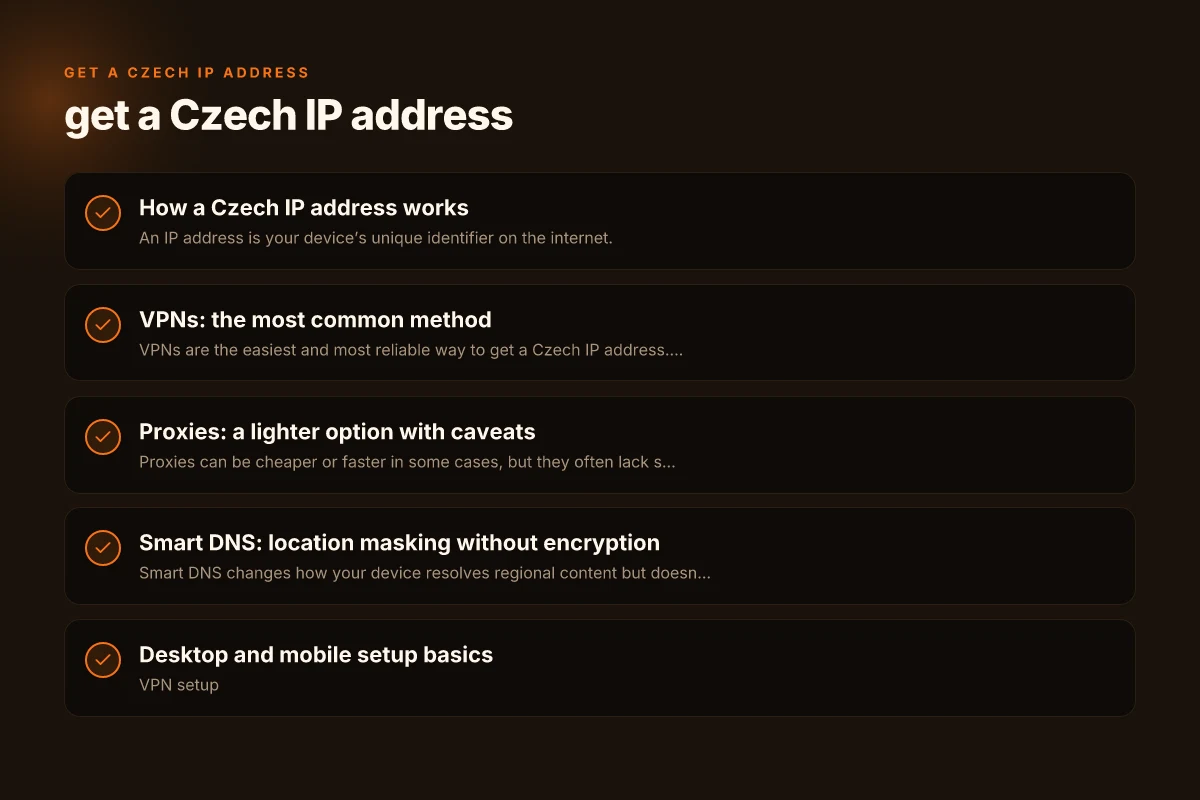
VPNs: the most common method
VPNs are the easiest and most reliable way to get a Czech IP address. They create an encrypted tunnel to a Czech server, hiding your real IP.
- Pros
- Strong privacy protection with encryption.
- Simple one-click connection to Czech servers.
- Works across devices (PC, mobile, router setups).
- Cons
- Some VPNs slow down your connection due to encryption and distance.
- Some streaming platforms block VPN traffic.
- You need a trustworthy provider to avoid logging or data leaks.
How to choose a Czech VPN:
- Look for servers specifically labeled in the Czech Republic.
- Check for no‑logging policies and independent audits.
- Verify speed and streaming support for services you use (Netflix, local Czech services, etc.).
- Assess device compatibility and simultaneous connections.
- Read the terms regarding data retention and jurisdiction.
Tips for using a VPN to get a Czech IP:
- Connect to a Czech server before opening streaming apps or banking sites.
- Clear cookies or use a private mode if a site blocks VPNs.
- Use split tunneling if you only need Czech access for certain apps.
- Test your IP location with websites like whatismyipaddress or ipinfo before and after connecting.
Proxies: a lighter option with caveats
Proxies can be cheaper or faster in some cases, but they often lack strong encryption and broader privacy protections. Get a croatian IP address: practical ways to appear as if you’re browsing from Croatia
- Types
- Web proxies (browser-based): Good for browsing tasks, not for secure connections.
- SOCKS proxies: Flexible, supports many apps but may require manual configuration.
- Transparent proxies: Typically used by ISPs or networks. Not suitable for masking location.
- Pros
- Easy to configure for browsers or specific apps.
- Can be cheaper than VPNs.
- Cons
- No encryption by default. Traffic can be observed by others.
- Not great for streaming or sensitive activity.
- Many proxies are unreliable or frequently blocked.
When to use proxies:
- Quick access to a Czech-only page for testing.
- Lightweight tasks where privacy isn’t the main concern.
- Situations where you cannot install software (e.g., work restrictions).
Smart DNS: location masking without encryption
Smart DNS changes how your device resolves regional content but doesn’t hide your IP in the same way as a VPN.
- How it works
- Rewrites your device’s requests to make certain services think you’re in a different country.
- Doesn’t route all traffic through a remote server. Your IP remains visible to other sites.
- Pros
- Often faster than VPNs due to no encryption overhead.
- Useful for accessing region-locked streaming libraries.
- Cons
- Does not provide full privacy or security.
- Works variably with streaming services. Some platforms block Smart DNS.
When to consider Smart DNS:
- You primarily want to access Czech streaming catalogs without a noticeable speed hit.
- You’re not concerned with hiding your real IP for general browsing.
Desktop and mobile setup basics
- VPN setup
- Install the VPN app from a reputable provider.
- Sign in, select a Czech server, and connect.
- Verify your new IP by visiting a site that shows your location.
- Proxy setup
- For web proxies: configure your browser’s proxy settings to point to the proxy server.
- For SOCKS: configure the application to use the proxy address and port.
- Smart DNS setup
- Sign in to your Smart DNS provider.
- Follow instructions to activate the Czech location.
- Update DNS settings on your device or router as instructed.
Security and privacy tips: Get a chinese IP address in ireland
- Use a reputable service, especially for VPNs and Smart DNS, to avoid data leakage.
- Enable a kill switch if your VPN unexpectedly drops. It prevents your real IP from leaking.
- Keep software up to date to protect against vulnerabilities.
- Be mindful of logging policies and data retention practices of the provider.
- If you’re handling sensitive activities (banking, work), consider additional encryption and trusted networks.
A practical comparison: what to pick for different goals
| Goal | Best option | Why | Potential downsides |
|---|---|---|---|
| Access Czech streaming libraries | VPN or Smart DNS (depending on service) | VPN masks IP; Smart DNS can bypass geo restrictions for video | VPN may slow; Smart DNS may fail on some services |
| Protect privacy on public Wi‑Fi | VPN | Strong encryption and IP masking | Possible speed impact, choose trusted provider |
| Quick check of a Czech page | Proxy or Smart DNS | Fast and cheap for single page access | Limited privacy; not reliable for complex tasks |
| Regular remote work from Czech IP | VPN with business‑grade provider | Consistent Czech IP, strong security, support | Cost and potential admin controls |
| Testing location-based behavior (developers) | VPN or Smart DNS | Consistent test environment | If VPN blocks, try DNS-based methods; if DNS leaks, adjust settings |
Legal and policy considerations
- Using a Czech IP address is generally legal for personal use, but you must respect the terms of service of sites you visit.
- Some services explicitly forbid VPNs or proxies to circumvent geo-restrictions. Violating terms could lead to account penalties or service denial.
- Local laws about data privacy and interception apply in different contexts. Use encryption and reputable providers to protect your data.
Practical steps to get started today
- Define your goal: streaming, privacy, or testing Czech-based services?
- Choose a method: VPN is the most versatile; Smart DNS is good for streaming. Proxies are lightweight.
- Pick a reputable provider with clear Czech server availability and transparent privacy practices.
- Set up your chosen method on your primary devices (PC, phone, tablet) and test your new Czech IP.
- Verify your location and service access, and adjust settings if needed (kill switch, split tunneling, or DNS changes).
Final recommendation
If your main goal is a reliable Czech IP address for general use, streaming access, and solid privacy across devices, start with a reputable VPN that has servers in the Czech Republic. Ensure the provider offers a clear no-logs policy, fast speeds, and good customer support. Use the VPN connection on your primary devices, and consider Smart DNS as a supplementary option if you primarily need to optimize streaming performance and have consistent access needs. Always verify your new IP and review service terms to stay aligned with local laws and platform policies.