How to get a US IP address
Quick, practical ways to obtain a US IP address for browsing, streaming, or work needs.
Getting a US IP address can open up streaming libraries, improve access to US-based services, or help you work with geographically restricted content. There are several paths to get a US IP, each with its own trade-offs in speed, security, and reliability. Below you’ll find clear, practical steps and considerations to choose the right approach for your needs.

Why you might want a US IP address
- Access regional streaming catalogs (Netflix, Hulu, Disney+, etc.).
- Use US-based services that require a U.S. IP for login or geo-eligibility.
- Improve remote work scenarios where a US presence simplifies access.
- Test websites or apps as a user geographically located in the US.
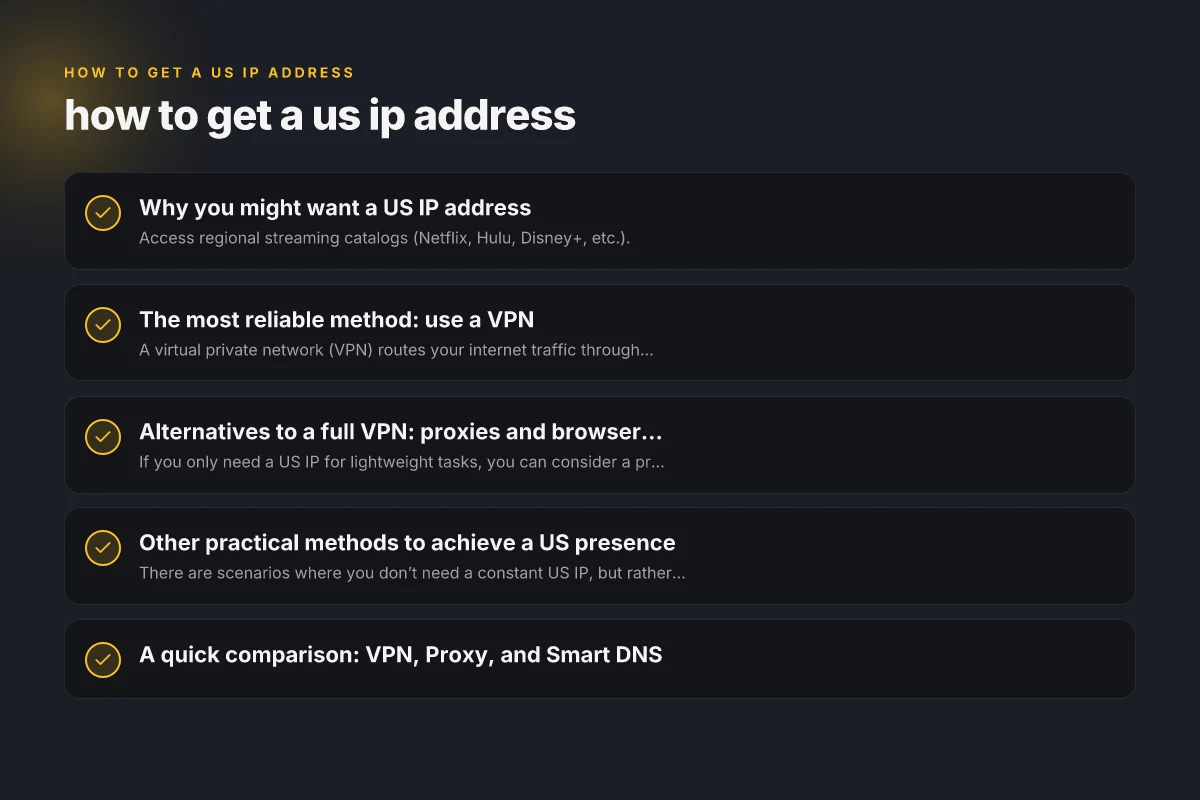
The most reliable method: use a VPN
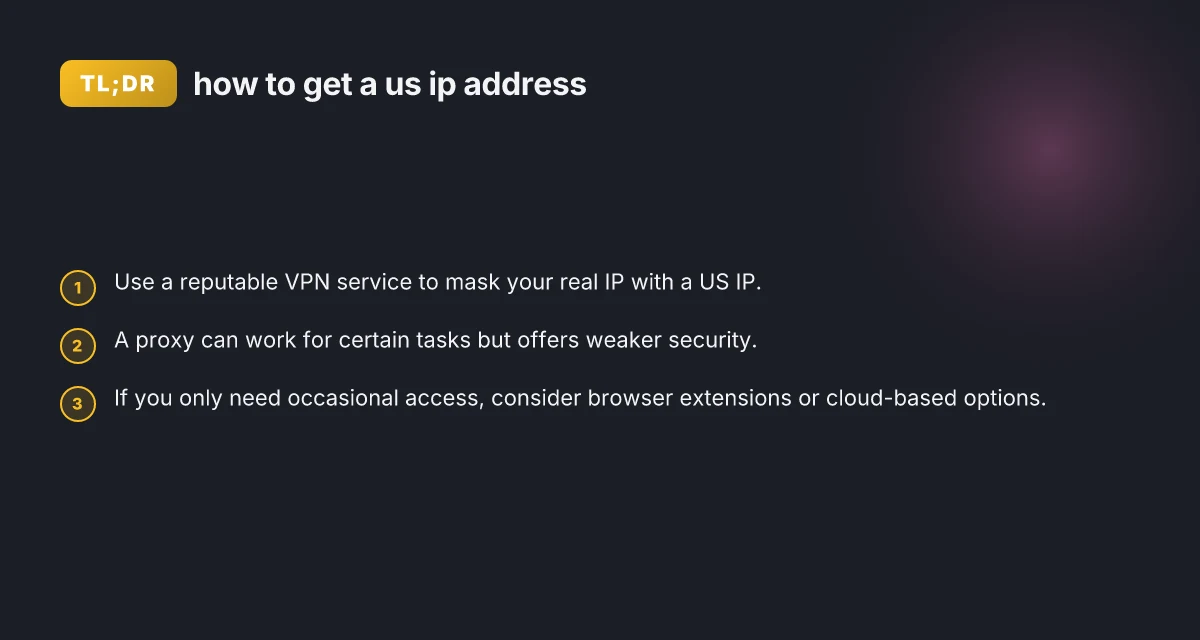
A virtual private network (VPN) routes your internet traffic through a server in a chosen country, giving you a US IP address.
How to choose a VPN for a US IP
- Look for servers in multiple US locations (New York, Los Angeles, etc.).
- Check speeds and bandwidth limits. Streaming usually needs fast, stable connections.
- Verify strong encryption and a strict no-logs policy.
- Ensure a kill switch and DNS leak protection are available.
- Read independent reviews about reliability with streaming services.
How to set up a VPN
- Subscribe to a reputable VPN service with US servers.
- Install the VPN app on your device (Windows, macOS, iOS, Android, etc.).
- Open the app and log in.
- Select a US server location.
- Connect and verify your IP by visiting a site like whatismyipaddress.com.
- If streaming, sometimes you may need a specific US server recommended by the service’s help articles.
Pros and cons of using a VPN
- Pros: Strong privacy, broad compatibility, reliable access to US content, supports multiple devices.
- Cons: Potentially slower speeds, some streaming platforms detect VPNs and block them, occasional compatibility issues with apps.
Alternatives to a full VPN: proxies and browser-based options
If you only need a US IP for lightweight tasks, you can consider a proxy or a browser extension.
Proxies
- Work at the application level or as a general proxy for your browser.
- Often cheaper or free, but offer limited security and can be less reliable.
- Some services leak your real IP if not configured correctly.
- Not ideal for sensitive activities like banking or login credentials.
Browser extensions
- Simple to install and use. Many have one-click US IP toggles.
- Usually route only browser traffic, not all device traffic.
- Security and privacy vary. Verify a trusted provider.
- Good for quick checks of US-only content, but less suitable for streaming or apps that block proxies.
When to use proxies or browser extensions
- Quick checks of a US-based site or content.
- Lightweight research tasks that don’t involve sensitive data.
- Non-streaming activities where you don’t mind a potential drop in privacy or speed.
Other practical methods to achieve a US presence
There are scenarios where you don’t need a constant US IP, but rather occasional access to US content or services.
Smart DNS services
- Route your DNS requests to appear as if you’re in the US.
- Keeps most of your traffic outside the VPN tunnel, which can preserve speed.
- Does not encrypt traffic. Privacy and security are lower than a VPN.
- Useful for unblocking geo-restricted content on many streaming platforms.
Cloud-based or remote desktop solutions
- Some services offer you access from a US-based server or desktop environment.
- You access content as if you were sitting in the US, with control over the remote machine.
- Typically requires a subscription and offers a higher level of privacy and control.
Mobile data roaming from a US SIM
- If you’re physically in a location where a US SIM is available (travelers, international plans), you can get a US IP via mobile data.
- Not practical for long-term use due to cost and data limits.
- Also depends on the carrier’s roaming policies and coverage.
A quick comparison: VPN, Proxy, and Smart DNS
| Method | IP origin control | Encryption | Speed impact | Privacy level | Best for |
|---|---|---|---|---|---|
| VPN | High (US server) | Strong | Moderate to high (depends on server) | High | Streaming, secure browsing, sensitive activity |
| Proxy | Variable | Often none | Often faster than VPN | Low to moderate | Lightweight tasks, quick checks, non-sensitive access |
| Smart DNS | US location for content, no IP masking | None | Usually fastest | Low | Unblocking streaming, geo-restricted services without privacy needs |
Legal and ethical considerations
- Avoid violating terms of service by spoofing location for activities that require geolocation checks.
- Some services actively block known VPNs or proxies. You may need to switch servers or providers.
- Be mindful of data privacy, especially on free or questionable services.
- If you’re using corporate networks or streaming accounts, check with your administrator or service provider for allowed access methods.
How to test that you have a US IP
- Visit a site that shows your IP and location, such as whatismyipaddress.com or ipinfo.io.
- Confirm the location reads as a city in the United States and the IP address is from a US range.
- If you’re testing streaming, try loading a US-only catalog or service and see if content is accessible.
Common pitfalls and how to avoid them
- Free VPNs and proxies often log data or inject ads. Choose reputable paid services with clear privacy policies.
- Not all US servers are equal. Some may be on shared IP pools or flagged by streaming platforms. If one server fails, try another US server.
- Some devices and apps have DNS leaks. Enable features like a kill switch and DNS protection in your VPN app.
- Streaming platforms detect VPNs and proxies. Rotating servers or contacting support for recommended paths can help.
Final recommendation
For most users who want a reliable, secure, and easy way to get a US IP address, a reputable paid VPN is the best option. It provides robust privacy, strong encryption, and broad compatibility across devices while giving you reliable access to US content and services. If your needs are limited to quick checks or unblocking non-sensitive content, a trusted browser extension or Smart DNS service can be a suitable, faster alternative. Always pick services with clear privacy policies, transparent logging practices, and strong reputations to ensure your data stays protected while you enjoy the conveniences of a US IP address. How to find a good proxy site