Get an iraqi IP address
Learn how to obtain an Iraqi IP address securely and legally, with practical methods and safety tips.
Getting an Iraqi IP address means routing your internet traffic through a server located in Iraq so websites and services see an Iraqi location. People do this for legitimate reasons, such as testing local websites, accessing services that are only available in Iraq, or researching regional content. It’s important to approach this responsibly, respecting laws, terms of service, and the rights of others. Below you’ll find practical, legal ways to obtain an Iraqi IP address, plus tips to stay safe and private online.

Why someone would want an Iraqi IP address
- Web testing: Developers or marketers may need to see how a site behaves for Iraqi users.
- Local content access: Some streaming services or regional portals restrict content by country.
- Market research: Businesses want to simulate Iraqi user experiences or gather data.
- Security and privacy: Short-term concealment of location for privacy, while complying with applicable rules.
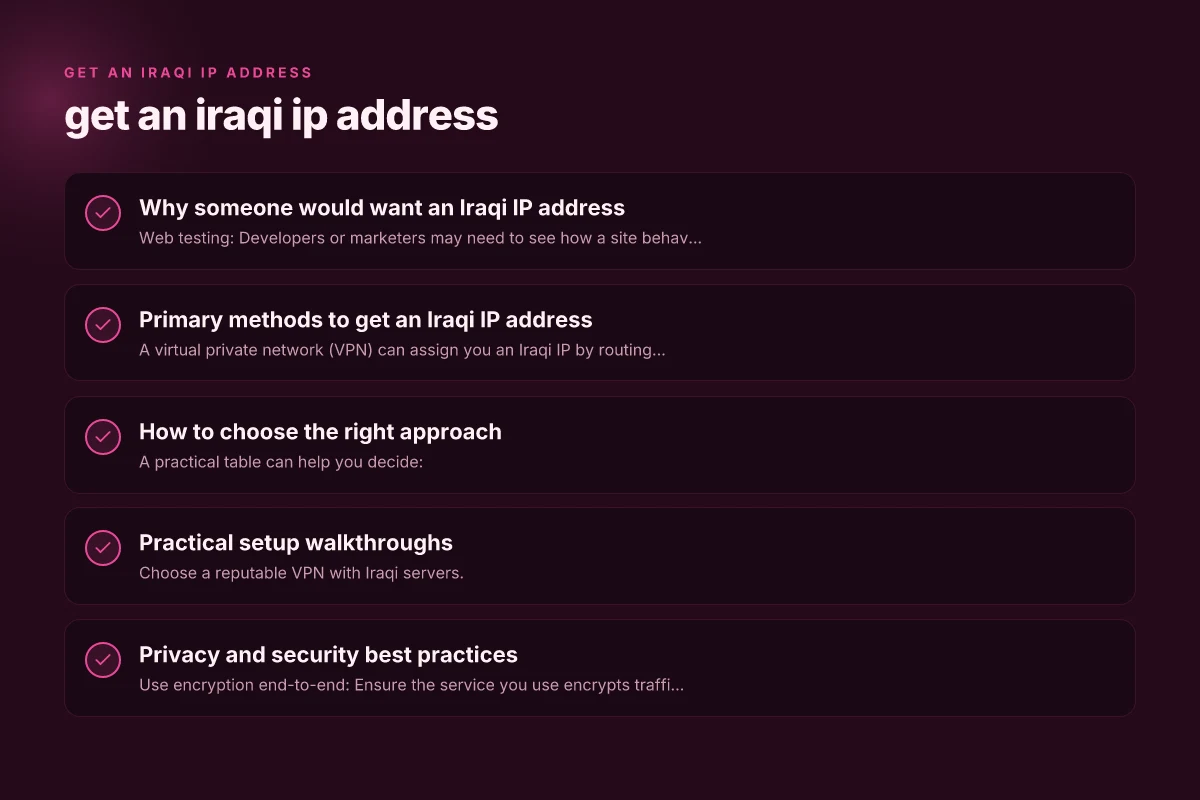
Primary methods to get an Iraqi IP address
Use a reputable VPN with Iraqi servers
A virtual private network (VPN) can assign you an Iraqi IP by routing traffic through a server in Iraq. When evaluating VPNs, consider:
- Server presence in Iraq: Not all VPNs have Iraqi servers, so verify location lists.
- Privacy policy: Look for no-logging guarantees, minimal data collection, and clear data handling practices.
- Connection speed and reliability: Some VPNs can be slow if the Iraqi server is far or overloaded.
- Security features: Strong encryption (AES-256), modern protocols (WireGuard, OpenVPN), and a kill switch.
- Jurisdiction and terms: Ensure the provider’s jurisdiction aligns with your privacy expectations and that usage complies with the law.
Use a proxy service that offers Iraqi exit nodes
A proxy routes only part of traffic through a middleman in Iraq. Proxies can be cheaper than VPNs but often lack robust encryption.
- Pros: Usually lower cost, simple to set up for browser-based tasks.
- Cons: Generally weaker security, potential for data leaks, and more limited compatibility.
- Best use: Light browsing or testing where strong privacy isn’t critical.
Remote desktop or infrastructure services
If you need a persistent Iraqi IP for development or testing, you can rent a server or virtual machine (VM) physically located in Iraq or served by an Iraqi data center.
- Pros: Stable IP, more control, predictable performance.
- Cons: Typically more technical to set up, higher costs, and you must manage security.
- How-to: Spin up a VPS in a provider with Iraqi presence, configure a gateway or VPN inside the VM, and route your traffic through it.
Browser-based solutions and developer tools
For occasional checks, you can use browser extensions or developer tools that simulate a location or leverage a remote debugging environment hosted in Iraq. Get an IP address from zimbabwe
- Pros: Quick and convenient for quick checks.
- Cons: May not provide a true Iraqi IP, could be blocked by sites, and often less secure.
Caution with free tools
Free VPNs or proxies may sell your data, inject ads, or provide weak encryption. If you’re attempting to access sensitive services or handle personal data, avoid free options and stick to reputable paid providers with transparent privacy practices.
How to choose the right approach
Compare VPNs with Iraqi presence
A practical table can help you decide:
| Factor | VPN with Iraqi servers | Proxy service | Iraqi VPS/VM |
|---|---|---|---|
| Privacy protection | High (if no-logs) | Moderate to low | Depends on your own setup |
| Security | Strong encryption | Often weak | Depends on your configuration |
| Speed | Usually good, varies | Often slower | Can be fast on a local host |
| Setup complexity | Moderate | Easy for browser tasks | Moderate to advanced |
| Cost | Subscription often best | Low to moderate | Higher initial cost |
Consider legality and terms of service
- Check local laws in your jurisdiction and the jurisdiction of the content you access.
- Read the terms of service of the site you’re using. Some sites prohibit VPNs or proxies.
- If you’re a business user, ensure your usage aligns with licensing and regional access rights.
Practical setup walkthroughs
Quick VPN setup (example workflow)
- Choose a reputable VPN with Iraqi servers.
- Create an account and install the app on your device.
- Open the app, select a server located in Iraq, and connect.
- Verify your IP: visit a site like whatismyipaddress.com to confirm the location shows Iraq.
- Use as needed, and disconnect when done.
Using an Iraqi VPS as a gateway
- Sign up for a VPS provider with data centers in or near Iraq.
- Create a new Linux VM and secure it (update packages, set a strong password or SSH key).
- Install a VPN server (WireGuard is a common choice) or set up a SOCKS5 proxy.
- Start the service and note the IP address and port.
- From your local machine, configure a VPN client or proxy to route traffic through the VPS.
- Confirm IP location via an IP-check site.
Proxy- or browser-based approach (lightweight)
- Choose a reliable proxy service with Iraqi endpoints.
- Configure your browser to use the proxy (usually in settings under network or connection).
- Test with a country-check site to confirm Iraq appears.
- Use briefly for testing, but avoid transmitting sensitive information through untrusted proxies.
Privacy and security best practices
- Use encryption end-to-end: Ensure the service you use encrypts traffic, especially when handling login credentials or sensitive data.
- Enable a kill switch: If your VPN disconnects, the kill switch prevents traffic from leaking outside the VPN tunnel.
- Keep software updated: Regular updates reduce security vulnerabilities.
- Limit data leakage: Avoid DNS leaks by using VPNs or DNS-over-HTTPS (DoH) with your chosen tool.
- Be mindful of logging policies: Prefer providers that publish clear, independent audits or third-party reviews.
- Consider data jurisdiction: The country where your VPN or gateway provider is based can affect data requests.
Common pitfalls and how to avoid them
- Thinking all tools guarantee a real Iraqi IP: Some tools only spoof location in a browser or provide inconsistent results. Verify with multiple IP-checks and real-world testing.
- Using free services for sensitive tasks: Free options may log data or inject ads. Reserve free tools for low-risk exploration.
- Ignoring latency and reliability: An Iraqi server that’s far from your location can cause high latency, breaking streaming or interactive tasks. Test speeds and choose a server that balances proximity and reliability.
- Violating terms of service: Some streaming platforms actively block VPNs or proxies. If your goal is access, be aware of restrictions and legal implications.
Practical recommendations
- For most users who need a legitimate Iraqi IP occasionally, start with a reputable paid VPN that explicitly advertises Iraqi servers and a transparent privacy policy. Test with short sessions to gauge speed and reliability.
- If you require a persistent Iraqi IP for development or testing, consider a small Iraqi VPS or VM with a manually configured VPN or proxy. This gives you more control and can be cost-effective for long-term use.
- Use privacy hygiene practices: combine your Iraqi IP setup with strong device security, unique passwords, and, where appropriate, multi-factor authentication.
Final thoughts and recommendation
If your goal is legitimate testing or access to Iraqi-focused content, a trusted VPN with Iraqi servers is usually the simplest and safest route. It provides encryption, privacy protections, and an easy switch back to your usual location. For higher control and consistent IPs over time, a dedicated Iraqi VPS with a properly configured VPN or proxy can be worth the extra setup effort. Always prioritize reputable providers, understand the legal landscape, and routinely verify that your setup still aligns with your privacy and compliance needs. If you’re unsure, start with a reputable VPN option and proceed step by step, rather than jumping into complex configurations.