Get an IP address from the cayman islands
A practical guide to obtaining an IP address associated with the Cayman Islands location.
The Cayman Islands are a popular offshore jurisdiction known for privacy and business resilience. If your goal is to obtain an IP address that geolocates to the Cayman Islands, there are legitimate paths to consider. This guide explains practical methods, what to expect, and how to verify that your IP genuinely appears from the Cayman Islands.

Why you might want a Cayman Islands IP address
- Access region-locked services: Some financial platforms, banks, or corporate portals require IPs from a specific region for security or licensing reasons.
- Research and compliance: Market studies, pricing, or regulatory testing may benefit from Cayman-specific geolocation.
- Privacy and anonymity: Some users want to mask their actual location for personal privacy, though this must be done in a lawful way.
- Business operations: Companies with Cayman-based needs may test connectivity or routing from the jurisdiction.
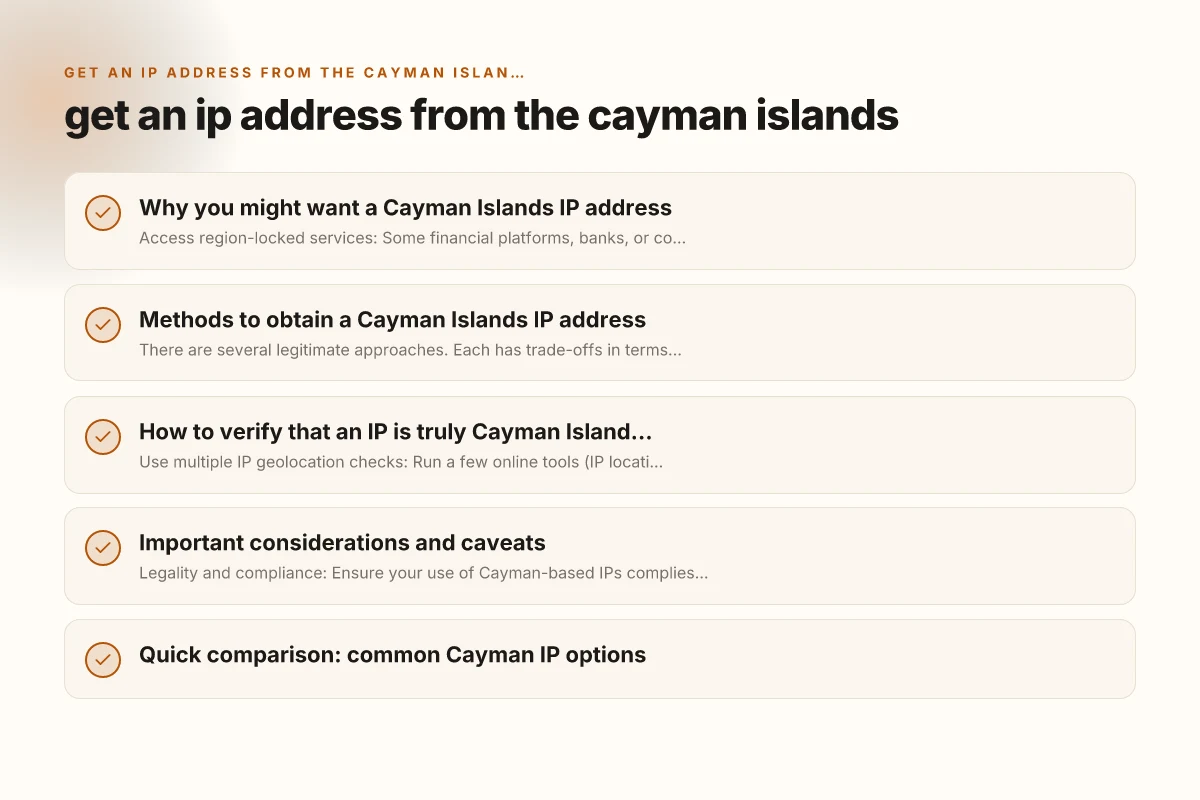
Methods to obtain a Cayman Islands IP address
There are several legitimate approaches. Each has trade-offs in terms of speed, cost, and reliability.
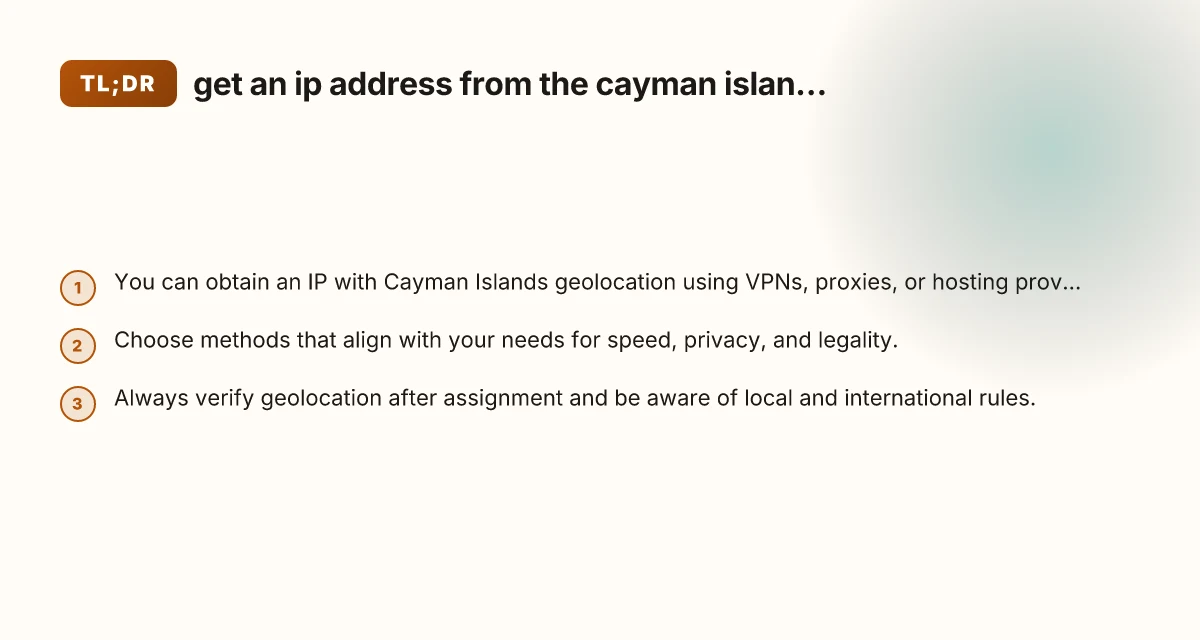
1) Virtual Private Network (VPN) with Cayman servers
- Pros:
- Easy to set up on most devices.
- A wide choice of providers with Cayman servers.
- Can switch locations quickly.
- Cons:
- Some services block VPN traffic.
- Shared IPs may reduce performance or raise risk of IP blacklisting.
- How it works:
- Subscribe to a reputable VPN that lists Cayman Islands as a server location.
- Connect to a Cayman server. Your outbound IP will geolocate to Cayman.
- Best practices:
- Verify the exact geolocation via an IP lookup after connecting.
- Use reputable providers with transparent privacy policies.
- Consider a dedicated or static IP option if available.
2) Proxy services with Cayman endpoints
- Pros:
- Often cheaper than premium VPNs.
- Useful for specific apps or browser-based tasks.
- Cons:
- Proxies can be less secure. Not suitable for sensitive data.
- Anonymity levels vary. Some proxies log data.
- How it works:
- Configure your application or system to route traffic through a Cayman-based proxy.
- The target service will see the proxy IP, which geolocates to Cayman.
- Best practices:
- Use HTTPS proxies for encryption.
- Test the proxy for leaks and confirm no IP exposure beyond the proxy.
3) Cloud-based or VPS hosting in the Cayman Islands
- Pros:
- Stable, dedicated IP with Cayman geolocation.
- Greater control for servers, testing, or automation.
- Cons:
- Typically more expensive. Longer setup.
- You’re responsible for server maintenance and security.
- How it works:
- Rent a virtual private server (VPS) or dedicated server physically located in the Cayman Islands.
- Install the software you need and route traffic through the server.
- Best practices:
- Ensure the hosting provider explicitly offers Cayman Islands data center locations.
- Secure the server with strong authentication, updates, and monitoring.
- Use a firewall and logging to track usage.
4) Commercial IP leasing or residency-based services
- Pros:
- Access to a dedicated Cayman IP without building your own infrastructure.
- Suitable for businesses needing reliable, consistent geolocation.
- Cons:
- Higher ongoing cost. License terms vary.
- How it works:
- Purchase or lease a Cayman-based IP block or fixed IP service from a provider.
- Configure your devices or services to use the leased IP as the source.
- Best practices:
- Read the terms of use, data handling policies, and uptime guarantees.
- Confirm the IP block is correctly routed to Cayman and not proxied elsewhere.
5) Remote testing laboratories and partner networks
- Pros:
- Useful for QA, performance testing, or compliance checks.
- Often grants legitimate, temporary Cayman IP access.
- Cons:
- Availability depends on partner arrangements.
- How it works:
- Work with a partner network or testing lab that has Cayman Islands presence.
- Execute tests from their Cayman-based environment.
- Best practices:
- Obtain written permission and usage windows to avoid policy violations.
- Document the IPs used and the purpose of testing.
How to verify that an IP is truly Cayman Islands geolocated
- Use multiple IP geolocation checks: Run a few online tools (IP location checkers) to confirm consistency.
- Check for CIDR and ASN data: Cayman-focused IPs often belong to providers with regional ASNs.
- Test from different endpoints: Compare results from your VPN, proxy, and dedicated server to ensure the IP appears Cayman-based consistently.
- Be aware of geolocation limits: Some services use advanced heuristics and may still block or misidentify IPs despite geolocation data.
Important considerations and caveats
- Legality and compliance: Ensure your use of Cayman-based IPs complies with local laws and the terms of service of the platforms you access. Misrepresentation or illicit activity using geolocation could have consequences.
- Privacy and data handling: Some services claim enhanced privacy, but always review the privacy policy and data retention practices of any VPN, proxy, or hosting provider.
- Performance and latency: Physical distance can affect latency. Cayman-based IPs may introduce routing delays depending on your base location.
- IP reputation: Shared IPs can be flagged if other users engage in abusive behavior. Dedicated Cayman IPs are less likely to suffer this issue.
- Cost considerations: Fees vary widely. Balance cost against desired reliability, speed, and control.
Quick comparison: common Cayman IP options
| Method | Typical cost range | Pros | Cons | Best use case |
|---|---|---|---|---|
| VPN with Cayman server | Low to mid | Easy setup, multiple locations | Potentially shared IP, blocked by some services | General access, lightweight testing |
| Cayman proxy | Low | Cheap, browser-friendly | Less secure, variable performance | Quick app or browser tasks |
| Cayman VPS / dedicated server | Mid to high | Full control, stable IP | Setup time, maintenance | Automated testing, data processing |
| IP lease / residency service | Mid to high | Reliable, dedicated IP | Higher cost, contractual terms | Business-grade geolocation needs |
| Partner testing environment | Variable | Realistic test environment | Availability, access controls | QA and compliance checks |
Getting started: a practical checklist
- Define your goal: Is this for testing, access, or privacy? That determines the best method.
- Choose a provider: Research Cayman Islands data centers or providers offering Cayman-based IPs. Read reviews and check uptime guarantees.
- Decide on a setup: VPN, proxy, VPS, or leased IP? Consider speed, security, and cost.
- Plan verification: Decide which geolocation checks you will run to confirm the IP is Cayman-based.
- Implement security: Use strong authentication, encryption, and monitor activity.
- Document your workflow: Keep notes on the IPs used, durations, and purpose for future audits.
Final section: recommendation
If your goal is reliable access with reasonable control and ongoing use, start with a Cayman Islands VPS or a dedicated Cayman IP lease. This option provides a genuine, stable Cayman geolocation, ample control over traffic, and fewer surprises from IP sharing. For quick, low-cost tasks or exploratory testing, a Cayman-located VPN is a solid first step, provided you validate the geolocation after connection. Always verify the IP’s location after setup and ensure you comply with all applicable laws and service agreements. If you need a scalable, enterprise-grade solution, consider working with a reputable hosting or IP-leasing provider that explicitly advertises Cayman Islands locations and offers clear SLAs.