Get an IP address from pitcairn

A practical guide to obtaining an IP address from Pitcairn Island, including options, steps, and considerations.
Pitcairn Island is one of the most remote inhabited places in the world. As a small British Overseas Territory in the Pacific, it doesn’t run a large, public internet exchange. If your goal is to “get an IP address from Pitcairn,” you’re not likely to find a dedicated, consumer-facing option in the same way you would for larger countries. Instead, you’ll typically obtain an IP address that appears to originate from Pitcairn through one of several practical approaches. This article lays out the most common paths, what to expect, and how to choose the right fit for your needs.

Why an IP address tied to Pitcairn matters
- Perception of location: Some services block or price based on geography. An IP that appears to originate from Pitcairn can help access region-restricted content or comply with location-based rules.
- Data residency considerations: For some applications, you may want traffic to exit through a specific region for compliance or performance reasons.
- Latency trade-offs: Remote locations can introduce higher latency. Understanding where the traffic exits the network matters.
What “Pitcairn IP” usually means
- IPs seen as Pitcairn-related: In practice, you’re unlikely to be assigned a clean, bore-sight Pitcairn address. More commonly, services route traffic via a Tor, VPN, proxy, or hosting provider that has a gateway or exit node associated with Pitcairn or the Pacific region.
- ISPs and backhaul: Some organizations with presence in the Pacific may advertise IP blocks that include Pitcairn as part of a broader service area. These are often enterprise-scale arrangements.
- DNS vs. IP geography: Remember that geolocation based on IP can be imperfect. The city/country mapping may show Pitcairn even if the physical path doesn’t traverse Pitcairn’s networks.

The practical options to obtain an IP address linked to Pitcairn
1) Use a commercial VPN or proxy with Pitcairn exits
- What it is: A paid service that routes your internet traffic through a server configured to appear as if it’s in a Pitcairn-related network or region.
- Pros:
- Quick to set up.
- Flexible on devices and platforms.
- Often provide concurrent connections and apps.
- Cons:
- Varies in latency depending on the routing path.
- Trust and privacy considerations with third-party operators.
- Some sites actively block VPN exit IPs.
- Best practices:
- Choose a reputable provider with clear no-logs policies and Pitcairn-relevant exit options.
- Test latency and geolocation accuracy for your use case.
2) Use a dedicated IP service with a Pitcairn egress
- What it is: Some VPN or proxy providers offer a dedicated IP address for your account, sometimes from a specific region or exit network.
- Pros:
- Consistent IP address across sessions.
- Easier to whitelist or configure for services that require your IP.
- Cons:
- Usually more expensive than shared IPs.
- Availability of a Pitcairn-specific exit may be limited or require enterprise-level plans.
- Best practices:
- Verify the geographic attribution of the exit IP at the time of purchase.
- Confirm service-level agreements (SLAs) and support for Pitcairn-related routing.
3) Route traffic through a hosting or VPS located in the broader Pacific/Asia-Pacific region
- What it is: Rent a virtual private server (VPS) or dedicated server in a Pacific Rim data center, then tunnel traffic via SSH, WireGuard, or VPN to your device.
- Pros:
- Greater control over routing and security.
- Can achieve stable, controllable latency for applications.
- Cons:
- Requires more setup and ongoing management.
- Your outbound IP will be the VPS IP, which may or may not map neatly to Pitcairn in geolocation databases.
- Best practices:
- Select a data center with good peering to your target destinations.
- Use strong encryption and regular security maintenance.
4) Work with an ISP or telecom provider that has a Pitcairn presence
- What it is: If you’re a business or organization with a legitimate business need, you may negotiate with an ISP that has an established connection to Pitcairn’s network for a dedicated route or IP allocation.
- Pros:
- Potentially more stable and legitimate control over routing.
- Possible service-level guarantees.
- Cons:
- Typically accessible to organizations with specific requirements and budgets.
- Long lead times and contractual processes.
- Best practices:
- Prepare a clear business case for why Pitcairn routing is needed.
- Work with a network consultant or telecommunications advisor.
How to verify you have a Pitcairn-related IP
- Check your public IP: Use a service like ipinfo.io, whatismyipaddress.com, or similar to see what IP is exposed and its inferred location.
- Review geolocation data: Keep in mind that geolocation databases aren’t perfect. Some IPs may map to Pitcairn in one database and another location in another.
- Test latency and route: Use traceroute or mtr to see the path your traffic takes to the target server. Look for hops through Pacific region networks if you expect Pitcairn-related routing.
- Confirm with the service: If a site blocks certain IPs or enforces location-based rules, test access with your Pitcairn-associated IP to confirm it’s effective.
A practical comparison: common approaches at a glance
| Approach | Typical use case | Pros | Cons | Setup complexity |
|---|---|---|---|---|
| VPN with Pitcairn exit | Accessing location-restricted content, general use | Quick, flexible, multi-device | Variable latency, trust concerns | Easy to moderate |
| Dedicated IP via VPN/proxy | Stable IP for whitelisting | Consistent IP, easier access control | Costly, depends on provider | Easy to moderate |
| VPS-based routing | Custom routing, enterprise needs | Full control, predictable path | Management overhead | Moderate to hard |
| ISP-based Pitcairn route | Enterprise-grade routing | SLA, reliability | Limited availability, high cost | Moderate to hard |
Potential pitfalls and how to avoid them
- Misleading location data: A IP address that looks Pitcairn-based might still exit elsewhere. Always verify with real-world tests and multiple geolocation tools.
- Latency surprises: Remote routing can add tens to hundreds of milliseconds. Do performance testing before committing to a solution.
- Privacy implications: Some services require logging for compliance. Review privacy policies and opt for solutions with clear data handling practices.
- Compliance considerations: If you’re using Pitcairn routing for regulatory or policy reasons, ensure you meet the relevant local and international requirements.
Steps to get started quickly
- Define your goal: Do you need a Pitcairn-like IP for content access, for compliance, or for testing? Your objective will guide the choice of approach.
- Assess tolerance for latency and cost: VPNs are cheap and quick; VPS routing offers control but requires maintenance.
- Choose a provider with clear Pitcairn or Pacific-region exits: Read reviews, check exit IPs, and confirm geolocation accuracy.
- Test thoroughly: After setting up, verify IP, latency, and access to target services. Use multiple tools and time-of-day tests.
- Plan for long-term needs: If you expect ongoing use, consider a solution with good support, clear SLAs, and scalable options.
Final recommendation
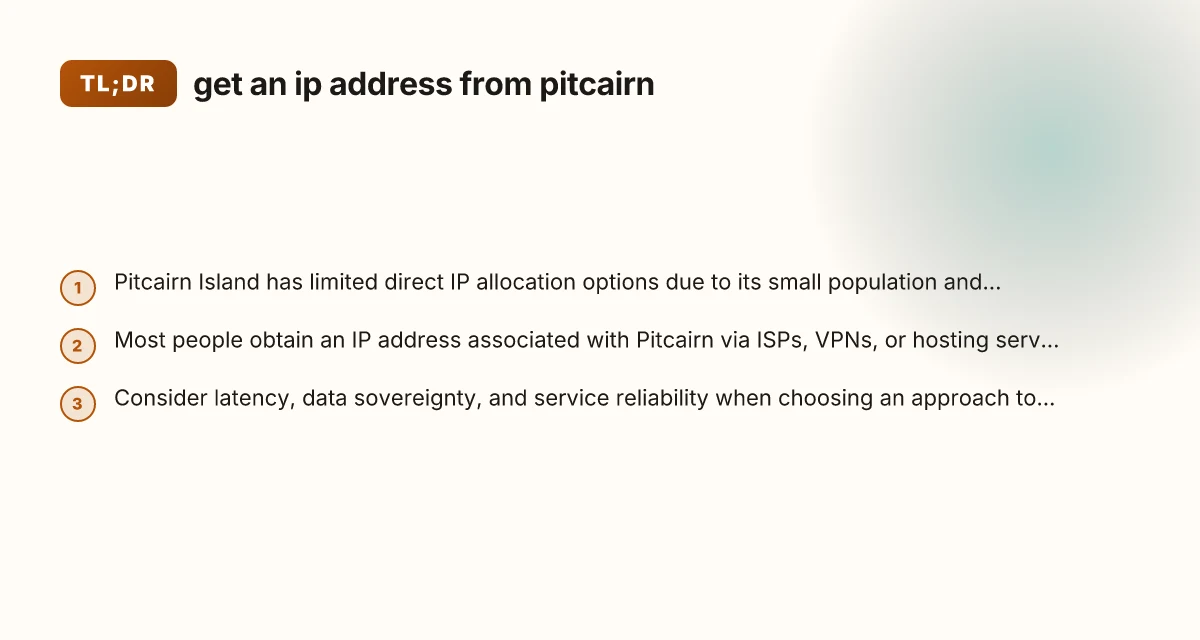
If your primary goal is to “get an IP address from Pitcairn” for quick access or testing, start with a reputable VPN or proxy that offers a Pitcairn or Pacific-region exit and a dedicated IP option. This path minimizes setup time, provides flexibility, and lets you evaluate performance with minimal friction. If you anticipate long-term, mission-critical needs, such as enterprise-grade routing, guaranteed uptime, or complex compliance considerations, investigate a VPS-based routing solution or engage with an ISP that can provide a formal Pitcairn-related route. Regardless of the path, verify the IP’s attribution, test latency, and confirm the service terms to ensure your setup meets your goals.