Get an IP address from french polynesia

Learn how to get an IP address from French Polynesia, with practical steps, tools, and considerations.
If you need to obtain an IP address that appears to come from French Polynesia, you’re essentially trying to mask or redirect your internet traffic to exit through a server located in that region. This is commonly done for accessing region-restricted content, testing geo-targeted services, or safeguarding privacy. Below, you’ll find a practical guide to achieve this, plus considerations to help you choose the right method for your needs.

How IP geolocation works and why you might want a French Polynesia IP
- IP geolocation is the process of mapping an IP address to a physical location, such as a country or city.
- When you connect to the internet, your device gets an IP address from your ISP. The location associated with that IP is typically determined by the ISP’s data.
- To obtain a French Polynesia IP, you route your traffic through a server physically located in the region.
- Use cases include:
- Accessing region-locked content or services.
- Testing how websites render from French Polynesia.
- Research or market analysis specific to the region.
- Enhanced privacy by obscuring your actual location.
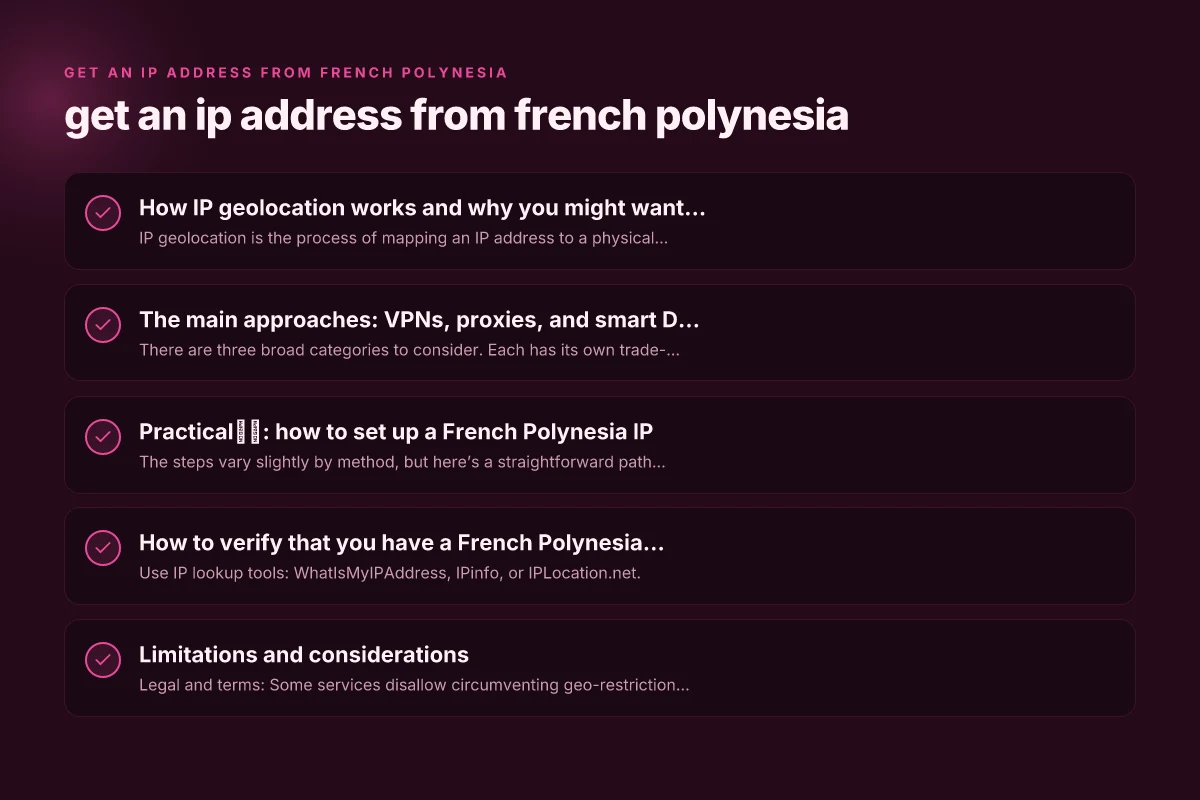
The main approaches: VPNs, proxies, and smart DNS
There are three broad categories to consider. Each has its own trade-offs in speed, privacy, and reliability.
VPN (Virtual Private Network)
- Pros:
- Encrypts all traffic between your device and the VPN server, bolstering privacy.
- Usually easy to set up on phones, tablets, and computers.
- Often provides robust apps for multiple platforms.
- Cons:
- Some services block VPN IPs, especially streaming platforms.
- Speed can vary depending on server load and distance.
- How to choose:
- Look for servers specifically in French Polynesia or nearby territories.
- Check for a no-logs policy, strong encryption, and leak protection.
- Ensure the provider supports the devices you use and offers Kill Switch and DNS leak protection.
Proxy (HTTP/SOCKS)
- Pros:
- Often lighter-weight than a full VPN. Can be faster for specific apps.
- Useful for browser-level location masking or app-specific routing.
- Cons:
- Typically does not encrypt traffic unless using a secure proxy (e.g., HTTPS proxy).
- May reveal your real IP if misconfigured.
- How to choose:
- Prefer HTTPS/ SOCKS5 proxies with reliable uptime.
- Verify they offer servers in French Polynesia and support for your platform.
- Use per-application proxy settings for control.
Smart DNS (DNS-based geo-masking)
- Pros:
- Generally faster than VPNs because it doesn’t tunnel all traffic. Only DNS requests and certain geographic checks change.
- Good for streaming where only location-locked content matters.
- Cons:
- No encryption. Your ISP can still see your traffic.
- Might not work with all apps and services that use VPN-detect techniques.
- How to choose:
- Confirm that the service has a French Polynesia location in its routing.
- Check compatibility with devices and streaming apps.
- Consider whether you need DNS privacy or broader traffic obfuscation.
Practical步骤: how to set up a French Polynesia IP
The steps vary slightly by method, but here’s a straightforward path for each:
Using a VPN
- Pick a reputable VPN provider with French Polynesia servers or nearby locations.
- Install the VPN app on your device (Windows, macOS, iOS, Android, or other supported platforms).
- Open the app and log in.
- Connect to a server that is located in French Polynesia (if not available, choose a nearby region and test the IP).
- Verify your IP location:
- Visit a site like whatismyipaddress.com or ipinfo.io to confirm the country shows as French Polynesia.
- Optional: enable features like Kill Switch and DNS leak protection for added security.
Using a proxy
- Choose a reliable proxy service with a French Polynesia server.
- Configure your device or app to use the proxy:
- For browsers, enter the proxy address and port in the network settings.
- For other apps, use built-in proxy settings or a system-wide proxy configuration.
- Test your IP:
- Go to an IP check site to confirm the French Polynesia location.
- Ensure you use a secure (HTTPS) proxy if privacy matters. Otherwise, your traffic may be exposed.
Using Smart DNS
- Subscribe to a Smart DNS service that lists French Polynesia as a supported region.
- Follow the service’s setup instructions, which typically involve:
- Changing DNS settings on your router or device.
- Entering provided DNS addresses.
- Test access to region-locked content or services that require a French Polynesia IP.
- Check for IP location changes by visiting an IP lookup site.
How to verify that you have a French Polynesia IP
- Use IP lookup tools: WhatIsMyIPAddress, IPinfo, or IPLocation.net.
- Check the listed country: it should show French Polynesia or TA (For Tahiti’s island-level contexts, some tools group under French Polynesia).
- Confirm there are no IP leaks:
- DNS leak test: dnsleaktest.com
- WebRTC leak test for browsers: browser-based tests to ensure your real IP isn’t exposed via WebRTC.
- If a site detects your location incorrectly, try clearing DNS cache, restarting the app, or selecting a different server.
Limitations and considerations
- Legal and terms: Some services disallow circumventing geo-restrictions. Always review terms of service to avoid violating policies.
- Reliability: Free or low-cost options may suffer from slow speeds, unreliable connections, or IP blocks.
- Privacy trade-offs: VPNs encrypt traffic, but proxy and certain DNS-based solutions do not. Consider your privacy needs.
- Bandwidth and latency: Routing traffic to French Polynesia increases round-trip distance, which can slow streaming or gaming. Test a few servers for best performance.
- Local laws: Be aware of local laws regarding VPNs and anonymization in your jurisdiction and in French Polynesia.
Quick comparison at a glance
| Method | Encryption | Speed impact | Ease of use | Best for |
|---|---|---|---|---|
| VPN | High | Moderate to high | Very easy | Privacy, broad coverage, streaming with protection |
| Proxy | Low to none | Often faster | Easy to moderate | App-specific spoofing, lightweight tasks |
| Smart DNS | None | Typically fast | Easy | Accessing geo-locked content without privacy needs |
Common pitfalls and how to avoid them
- IP leaks: DNS or WebRTC leaks can reveal your real location even when using a VPN. Use a VPN with built-in DNS leak protection and WebRTC blocking.
- Incorrect server choice: Not all providers have French Polynesia servers. If you don’t see it, contact support or test nearby regions.
- Battery and data usage: Some mobile VPNs can drain battery faster or increase data usage due to encryption overhead. Monitor usage if you’re on limited data.
- Account blocks: Some services detect VPNs or proxies and block access. If this happens, try a different server or switch to a more trusted provider.
What to choose based on your use case
- Accessing streaming content from French Polynesia: Start with a reputable VPN that explicitly lists servers in or near French Polynesia. Verify streaming compatibility and test several servers.
- Web testing or development with region-specific content: A VPN with stable servers in French Polynesia or nearby is ideal, plus you may want a tool that allows per-app routing.
- Privacy-focused needs: A VPN with a strict no-logs policy, strong encryption, and a proven track record is essential. Avoid proxies that expose traffic.
- Lightweight tasks or browser-only masking: A Smart DNS service can be sufficient for geolocation needs when privacy is less of a concern.
Final section: recommendation
If your primary goal is to reliably obtain a French Polynesia IP for privacy, testing, or access to geo-locked services, start with a reputable VPN that lists French Polynesia servers or provides plausible nearby locations. A VPN offers encryption, better privacy protections, and easier management across devices. Pair it with DNS leak protection and a Kill Switch to minimize exposure. If you only need to access region-restricted content in a single app, a secure proxy or Smart DNS can be a quicker, lighter option, but remember the trade-offs in privacy and coverage. Always verify the IP location after connecting, and stay mindful of the terms of service of any sites you use.