Get an Indonesian IP address: practical ways to appear as if you’re browsing from Indonesia
Learn reliable methods to obtain an Indonesian IP address for streaming, privacy, and access reasons.
Getting an Indonesian IP address can unlock local content, improve privacy for certain online activities, and help you access region-locked services. Whether you’re traveling, living abroad, or simply curious, there are several practical paths to appear as if you’re browsing from Indonesia. This guide breaks down the options, their trade-offs, and how to choose the method that fits your needs.

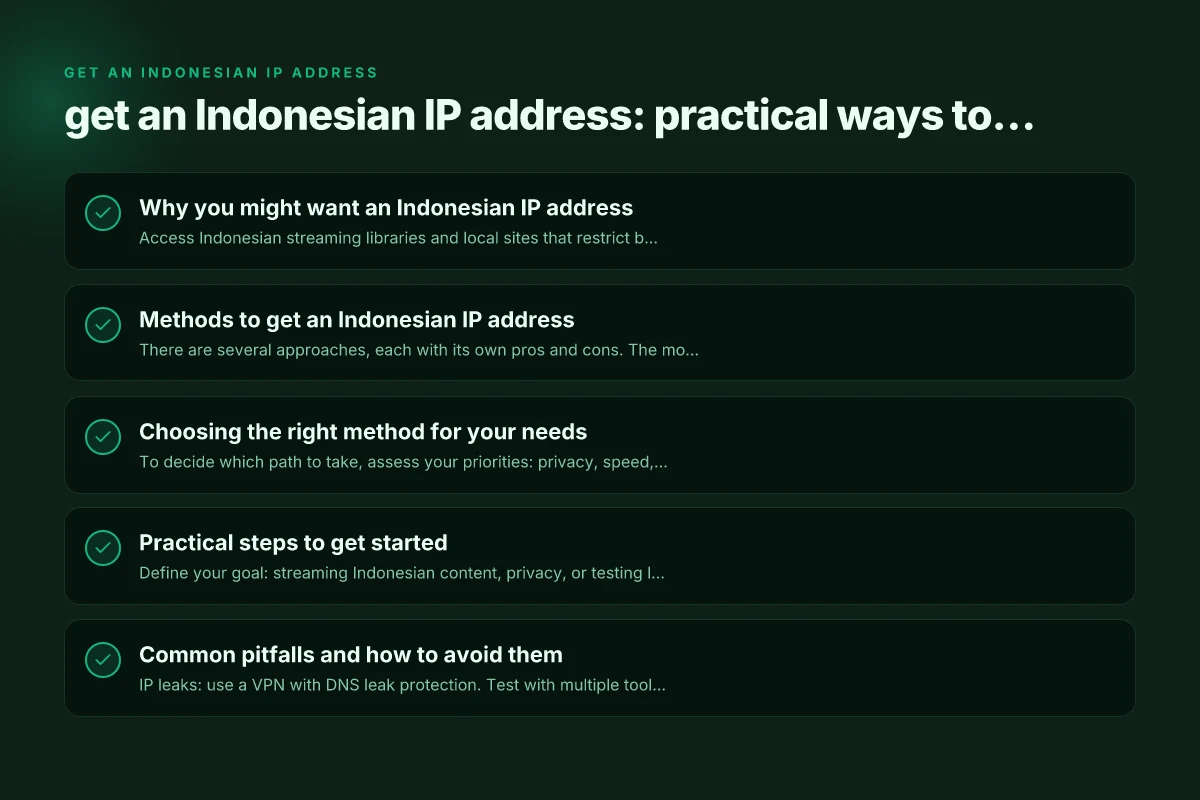
Why you might want an Indonesian IP address
- Access Indonesian streaming libraries and local sites that restrict by region.
- Take advantage of localized pricing or promotions available to Indonesian users.
- Improve privacy by masking your real location from websites and advertisers.
- Bypass geo-blocks for business tools or services that prioritize Indonesian IPs.
Important considerations
- Legal and terms-of-service: Some services prohibit spoofing locations. Check the terms for each provider.
- Security and privacy: Not all methods offer the same level of encryption or protection.
- Performance: Distance to Indonesia and the method used can impact speed and reliability.
Methods to get an Indonesian IP address
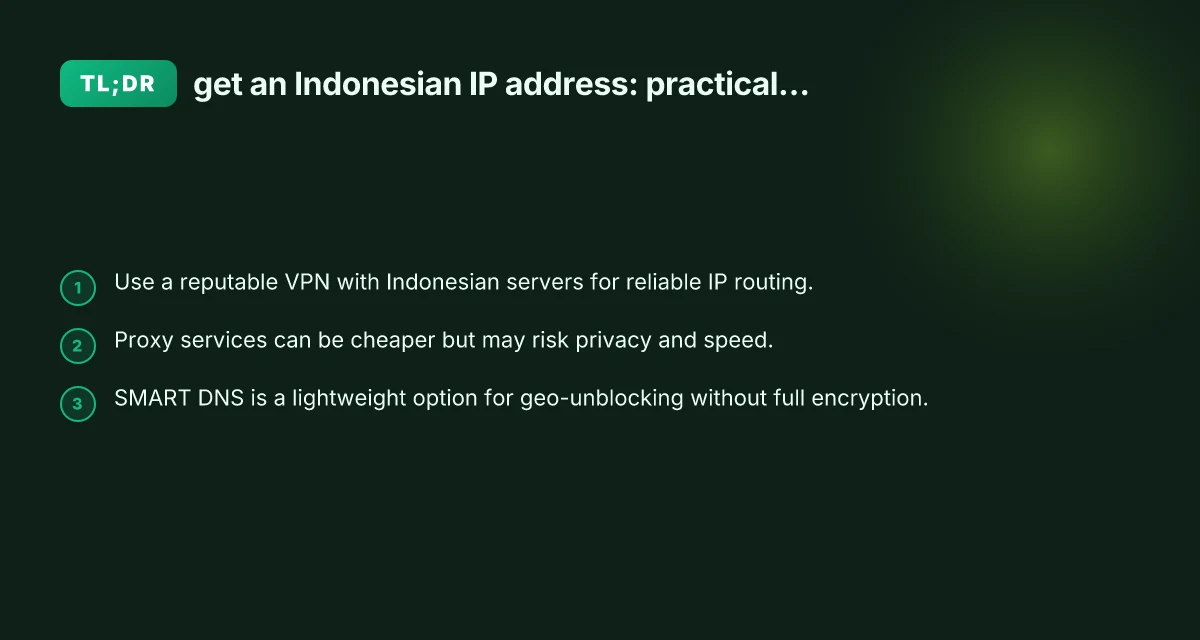
There are several approaches, each with its own pros and cons. The most common options are VPNs, proxies, and SMART DNS. Here’s how they stack up.
1) VPNs with Indonesian servers
A virtual private network (VPN) reroutes your internet traffic through a server in Indonesia, giving you a genuine Indonesian IP address.
- Pros:
- Strong encryption and privacy protections.
- Consistent IP addresses from Indonesian servers.
- Works for streaming, browsing, and general use.
- Cons:
- Can reduce speed due to encryption and distance.
- Some services block VPN traffic. Selection matters.
What to look for in a VPN:
- Indonesian server locations and a diverse server network.
- No-logs policy and robust encryption (AES-256, modern protocols like WireGuard or OpenVPN).
- DNS leak protection and a kill switch.
- Reliable customer support and a transparent privacy policy.
- Real user reviews about streaming performance if this is your goal.
How to set up: Get an indian IP address
- Choose a VPN with Indonesian servers.
- Install the VPN app on your device (PC, Mac, iOS, Android, or browser extension).
- Connect to an Indonesian server and verify your IP using a site like whatismyip.com.
- If streaming, sign in to the service you want to access and test playback.
2) Indonesian proxies
Proxy services route your traffic through a middleman in Indonesia. They can be cheaper than VPNs but often omit strong encryption.
- Pros:
- Usually cheaper or even free options exist.
- Simple setup for web browsers.
- Cons:
- Typically no end-to-end encryption. Privacy risks.
- Higher risk of IP leakage and misconfigured proxies.
- Not always reliable for streaming or sensitive tasks.
Types of proxies:
- HTTP/HTTPS proxies: Good for web browsing but not for all apps.
- SOCKS5 proxies: More versatile and compatible with many apps but still unencrypted unless paired with a VPN.
What to consider:
- Privacy policy and logging practices.
- Whether the proxy supports HTTPS/TLS to improve security.
- The reputation and uptime of the proxy provider.
3) SMART DNS (or similar DNS-based geo-unblocking)
SMART DNS services only reroute certain parts of your traffic to make it appear from a different location without encrypting all data. Get an estonian IP address
- Pros:
- Fast speeds due to no encryption overhead.
- Simple setup across devices. Often works on streaming devices.
- Cons:
- No real IP address exposure. Services can still detect your original location via IP or other cues.
- Not suitable for privacy-focused tasks. Limited to geo-unblocking.
How to use SMART DNS:
- Subscribe to a SMART DNS service with Indonesian country configuration.
- Change DNS settings on your device or router to the SMART DNS addresses.
- Clear cache and test access to Indonesian content.
4) Tethering from an Indonesian device
If you have a device physically in Indonesia, you can share its connection with other devices via mobile hotspot.
- Pros:
- Simple to set up if you already have a device in Indonesia.
- No reliance on third-party services.
- Cons:
- Not practical for long-term use. Depends on local SIM plans and coverage.
- Data limits and roaming costs may apply.
When to consider this:
- If you’re traveling in or near Indonesia and only need a temporary IP.
- You want to avoid third-party service trust issues entirely.
Choosing the right method for your needs
To decide which path to take, assess your priorities: privacy, speed, cost, and what you intend to do with the Indonesian IP. Get an eritrean IP address
| Method | Privacy / Encryption | Speed | Cost | Ease of Setup | Best Use Case |
|---|---|---|---|---|---|
| VPN with Indonesian server | High (encryption) | Moderate to high loss due to routing | Moderate to high | Easy | Streaming, secure browsing, regular use |
| Indonesian proxy | Low to moderate (depending on proxy) | Often fast for web but inconsistent | Low | Easy | Web browsing and light use |
| SMART DNS | Low (no encryption) | High | Low | Easy | Geo-unblocking on streaming devices |
| Indonesian tethering | High (depends on device) | Depends on network | Variable (data plan) | Moderate | Short-term use with a nearby Indonesian device |
Practical steps to get started
- Define your goal: streaming Indonesian content, privacy, or testing location-specific features.
- Check regional availability: not all VPNs have Indonesian servers. Verify the exact city coverage if needed.
- Compare pricing plans and trial options: many providers offer money-back guarantees.
- Test performance: run speed tests from your location to Indonesia and test your intended service (e.g., a streaming platform) for buffering or blocks.
- Verify security: ensure your chosen method does not leak DNS or IP information. Enable features like a kill switch and DNS leak protection where available.
Common pitfalls and how to avoid them
- IP leaks: use a VPN with DNS leak protection. Test with multiple tools (whatismyip, dnsleaktest).
- Blocking by services: some streaming platforms actively block known VPN IP ranges. If one server is blocked, switch to another Indonesian server.
- Inconsistent performance: choose premium providers with a broad Indonesian server network. Avoid free proxies that are slow or unreliable.
- Legal concerns: respect local laws and service terms. Geo-spoofing can violate terms of service for certain platforms.
A short guide for travel and remote work
If you’re traveling or working remotely and need a reliable Indonesian IP, a VPN remains the most balanced option. It provides privacy, decent speed, and broad compatibility with services you might access from abroad. For lighter needs or device-limited setups (like streaming on a smart TV), SMART DNS offers a compelling, fast alternative that reduces overhead. Proxies can fill gaps for quick browser-based tasks but are generally less secure. Tethering from an Indonesian device is situational and best reserved for short-term use when you have access to a local device or SIM.
The final recommendation
- Best overall for most users: choose a reputable VPN that has strong Indonesian server coverage, solid security features, and transparent privacy practices. This approach delivers a genuine Indonesian IP address, reliable performance, and stronger protection for your data.
- Best for streaming with minimal impact on speed: a premium SMART DNS service as a supplementary option to bypass geo-restrictions quickly, especially on devices where you don’t want to enable a VPN.
- Cautious note on proxies: while they can be cheaper, they trade privacy and security for speed. Use proxies only when encryption is not a concern and you trust the provider.
- Quick, temporary solution: Indonesian tethering from an in-country device, if you have one, for short tasks or testing.
If you want, I can help you compare specific providers based on price, server locations in Indonesia, and your primary use case (streaming, privacy, or access to local services).