Get an egyptian IP address
A practical guide to obtaining an Egyptian IP address for browsing, streaming, or business needs.
Getting an Egyptian IP address means making your internet connection appear as if it’s coming from Egypt. This is useful for geo-specific content, localized services, market research, or accessing Egypt-only networks. There are several legitimate methods to obtain an Egyptian IP, and the right choice depends on your goals, budget, and risk tolerance. In this guide, you’ll find practical options, how to assess them, and a simple decision framework to help you decide.

Why would you want an Egyptian IP address?
Common use cases
- Access Egypt-only streaming catalogs, apps, or websites
- Test websites or apps as if you were in Egypt
- Conduct market research with local IP visibility
- Securely connect to an Egyptian business network or intranet
Considerations and caveats
- Some services actively block VPNs or proxies. Ongoing access may require periodic changes.
- Legal and terms-of-service implications vary by provider and use case.
- Connection speed can be affected by distance to the Egyptian exit node and the provider’s load.
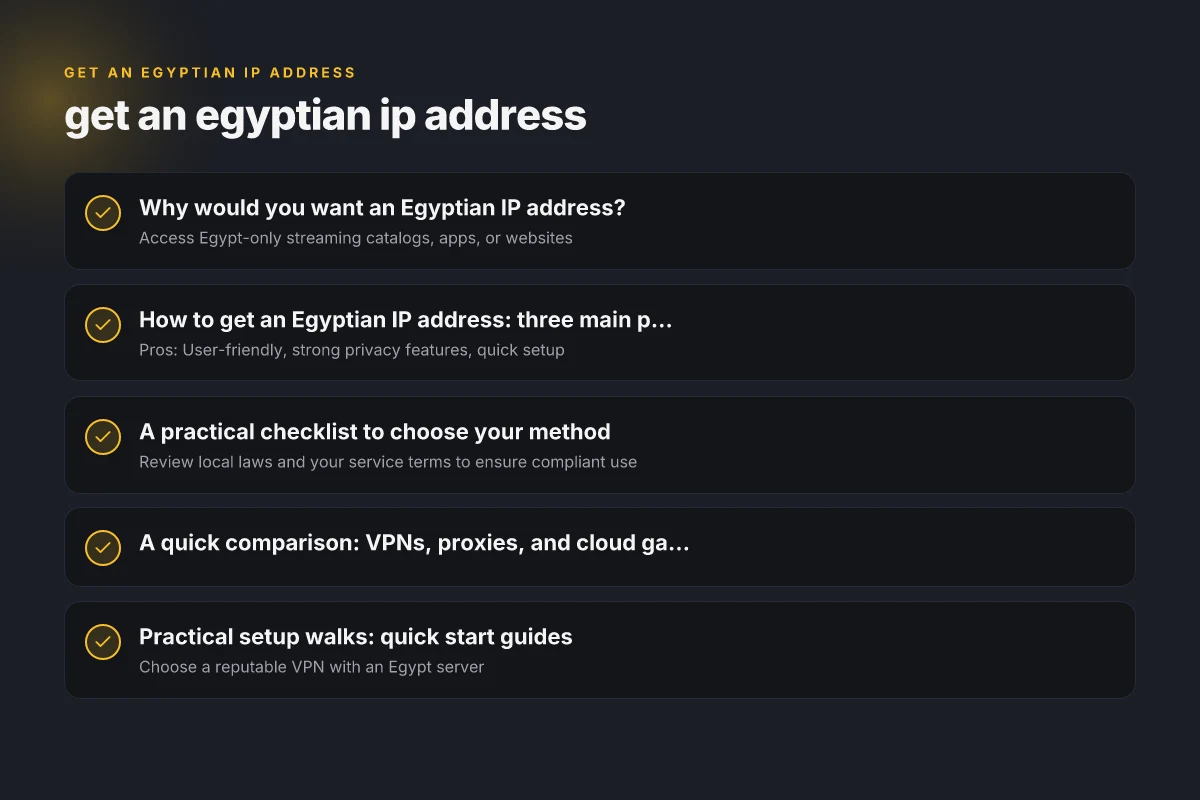
How to get an Egyptian IP address: three main paths
1) VPNs with Egyptian exit nodes
- Pros: User-friendly, strong privacy features, quick setup
- Cons: Some streaming services block VPNs. Vary by server load
- What to look for: Egypt-based servers, no-logs policy, reputable jurisdiction, speed guarantees
- How to test: Connect to an Egyptian server, then run a speed test and check your IP location
2) Proxy services and residential proxies
- Pros: Broad access, sometimes cheaper, useful for automated tasks
- Cons: Variable reliability. Some proxies are low quality or flagged
- What to look for: Egyptian proxies with good reputation, rotating vs static options, authentication method
- How to test: Check IP origin, latency, and consistency across requests
3) Cloud servers and VPN-style gateways
- Pros: High control, stable performance, suitable for businesses
- Cons: Requires more technical setup
- What to look for: Cloud provider with Egyptian data center or regional peering, ability to implement IP routing or VPN, clear acceptable-use policies
- How to test: Deploy a small instance, configure routing or VPN, verify the external IP matches Egypt
A practical checklist to choose your method
Privacy and legality
- Review local laws and your service terms to ensure compliant use
- Confirm the provider’s privacy policy and data handling practices
- Look for transparent data retention, audits, and incident response
Reliability and performance
- Egypt-based exit points or nearby regions to minimize latency
- Server uptime guarantees and SLA
- Bandwidth caps or throttling policies
Security and trust
- Encryption standards (AES-256 or better for VPNs)
- Kill switch and DNS leak protection
- Independent audits or third-party reviews
Support and ease of use
- 24/7 customer support channels
- Clear setup guides for your device or application
- Compatibility with your devices (Windows, macOS, iOS, Android, routers)
A quick comparison: VPNs, proxies, and cloud gateways
| Method | Typical use case | Pros | Cons | What to verify before buying |
|---|---|---|---|---|
| VPN with Egyptian exit | Browsing, streaming, secure access | Easy to use, strong encryption, multi-device support | Some services block VPNs; potential speed loss | Egypt server, no-logs, speed guarantees, app compatibility |
| Residential/proxy | Automation, data collection, geo-testing | Realistic IPs, rotation options | Quality varies; potential blocking or reputation risk | Reputable vendor, rotation policy, IP pool health |
| Cloud-based gateway | Business apps, custom routing, long-term access | Full control, scalable, stable | Higher setup effort; ongoing management | Egyptian data center or exit, routing capabilities, security features |
Practical setup walks: quick start guides
Quick VPN setup for Windows or macOS
- Choose a reputable VPN with an Egypt server
- Install the client and sign in
- Connect to the Egypt server and confirm your IP shows Egypt
- Optional: enable kill switch and DNS leak protection
- Test with an IP-check website or a region-locked service
Quick proxy setup for automated tasks
- Decide between a rotating or static Egyptian proxy
- Configure your application to point to the proxy server (host, port, credentials)
- Ensure your requests identify as coming from Egypt and test the IP
- Rotate if needed to avoid blocks or to simulate local traffic
Quick cloud gateway setup for a business app
- Spin up a virtual machine in a provider with Egyptian proximity or configure a VPN gateway
- Set up a secure tunnel (IPsec/L2TP or WireGuard) to route traffic through Egypt
- Verify traffic exit points and monitor latency and uptime
- Implement access controls and monitor usage for compliance
Common pitfalls and how to avoid them
- IP leaks: Use a kill switch, DNS protection, and verify your true location after setup
- Blocked services: Some platforms detect and ban identified VPNs or proxies. Keep a rotation plan and have backup methods
- Price vs. value: Cheaper options may save money upfront but cost more in reliability or privacy. Balance cost with risk tolerance
- Data handling: Understand if traffic is logged and who can access it. Choose providers with clear privacy commitments
Best practices for responsible use
- Respect terms of service and license agreements for content and services
- Use only for legitimate purposes: testing, localization, privacy, or lawful access
- Maintain security hygiene: strong passwords, updated software, and minimal permissions
- Regularly review and audit your setup for changes in policy or service blocks
Final recommendations
If you’re new to the concept and want a straightforward, low-barrier option, start with a reputable VPN that explicitly offers Egyptian exit servers. It gives you a familiar interface, strong encryption, and easy switching between locations. If your needs include automated tasks, testing, or a more controlled environment, consider a cloud gateway or residential proxies with clear rotation policies and robust customer support. Always verify the current legality and terms of service for your specific use case, and test performance before committing to a long-term plan.
In short: get an Egyptian IP by choosing a trusted provider with Egypt-based exit points, assess privacy and performance, and pick the method that aligns with your goals and risk tolerance. If you want a concrete recommendation tailored to your devices and use case, tell me whether you prioritize streaming, automation, or enterprise routing, and your preferred budget.