Get an anonymous IP address
Practical ways to obtain an anonymous IP address and protect your online privacy.
Getting an anonymous IP address is a common goal for people who want to protect their privacy, bypass certain regional blocks, or reduce tracking. It’s important to understand that “anonymous” can mean different things: hiding your real IP from destinations, masking your activities from observers, or simply cycling through IPs to avoid single-point tracking. Below you’ll find practical methods, trade-offs, and steps to get an anonymous IP address, plus tips to stay safe and compliant.

What it means to be anonymous online
Defining anonymity in practical terms
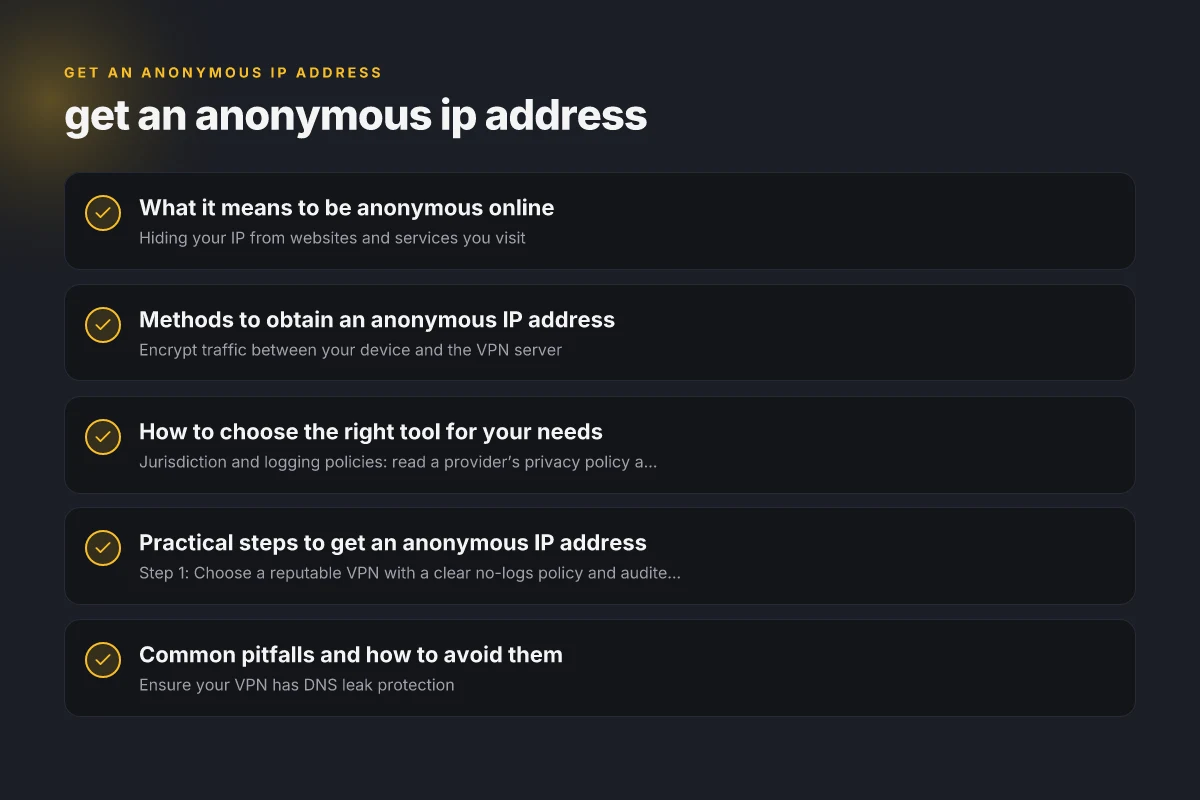
- Hiding your IP from websites and services you visit
- Reducing the ability of trackers and advertisers to build a profile
- Mitigating casual surveillance on public or shared networks
- Recognizing that total anonymity is hard to guarantee
Common limits
- Some services block traffic from known anonymizers
- VPNs and proxies can leak IP if not configured properly
- Free tools may log data or be slower than paid options
Methods to obtain an anonymous IP address
Virtual Private Networks (VPNs)
- Encrypt traffic between your device and the VPN server
- The VPN server’s IP becomes the source address seen by destinations
- Pros: strong privacy, easy to use, often fast
- Cons: potential logging, trust in provider, some services block VPNs
The Tor network
- Routes your traffic through multiple relays to anonymize IP
- Your exit node’s IP is what the destination sees
- Pros: high level of anonymity, open-source
- Cons: slower speeds, some sites block Tor exit nodes, not ideal for latency-sensitive tasks
Proxies (web, SOCKS)
- Web proxies hide your IP in a browser, while SOCKS proxies cover other apps
- Pros: simple, inexpensive or free options
- Cons: less secure, many proxies log data, some only support HTTP
Personal anonymity hygiene
- Use HTTPS where possible to prevent man-in-the-middle observation
- Disable WebRTC in browsers to avoid IP leaks (drafted tricks can bypass)
- Avoid linking accounts and services that reveal identity
How to choose the right tool for your needs
Compare VPNs, Tor, and proxies
| Tool | How it works | Typical speed | Privacy profile | Best use cases | Notable risks |
|---|---|---|---|---|---|
| VPN | Encrypts traffic to VPN server | Fast to moderate | Depends on provider, usually logs policy | Bypassing geo-restrictions, general privacy | Trust in provider, potential data retention |
| Tor | Multi-hop routing through volunteers | Slow to moderate | High anonymity, no single data store | High privacy browsing, sensitive tasks | Slower speeds, some sites block Tor |
| Proxy | Replaces your IP at application level | Varies widely | Varies, often limited | Light anonymity, geo-bypass in browsers | Unencrypted traffic, logging risk, leaks possible |
Factors to consider before choosing
- Jurisdiction and logging policies: read a provider’s privacy policy and terms
- Speed and reliability: streaming or gaming may require premium options
- Platform support: Windows, macOS, iOS, Android, routers
- Leak protection: DNS, IPv6, and WebRTC leak safeguards
Practical steps to get an anonymous IP address
If you want general privacy and decent speed
- Step 1: Choose a reputable VPN with a clear no-logs policy and audited privacy practices
- Step 2: Install the VPN app on your device
- Step 3: Connect to a country/region that fits your needs
- Step 4: Verify your IP address via a trusted check site to confirm it shows the VPN’s IP
- Step 5: Enable features like kill switch and DNS leak protection if available
If you need strong anonymity for sensitive tasks
- Step 1: Use Tor Browser for browsing, or configure applications to use Tor SOCKS proxy
- Step 2: Avoid logging into personal accounts while using Tor
- Step 3: Be mindful that some sites may fail to load or block Tor exit nodes
- Step 4: Consider combining Tor with additional privacy tools (e.g., bridge relays, pluggable transports)
If you’re constrained by budget
- Step 1: Try a reputable free VPN with strong privacy promises and no-logs claims
- Step 2: Use Tor for high anonymity, aware of slow speeds
- Step 3: Use free web proxies cautiously for lightweight tasks, knowing risks
- Step 4: Always review privacy policies and data handling practices
Common pitfalls and how to avoid them
DNS leaks and IP leaks
- Ensure your VPN has DNS leak protection
- Disable IPv6 if your VPN does not support it, to prevent leaks
- In Tor, default settings already minimize leaks, but verify you aren’t using WebRTC-enabled apps that reveal IPs
Logging and data retention
- Some VPNs keep connection logs or metadata. Look for independent audits and transparent policies
- Free services often rely on ads or data collection. Prefer paid services with clear privacy commitments
Legal and policy considerations
- Anonymity is not a license to do illegal things. Many jurisdictions regulate circumvention of geo-blocks or law enforcement data requests
- Some activities can be illegal or violate terms of service, even if technically anonymous
Real-world tips and best practices
- Test your setup across devices: laptop, mobile, and tablet
- Regularly update privacy settings and review account permissions
- Use multi-factor authentication where supported to protect accounts you access through anonymized IPs
- Consider a layered approach: VPN for general privacy, Tor for high anonymity when appropriate, and careful app-level configurations
- Keep in mind that some streaming services actively block VPNs. If you rely on them, research current service policies
How to evaluate whether you have achieved anonymity
- Check that your IP address shows the VPN or Tor exit node rather than your real IP
- Verify there are no DNS leaks by testing with multiple tools
- Ensure WebRTC leaks are mitigated in your browser settings
- Consider conducting a privacy risk assessment: what devices, apps, and services you use, and what data could be exposed
Short final section with the recommendation
If your priority is practical, reliable privacy with good performance, start with a reputable VPN that offers transparent logging practices and robust security features. For situations demanding top-tier anonymity, especially when surveillance risk is high or you’re handling sensitive information, combine VPN use with Tor, while staying aware of speed trade-offs and user experience. Proactively guard against leaks, keep software up to date, and stay informed about policy changes from your chosen service. In most everyday scenarios, a trusted VPN provides a balanced, user-friendly path to getting an anonymous IP address without sacrificing too much usability.