Get a UK IP address
Learn practical ways to get a UK IP address, avoid common pitfalls, and choose the best method for your needs.
Getting a UK IP address is a common goal whether you want to access UK-only content, protect your privacy, or manage regional restrictions. There isn’t a single “one-size-fits-all” solution, but several practical options exist. Each method has pros and cons related to privacy, speed, reliability, and cost. Below is a clear guide to help you decide the best approach for your situation, with practical steps to get a UK IP address today.

What does “get a UK IP address” mean?
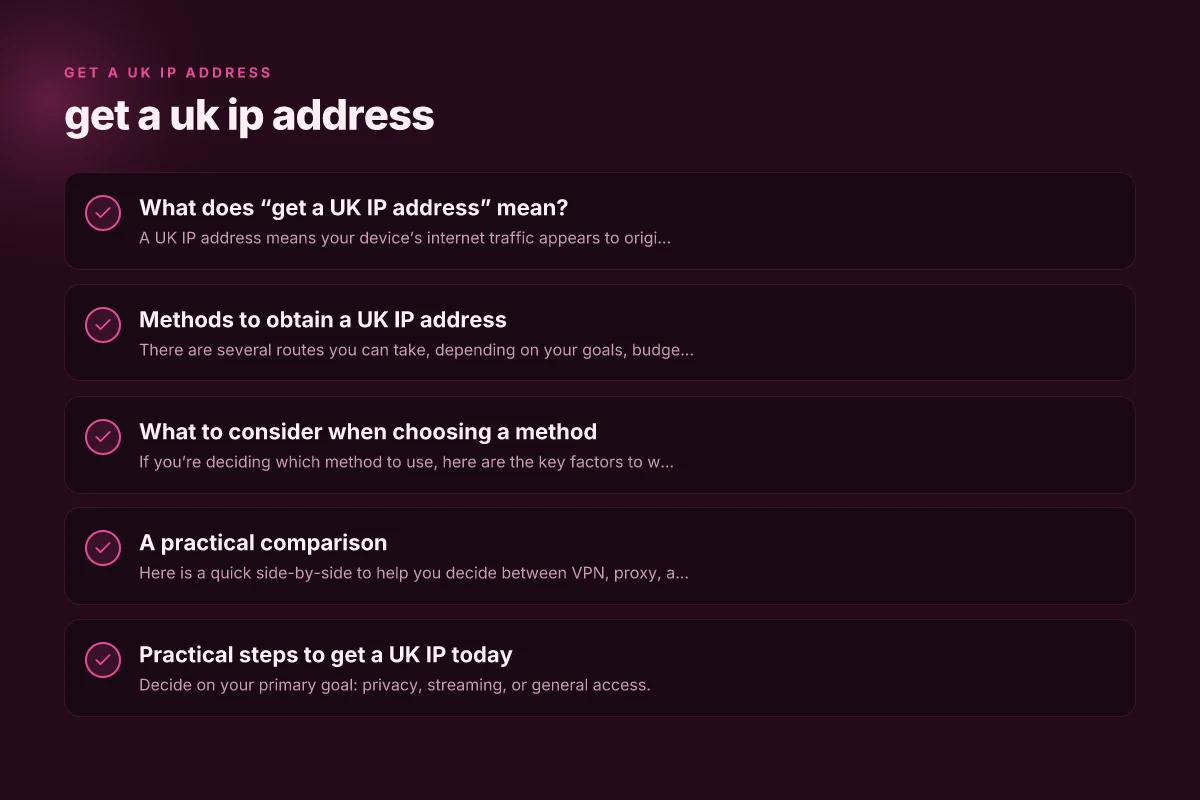
A UK IP address means your device’s internet traffic appears to originate from a UK location. This can be accomplished by routing traffic through servers physically located in the United Kingdom, or by using network configurations that impersonate a UK origin. Common use cases include:
- Streaming UK-only content (BBC iPlayer, ITV Hub, UK Netflix, etc.)
- Accessing UK banking or services that require a UK IP
- Testing websites and apps from a UK-based perspective
- Enhancing privacy while browsing from outside the UK
Methods to obtain a UK IP address
There are several routes you can take, depending on your goals, budget, and tolerance for risk. Here’s a breakdown of the most common options.
1) Virtual Private Networks (VPNs)
- How it works: A VPN creates an encrypted tunnel between your device and a VPN server located in the UK. Your online traffic exits the UK IP, so websites see a UK address.
- Why it’s popular: Strong privacy features, reliable access to geo-blocked content, and relatively easy setup.
- Potential drawbacks: Some services block VPNs, and free VPNs often log data or have slower speeds.
- Quick setup:
- Choose a reputable VPN with UK servers (e.g., ExpressVPN, NordVPN, Surfshark).
- Install the app on your device.
- Connect to a UK server.
- Verify your IP is in the UK using a site like whatismyipaddress.com.
- Tips: Look for no-logs policies, strong encryption, and a wide array of UK server locations. Consider split tunneling if you only want UK access for certain apps.
2) Proxy servers
- How it works: A proxy forwards your browser traffic through a UK-based server. It can be a web proxy (browser-facing) or a SOCKS/HTTP proxy.
- Why it’s popular: Often cheaper or free. Simple for browser-level changes.
- Potential drawbacks: Proxies typically don’t encrypt traffic, can be slow, and may leak your real IP if misconfigured. Many sites detect and block proxies.
- Quick setup:
- Find a trusted UK proxy provider or use a reputable web proxy.
- Configure your browser’s proxy settings or use a proxy extension.
- Test by visiting a UK-target site and checking your IP.
- Tips: Avoid free proxies for sensitive tasks. Combine with a VPN for added security if you’re handling private data.
3) Smart DNS or DNS-based tools
- How it works: A smart DNS service reroutes only certain traffic to a UK servers, allowing you to access geo-restricted content without changing your IP address in the traditional sense. Your IP may appear as your real location, but the service unlocks UK content.
- Why it’s popular: Fast streaming with minimal speed loss. Useful for streaming devices that don’t support VPNs.
- Potential drawbacks: Doesn’t provide full privacy or security. Some services detect and block these tools.
- Quick setup:
- Subscribe to a Smart DNS provider with UK support.
- Follow device-specific setup instructions (router, smart TV, game console, or phone).
- Verify access to UK content.
- Tips: Best for streaming. Not ideal for confidential browsing or banking.
4) Tor with UK exit nodes (not recommended for streaming)
- How it works: Tor routes traffic through a network of volunteer relays. You can select UK exit nodes in theory, but exit node control is limited and speed is often slow.
- Why it’s used: Privacy-focused use cases.
- Potential drawbacks: Slow speeds, not reliable for streaming or login-heavy sites. Some websites block Tor exit nodes.
- Quick setup:
- Install the Tor Browser or configure your app to use Tor.
- Choose a UK exit node if supported by your tool.
- Test your IP location.
- Tips: Use primarily for privacy research rather than everyday UK-access tasks.
5) Mobile data roaming and UK SIMs (for physical presence)
- How it works: If you physically travel to the UK, using a local SIM or roaming plan lets your devices use a UK IP naturally.
- Why it’s used: True UK IP without proxies or VPNs. Excellent for location-based services.
- Potential drawbacks: Costly if you stay abroad. Not practical for long-term remote access from outside the UK.
- Quick setup:
- Get a UK SIM card or eSIM plan.
- Enable data and verify your IP is UK-based when connected to UK networks.
- Tips: Consider international roaming bundles or inexpensive UK eSIMs for short-term trips.
What to consider when choosing a method
If you’re deciding which method to use, here are the key factors to weigh.
- Privacy and logging: Do you need strong privacy protections? VPNs with no-logs policies are preferred.
- Access goals: Streaming, banking, or general browsing? Smart DNS is great for streaming, but VPNs cover broader needs.
- Speed and stability: VPNs generally offer the best balance of speed and security. Proxies can be faster but risk privacy leaks.
- Device compatibility: Some devices (smart TVs, game consoles) support VPN apps, while others don’t. Smart DNS can be easier on devices without VPN support.
- Legal and policy considerations: Always use tools within the terms of service of the content you access and respect local laws.
A practical comparison
Here is a quick side-by-side to help you decide between VPN, proxy, and Smart DNS for a UK IP address. Get a tuvaluan IP address
| Method | Privacy & security | Speed | Reliability for UK streaming | Ease of use | Best for |
|---|---|---|---|---|---|
| VPN | High (encryption, no-logs) | High to moderate depending on server | Generally good, many services detect VPNs | Easy across devices | General UK access, streaming, privacy-focused use |
| Proxy | Low to moderate (no encryption unless paired with VPN) | Potentially fast | Variable; high risk of blocks | Easy for browsers | Quick, light browser tasks, not for banking |
| Smart DNS | Moderate (no IP change; focuses on bypass) | Very fast (minimal overhead) | Excellent for streaming if supported | Easy on supported devices | Streaming on devices that don’t support VPNs |
Practical steps to get a UK IP today
- Decide on your primary goal: privacy, streaming, or general access.
- Choose a provider based on that goal:
- If privacy and broad access are your priorities: pick a reputable VPN with UK servers and a clear no-logs policy.
- If you mainly want fast streaming on devices that support it: consider Smart DNS as a complement or alternative to VPN.
- If you’re testing a site or app quickly from the UK perspective and don’t need encryption: a secure proxy can work, but only if privacy is not a concern.
- Install and configure:
- For VPN: download the app, sign in, select a UK server, connect, and verify your IP location.
- For Smart DNS: follow the provider’s setup steps on your device, then test access to UK-only content.
- For proxies: set your browser to use the UK proxy or install a proxy extension, then test.
- Verify your UK IP:
- Visit a site that shows your IP and location (e.g., whatismyipaddress.com or iplocation.net).
- Check that the displayed country is the United Kingdom.
- Test the service with the intended task:
- Streaming: play a UK-only video and monitor buffering.
- Banking or login: ensure you can log in without triggering security alerts.
- General browsing: check page load times and content access.
Common pitfalls and how to avoid them
- Free services may log data or inject ads. If privacy matters, avoid free VPNs and free proxies.
- Some streaming platforms block VPN and proxy IPs. If you hit a block, switch servers or consider Smart DNS for streaming-only tasks.
- DNS leaks can reveal your real location even when using a VPN. Choose a VPN with strong leak protection and perform a DNS leak test occasionally.
- Jurisdiction matters. Some services are based in countries with mandatory data retention laws or surveillance agreements. Review the provider’s jurisdiction and policy details.
- Account bans. If you rely on geo-specific accounts (like streaming services or banking), be mindful of frequent IP changes that could trigger security checks.
Final recommendations
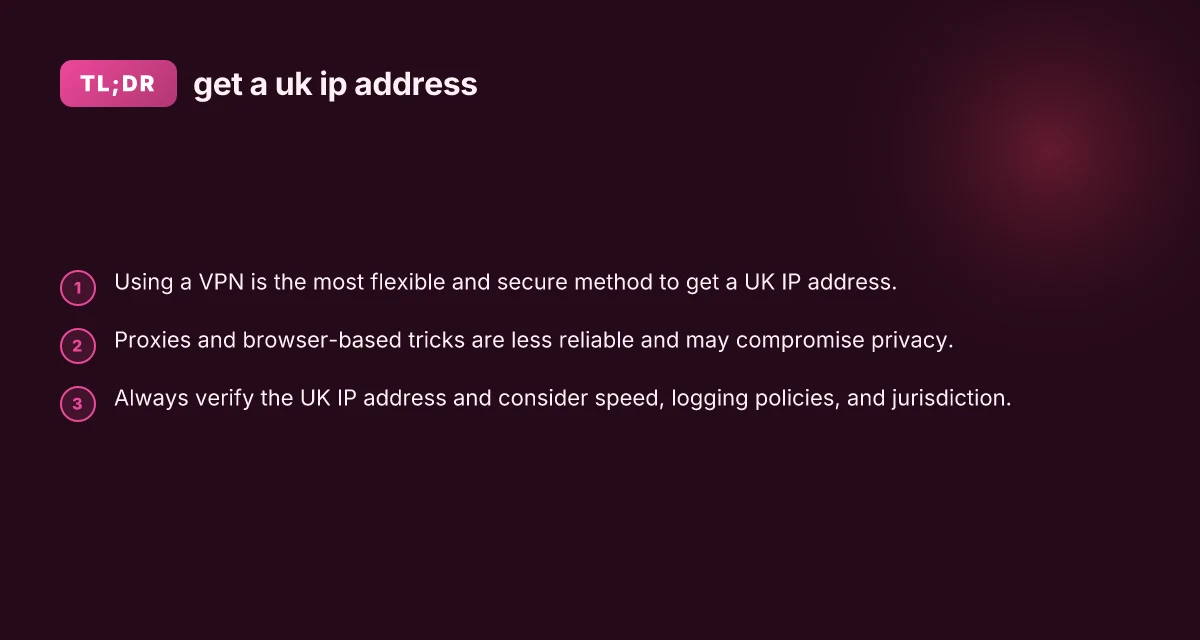
If you want a reliable, secure, and flexible way to get a UK IP address for most everyday needs, a reputable VPN is the best starting point. It provides privacy, data security, and broad access to UK content, with easy setup across devices. If your primary aim is fast streaming on devices that support Smart DNS, you can pair a Smart DNS service with a VPN or use it as an alternative where VPN usage is restricted. For light browsing or quick tasks where privacy isn’t a concern, a trusted proxy can be a temporary solution, though it’s not ideal for sensitive activities.
Bottom line: for most users, a paid VPN with a strong no-logs policy and a solidUK server footprint is the simplest, most reliable way to get a UK IP address today. Always verify the result, be mindful of streaming service rules, and choose tools that align with your privacy and performance needs.