Get a slovakian IP address
Learn practical ways to get a Slovakian IP address for privacy, streaming, and regional access.
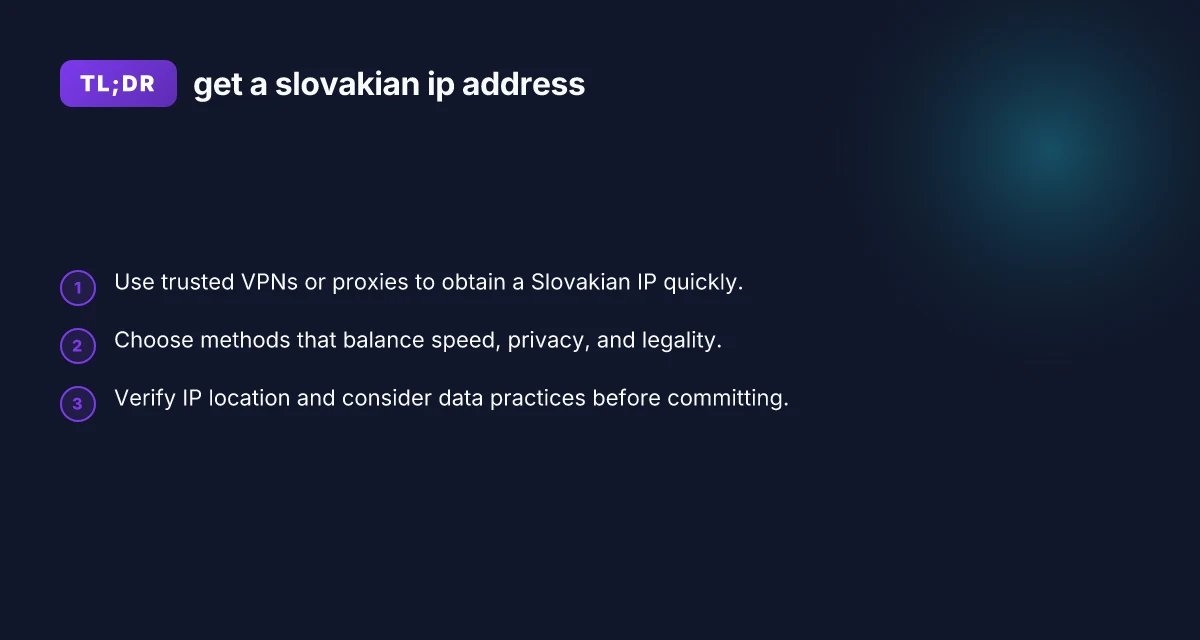
Getting a Slovakian IP address means routing your internet connection through a server located in Slovakia so websites and services see a Slovakian IP. This can help with streaming geo-restricted content, accessing local Slovak services, or boosting privacy. Below you’ll find practical, beginner-friendly options and guidance to help you decide what’s right for you.

Why you might want a Slovakian IP address
- Access regional streaming catalogs: Some services tailor content by country and may offer Slovakian libraries.
- Localize online services: Banking, news, or government portals sometimes require a local IP.
- Privacy and security: Spreading traffic across different origins can reduce targeted tracking.
- Online testing and development: If you’re building apps with Slovak or EU users, a Slovak IP can help with QA.
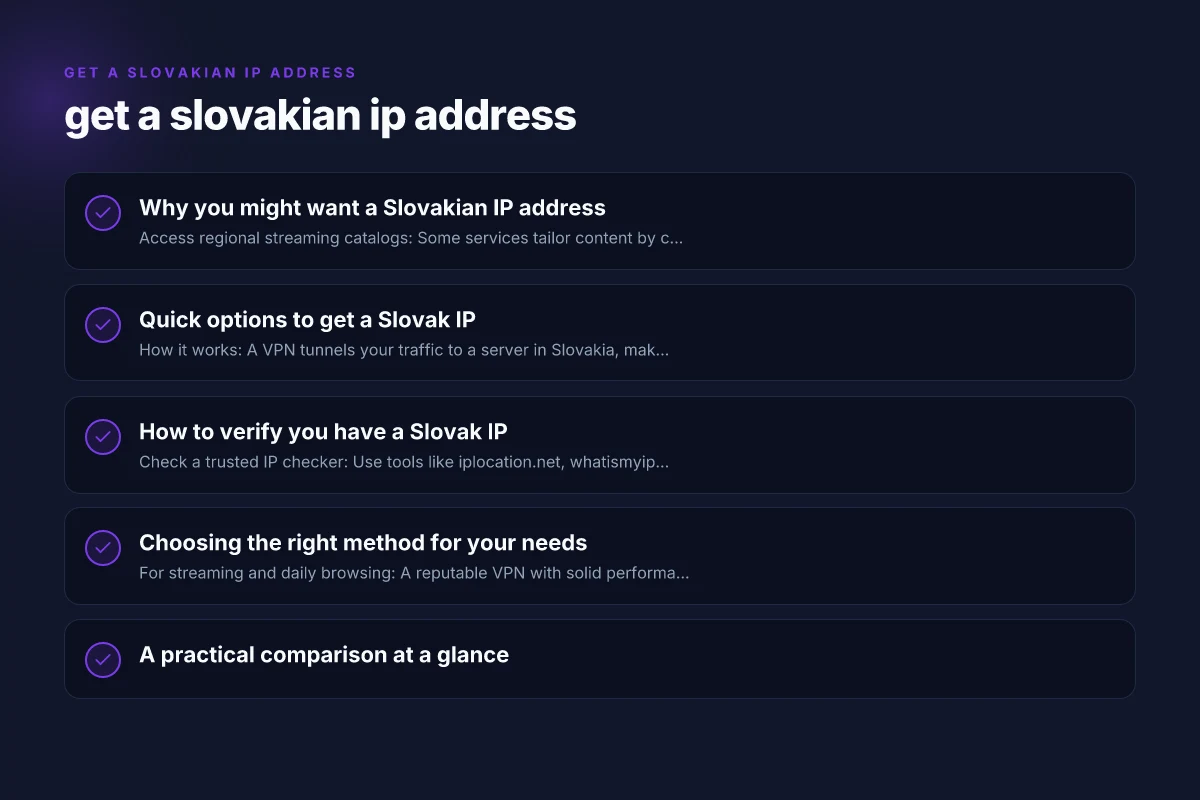
Quick options to get a Slovak IP
VPNs (virtual private networks)
- How it works: A VPN tunnels your traffic to a server in Slovakia, making websites see a Slovak IP.
- Pros: Easy to use, good for streaming, strong encryption, broad server networks.
- Cons: Some services block VPNs, performance can vary by server load, some providers log data.
- Tips:
- Pick a reputable provider with Slovak or nearby EU servers.
- Check for leak protection (DNS, IPv6) to ensure the IP is actually in Slovakia.
- Look for a no-logs policy and a transparent privacy approach.
- Test with a short trial if available to gauge speed.
Smart DNS / DNS proxy
- How it works: Routes only the DNS requests through a Slovakia-based resolver, while your IP remains your own, but many services still appear as Slovak.
- Pros: Typically fast, does not re-route all traffic, good for streaming specific platforms.
- Cons: Less privacy since it doesn’t encrypt all traffic. May not work with all services.
- Tips:
- Ideal for unencrypted or lightly protected streams.
- Use with services that explicitly support Smart DNS.
Proxy services
- How it works: A proxy server located in Slovakia forwards your traffic to websites.
- Pros: Simple to set up for browsers or apps. Can be cheaper.
- Cons: Usually lacks robust encryption. Many sites block proxies. Privacy varies.
- Tips:
- Prefer reputable, privacy-focused proxies.
- Avoid proxies that log or inject ads and trackers.
Tor with exit nodes
- How it works: The Tor network routes traffic through multiple volunteer nodes, and you may connect to a Slovak exit node.
- Pros: Strong privacy. No single provider can see your full traffic pattern.
- Cons: Significantly slower. Not reliable for streaming or heavy browsing. Not always a Slovak exit node.
- Tips:
- Check Tor Project resources for current Slovak exit options.
- Use for research or anonymous browsing rather than streaming.
Cloud-based servers or VPS
- How it works: Rent a virtual private server in Slovakia and configure it as a VPN or proxy.
- Pros: Full control. Scalable. Can tailor for business or testing.
- Cons: Requires technical setup. More maintenance. Costs.
- Tips:
- Use reputable cloud providers with data protection options.
- Ensure correct firewall and DNS settings to avoid leaks.
How to verify you have a Slovak IP
- Check a trusted IP checker: Use tools like iplocation.net, whatismyipaddress.com, or your VPN’s built-in check.
- Look for Slovak geographic indicators: The IP should geolocate to Slovakia and show Slovak ISPs when possible.
- Test across services: Open streaming sites, banking portals, or region-locked pages to confirm access and identity requirements.
- Ensure no leaks: Disable IPv6, use DNS leak protection, and run a test after connecting to your Slovak IP.
Choosing the right method for your needs
- For streaming and daily browsing: A reputable VPN with solid performance is usually the best balance of speed, privacy, and ease of use.
- For targeted testing or development: A VPS/VPN combo can give you more control and a consistent Slovak IP across apps.
- For quick, low-profile access: Smart DNS can be a lightweight option if privacy concerns are minimal and you only need Slovakia for a few services.
- For maximum privacy: Consider Tor, but accept the trade-off in speed and reliability.
A practical comparison at a glance
| Method | Speed potential | Privacy level | Ease of use | Best for |
|---|---|---|---|---|
| VPN | High (depends on server) | High (strong encryption, policy matters) | Easy; apps available | Streaming, general use, privacy |
| Smart DNS | Very high | Low to moderate (depends on provider) | Very easy | Streaming geo-restricted content |
| Proxy | Variable | Low to moderate | Easy in some apps | Lightweight tasks, testing |
| Tor with Slovak exit | Moderate to low | High (multi-hop) | Moderate (setup) | Anonymous browsing, research |
| Slovakia VPS | Variable (config dependent) | High (full control) | Moderate to hard | Custom setups, testing, business |
Security and privacy notes
- Data logging: Always review the provider’s privacy policy. A no-logs claim is helpful but should be verified.
- DNS and IP leaks: Some tools leak DNS or IPv6. Activate kill switches and leak protection in your tool settings.
- Legal considerations: Using region-masking tools is legal in many places, but you should respect terms of service and local laws. Streaming services may prohibit VPN use.
- Browser vs app settings: Some apps bypass VPNs or proxies. Configure at the system level or in the app’s network settings when possible.
How to set up a Slovak IP with a VPN (step-by-step)
- Choose a reputable VPN with Slovakia servers and a clear privacy policy. Subscribe if needed.
- Install the VPN app on your device (PC, Mac, iOS, Android, or browser extension if supported).
- Open the app and log in. Navigate to the server list and select a Slovakia server.
- Connect and wait for confirmation. The app should display your new Slovak IP.
- Verify the location using an IP-check tool to confirm Slovakia.
- Optional: enable features like a kill switch, DNS leak protection, and auto-connect.
- Test access to the services you want to use from Slovakia. If a service blocks VPNs, try a different Slovakia server or contact support.
Best practices for maintaining a Slovak IP
- Rotate servers: If a site blocks one Slovakia server, switch to another or try a nearby EU server.
- Update software: Keep your VPN, browser, and OS updated to minimize leaks and vulnerabilities.
- Use trusted networks: Public Wi-Fi can introduce risk. Prefer secured networks or enable your VPN on all networks.
- Practice good online hygiene: Use strong passwords, enable two-factor authentication, and review app permissions.
Common pitfalls to avoid
- Free VPNs: They often have slower speeds, weaker privacy policies, or data-sharing practices.
- Insecure configurations: Leaving IPv6 enabled without leak protection can reveal your real IP.
- Overreliance on one tool: Some sites actively block certain VPNs or proxies. Have a backup method ready.
- Misinterpreting location data: Geolocation results can be approximate. Some services rely on more than just IP.
Final recommendation
If your primary goal is reliable access to Slovak content or services with good performance and reasonable privacy, start with a reputable paid VPN that offers Slovakia-based servers. It provides a straightforward setup, strong encryption, and a clear privacy stance. Use additional tools like Smart DNS only if you need ultra-fast streaming with fewer encryption requirements, and consider a VPS for specialized testing or business needs. Always verify your IP location after setup and review the service’s policies to ensure your usage aligns with local laws and the service’s terms.