Get a panama IP address panemanian IP
Learn how to get a Panama IP address and why you might want one, with practical steps, options, and security tips.
Getting a Panama IP address, sometimes phrased as a Panamanian IP, means routing your internet traffic through a server located in Panama so websites and services see an IP address from Panama instead of your actual location. People seek Panama IPs for privacy, access to regional content, or business needs. This article walks you through the practical steps, the best tools to use, and smart considerations to keep in mind.

Why you might want a Panama IP address
- Access Panama-only content: Some streaming services, banks, or local portals restrict access to users within Panama.
- Privacy and localization tests: Businesses testing how sites render from Panamanian networks or individuals seeking an extra layer of anonymity.
- Remote work or travel use: When you need a consistent Panamanian exit node for tasks like invoicing, regional marketing, or regulatory considerations.
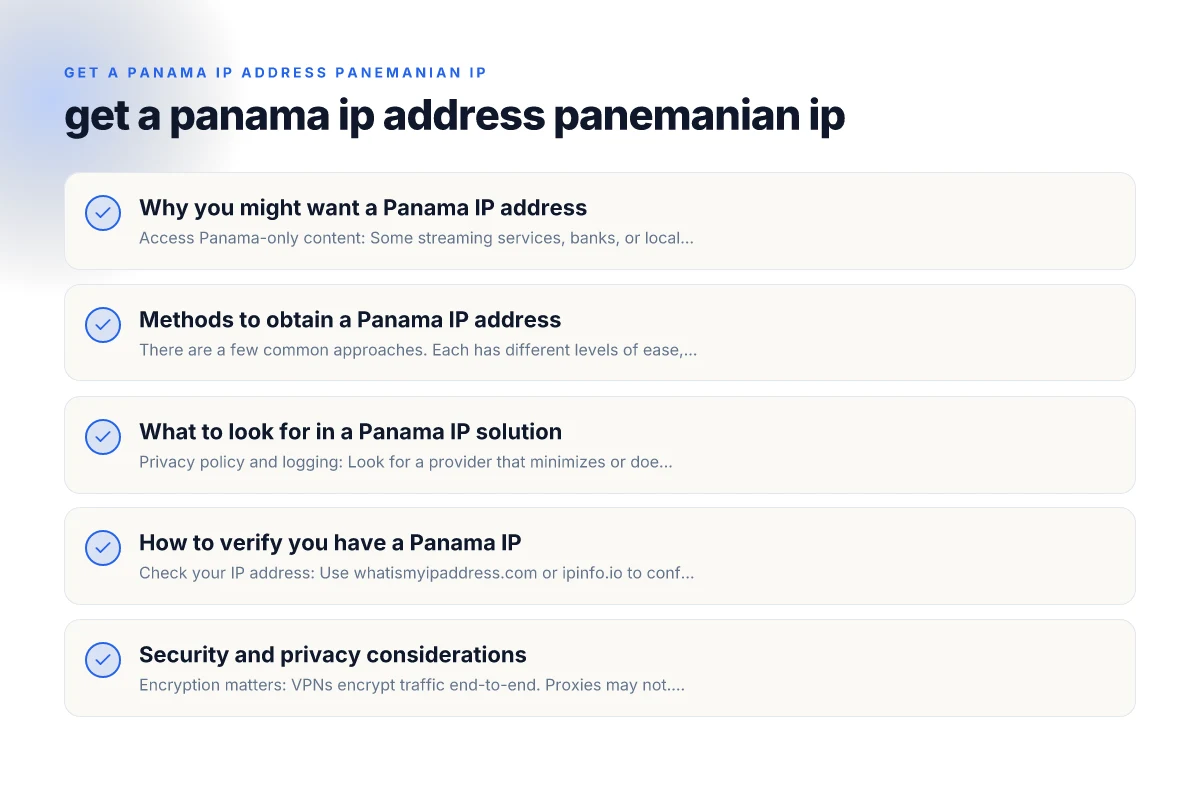
Methods to obtain a Panama IP address
There are a few common approaches. Each has different levels of ease, cost, and risk. Here’s a practical comparison.
VPN (Virtual Private Network)
- Pros:
- Easy to set up on most devices (phones, laptops, tablets).
- Wide range of Panama servers from reputable providers.
- Typically good speeds and stable connections.
- Cons:
- Some services block known VPN IPs. You may need to try different servers.
- Trust and privacy depend on the VPN vendor’s policies and logging.
- How to do it:
- Choose a reputable VPN provider with Panama servers or the option to connect from a Panamanian exit node.
- Install the app or browser extension on your device.
- Connect to a Panama-based server and verify your IP with a site like whatismyipaddress.com.
Proxy services
- Pros:
- Simple for browser-based use or specific apps.
- Often cheaper or even free options available.
- Cons:
- Generally less secure than VPNs. Many proxies don’t encrypt traffic.
- Some proxies are unreliable or slow. Risk of data interception.
- How to do it:
- Find a reputable Panama proxy server or a proxy service with Panama locations.
- Configure your browser or device to route traffic through the proxy.
- Check your IP to confirm it appears as Panamanian.
Smart DNS (sometimes called DNS proxy)
- Pros:
- Faster in some cases because it doesn’t route all traffic through a tunnel.
- Helpful for accessing geo-restricted streaming content.
- Cons:
- Does not encrypt traffic. Less privacy protection.
- Limited use if the target service blocks DNS-based geo tricks.
- How to do it:
- Subscribe to a Smart DNS service with Panamanian exit options.
- Change the DNS settings on your device or router as instructed.
- Test access to Panama-targeted content or services.
Tor with a Panama exit (advanced)
- Pros:
- Strong anonymity if configured carefully.
- Cons:
- Significantly slower. Not ideal for streaming or heavy use.
- Panama exit may be unstable or blocked by some sites.
- How to do it:
- Use the Tor Browser and configure exit nodes if possible to prefer Panama.
- Note: exit node selection is limited and may not always yield a Panamanian IP.
- Verify your IP with a test site.
What to look for in a Panama IP solution
- Privacy policy and logging: Look for a provider that minimizes or does not log activity.
- Jurisdiction and data retention: Consider where the company operates and its legal obligations.
- Speed and reliability: A Panama server should offer acceptable latency for your tasks.
- Security features: Look for AES-256 encryption, kill switch, and leak protection.
- Customer support: 24/7 support can help if Panama servers are temporarily unavailable.
- Compatibility: Ensure it supports your devices (Windows, macOS, iOS, Android, routers).
How to verify you have a Panama IP
- Check your IP address: Use whatismyipaddress.com or ipinfo.io to confirm the country shown is Panama.
- Test the service you need: If you’re accessing a Panama-only portal or streaming service, verify access after connecting.
- Check for DNS leaks: Some tools offer a DNS leak test. Leaks could reveal your real location even when using a VPN.
Security and privacy considerations
- Encryption matters: VPNs encrypt traffic end-to-end. Proxies may not. If privacy is a priority, avoid unencrypted proxies.
- Logging policies: Read the provider’s logs policy. Some services claim no-logs but preserve metadata.
- Jurisdiction and data requests: Panama has its own data laws. Understand how a provider may be compelled to reveal information.
- Device security: Use strong passwords, keep software updated, and enable kill switches where possible.
A practical example: choosing between VPN and Smart DNS
Here’s a quick side-by-side to help you decide when a Panama IP is needed for a specific task.
| Criterion | VPN | Smart DNS |
|---|---|---|
| Encryption | Yes (strong) | No (not by default) |
| IP masking | Yes | Yes (if configured) |
| Performance impact | Moderate, depends on server | Minimal, usually fast |
| Content access (Panama) | High reliability | High for geo-unrestricted content, limited for some services |
| Privacy protection | High | Low-to-moderate (depends on provider) |
| Setup difficulty | Easy to medium | Easy, browser/app-based |
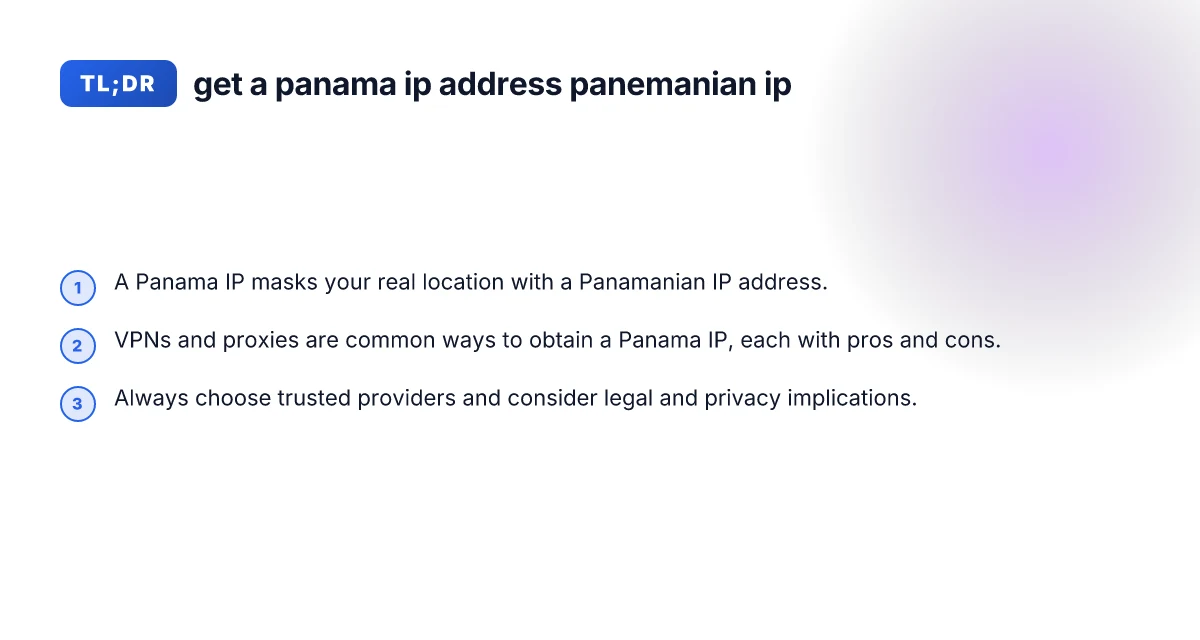
If you need broad privacy and secure browsing while appearing from Panama, a VPN is typically the better choice. If your primary goal is bypassing geo-restrictions for streaming and you don’t care about encryption, Smart DNS can be a lightweight option.
Steps to get started quickly
- Step 1: Decide your goal. Is it privacy, streaming, or business testing?
- Step 2: Pick a reputable provider. Look for Panama servers or Panama-exit capability.
- Step 3: Install the tool on your primary device. Mobile and desktop support is common.
- Step 4: Connect to Panama and test. Verify IP location and test the service you need.
- Step 5: Fine-tune settings. Enable kill switch, DNS leak protection, and choose a closer Panama server if possible.
- Step 6: Monitor performance and privacy. Regularly review billing, logs, and potential IP blocks.
Common pitfalls to avoid
- Using free VPNs or proxies: These can be slow, insecure, or log data. They often monetize user data or inject ads.
- Assuming all Panama IPs are the same: Different servers have different performance and reliability. If one Panama server blocks you, try another.
- Ignoring legal and policy constraints: Some services prohibit VPN or IP masking in their terms of service. Always read terms before use.
- Overlooking DNS leaks: Even with a VPN, misconfigured settings can reveal your real location through DNS queries.
Final recommendation
If your goal is reliable access to Panama-targeted content or business testing with a balance of privacy and performance, a trusted VPN with Panama servers is usually the best starting point. It provides encryption, easier setup, and a straightforward way to obtain a Panama IP address. If your priority is minimal latency for streaming and you don’t need encryption, a reputable Smart DNS service can be a good supplementary option. Always choose providers with clear no-logs policies, strong security features, and solid customer support. For most users seeking a durable Panama IP experience, start with a reputable VPN, verify the Panama IP, and monitor performance and privacy regularly. Get a norwegian IP address