Get a macedonian IP address
Learn practical, up-to-date methods to obtain a Macedonian IP address for browsing, streaming, or business workflow.
Getting a Macedonian IP address means your internet traffic appears to come from North Macedonia. This can help with accessing region-restricted content, conducting market research, or testing apps and websites as if you were in Skopje or Bitola. There are several viable approaches, each with its own pros and cons. Below you’ll find practical guidance, comparisons, and step-by-step setup tips.

Why you might want a Macedonian IP address
- Access region-locked content: Some streaming services and local sites restrict access by geographic location.
- Market research and business testing: See how services present content or pricing to Macedonian users.
- Local testing: Web developers may want to verify site behavior under Macedonian geolocation.
- Privacy and security: A different exit IP can offer an extra layer of anonymity, though it’s not a substitute for a full VPN policy.
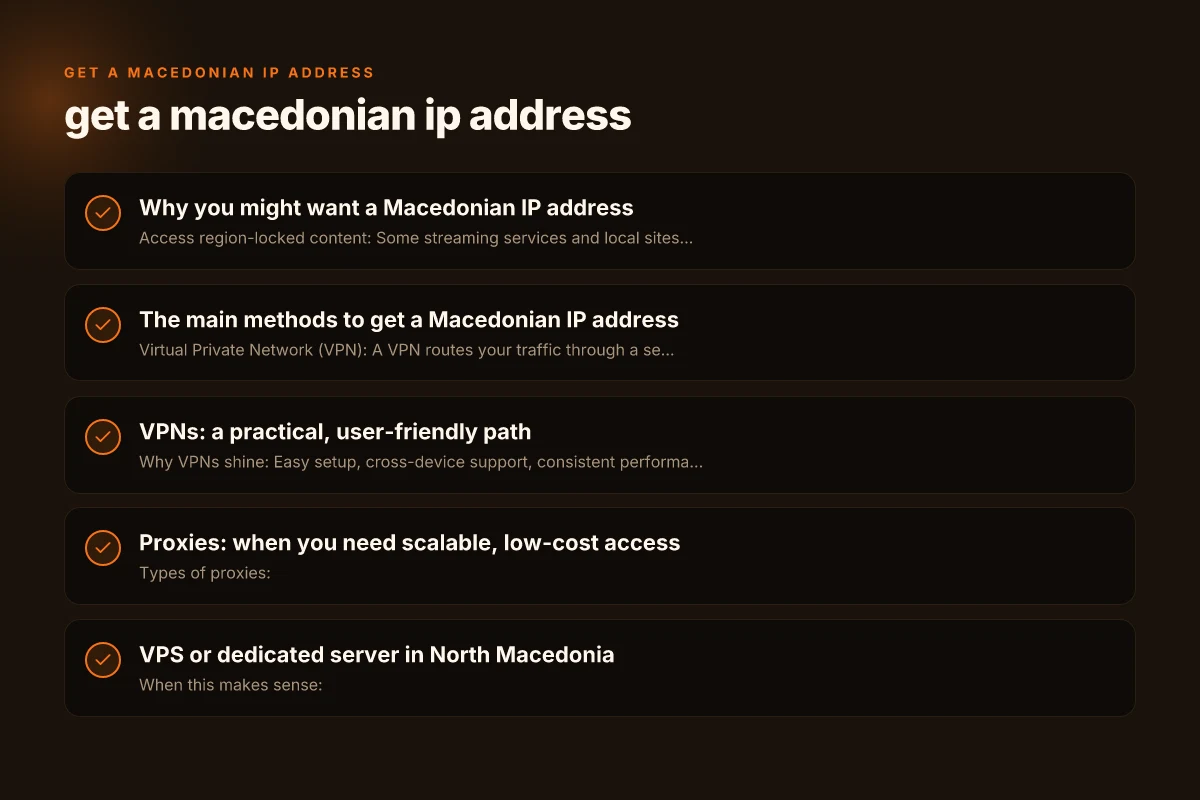
The main methods to get a Macedonian IP address
- Virtual Private Network (VPN): A VPN routes your traffic through a server in North Macedonia, assigning you a Macedonian IP.
- Proxy services: Proxies, especially residential or data-center proxies, can provide Macedonian IPs, but may be slower or less secure.
- VPS or dedicated server: Renting a North Macedonian server lets you SSH or proxy through a real machine in the country.
- Smart DNS (geo-unblocking): This doesn’t change your IP, but reroutes certain DNS lookups to emulate location for streaming. Note that many services detect this and block it.
- Browser-based solutions: Some browser add-ons claim Macedonian IPs, but reliability varies and privacy risks are higher.
VPNs: a practical, user-friendly path
- Why VPNs shine: Easy setup, cross-device support, consistent performance, and built-in kill switch and DNS leak protection on many providers.
- Pick criteria:
- North Macedonia server presence or adjacent region with reliable routing
- Strong no-logs policy and transparent privacy practices
- Fast speeds and low latency for streaming or browsing
- Compatible apps for desktop and mobile
- Transparent pricing and decent customer support
- How to set up:
- Choose a VPN with Macedonian or nearby servers.
- Subscribe and download the app for your device.
- Open the app, log in, and connect to a Macedonian server (or nearest European server if direct Macedonian presence is limited).
- Verify your IP: visit a site like whatismyipaddress.com to confirm the location shows North Macedonia.
- Pros and cons:
- Pros: Simple, secure, supports multiple devices, consistent IPs.
- Cons: May require a paid plan, occasional server congestion, some streaming services detect and block VPNs.
Proxies: when you need scalable, low-cost access
- Types of proxies:
- Data-center proxies: Fast and affordable but more likely to be blocked by services.
- Residential proxies: More credible as real users, better for unblocking, but pricier.
- SOCKS5 vs HTTP/HTTPS: SOCKS5 is more versatile, often faster for various tasks.
- How to use a Macedonian proxy:
- Choose a provider offering Macedonian IPs or Balkan-region IPs.
- Configure your browser or app to use the proxy server and port.
- Authenticate if required (username and password).
- Test your IP to confirm it shows a Macedonian location.
- Pros and cons:
- Pros: Flexible for scraping, automation, or multi-task setups. Often cheaper than VPNs.
- Cons: Less privacy and security, risk of service blocks, potential reliability issues.
VPS or dedicated server in North Macedonia
- When this makes sense:
- You need a stable, dedicated Macedonian endpoint for long-term projects.
- You require SSH access, custom servers, or hosting services within the country.
- How to get it:
- Research local hosting providers or international providers with data centers in or near North Macedonia.
- Choose a small VPS with reasonable bandwidth and a clean reputation.
- Set up a VPN or SSH tunnel to route your traffic through the Macedonian server.
- Configure DNS and routing rules as needed for your applications.
- Pros and cons:
- Pros: Full control, consistent throughput, reliable for business workflows.
- Cons: More complex to set up, ongoing maintenance, higher cost than basic VPN or proxies.
Smart DNS and geo-unblocking: use cases and caveats
- How smart DNS works: It only redirects DNS responses to make streaming services think you’re in North Macedonia without changing your IP.
- When to use it:
- Primarily for streaming content that detects geo via DNS rather than IP.
- When you want faster initial connections and fewer privacy concerns from IP leaks.
- Limitations:
- Not all services work, and some platforms actively block Smart DNS.
- Does not provide encryption or privacy protection. Traffic remains visible to your ISP and network operators.
- Best practice: Use Smart DNS in combination with a VPN for better privacy and compatibility, especially if streaming is your goal.
A practical comparison: VPNs, proxies, and VPS for a Macedonian IP
| Method | Typical use case | Pros | Cons | Cost range (per month) |
|---|---|---|---|---|
| VPN | General browsing, streaming, gaming | Easy setup, cross-device, good encryption | Potential buffering, some services block VPNs | $5–15 per month |
| Proxies | Automation, scraping, lightweight tasks | Low cost, scalable, easy to rotate IPs | Limited security, reliability varies | $1–10 per month per proxy |
| VPS/Dedicated | Long-running projects, hosting apps | Full control, stable IP, customizable | More setup, maintenance, higher cost | $8–30 per month for VPS |
Privacy, legality, and best practices
- Read terms of service: Some sites forbid the use of proxies or VPNs to circumvent geo-restrictions. Violations could lead to account suspension.
- Consider data protection: If you’re handling sensitive data, choose a trusted provider with a clear privacy policy and strong encryption.
- Check local laws: North Macedonia has its own telecom and internet regulations. Ensure your activities comply with laws in your jurisdiction and the service’s terms.
- Mitigate leaks: Use DNS Leak Protection and a kill switch in your VPN, and consider disabling IPv6 to prevent accidental leaks.
- Test regularly: IP/geolocation can change due to routing or provider changes. Periodically verify your Macedonian IP before critical tasks.
Step-by-step starter guide (quick start)
- Define your goal: streaming, browsing, automation, or development testing.
- Choose a method: VPN is the most user-friendly starting point for most users.
- Pick a reputable provider: look for Macedonian or nearby servers, transparent policies, and good reviews.
- Install and configure:
- Install on your primary devices first (PC/Mac, iOS/Android).
- Connect to a Macedonian server and verify location.
- Test with the intended service:
- Open the service you want to access and check if it shows Macedonian content or meets your test criteria.
- Optimize for speed and privacy:
- Use wired connections where possible, choose servers with low latency, and enable security features (kill switch, DNS leak protection).
- If VPN doesn’t meet your needs, explore proxies or a small VPS for more control.
Common pitfalls and how to avoid them
- IP not showing as Macedonian: Try connecting to a different Macedonian or nearby server, clear DNS cache, or disable IPv6 to prevent leaks.
- Slow speeds: Switch to a nearby server, select a less congested time, or use wired connections. Check your baseline internet speed without a VPN.
- Service blocks: Some streaming platforms actively block VPNs and proxies. Rotate IPs, use residential proxies, or switch to a VPS-based setup with proper routing.
- Privacy gaps: Ensure DNS leak protection is enabled and test for leaks after configuring any tool.
Final recommendation
For most users who simply want a Macedonian IP address for general browsing, streaming, or light testing, a reputable VPN with a Macedonian or nearby server offers the best balance of ease, speed, and safety. It provides encryption, a straightforward setup across devices, and reliable IP attribution. If your needs include automation, data scraping, or highly targeted tasks, consider proxies or a small VPS in North Macedonia to gain more control, while staying mindful of privacy and compliance requirements. Always verify the IP location after setup and stay informed about the terms of service of any platform you access.
If you’d like, tell me your primary use case (streaming, development testing, data scraping, or something else) and your device lineup, and I can tailor a concrete setup plan with recommended providers and step-by-step config instructions.