Get a canadian IP address
Learn practical, legal ways to obtain a Canadian IP address and protect your online privacy.
In our increasingly digital world, having a Canadian IP address can be important for streaming, banking, or access to local services. Whether you’re traveling, studying abroad, or just want to explore Canadian content from outside the country, there are legitimate ways to get a Canadian IP address. This guide walks you through reliable options, what to watch out for, and how to verify that you’ve successfully appeared as if you’re browsing from Canada.

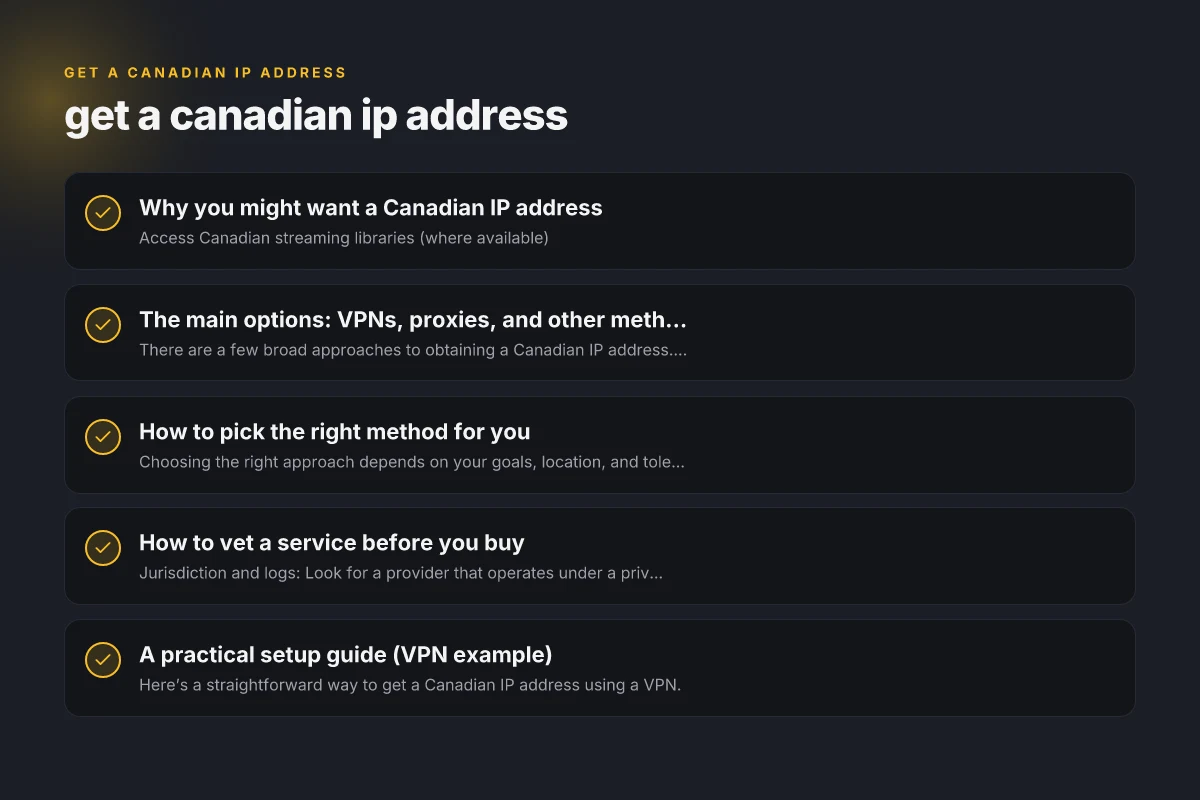
Why you might want a Canadian IP address
- Access Canadian streaming libraries (where available)
- Use Canadian banking or government portals that require local IPs
- Take advantage of Canada-focused online services and pricing
- Avoid geo-restrictions on certain websites and apps
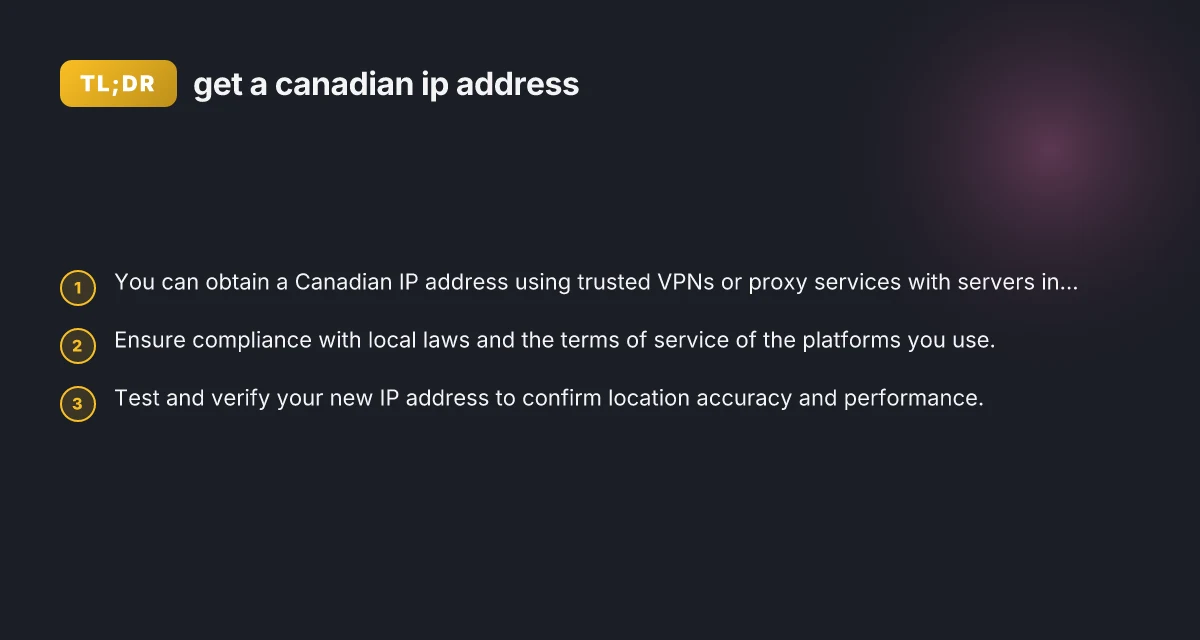
The motive is practical. It’s important to stay within the bounds of the law and the terms of service of the platforms you use. Some services explicitly prohibit IP spoofing or location masking, so proceed with awareness of potential restrictions.
The main options: VPNs, proxies, and other methods
There are a few broad approaches to obtaining a Canadian IP address. Each has its own trade-offs in terms of privacy, speed, reliability, and legality.
VPNs (Virtual Private Networks)
- What they do: Create an encrypted tunnel to a server in Canada, making your traffic appear to originate from there.
- Pros: Strong privacy, broad compatibility, good speeds on well-managed networks, reliable for streaming.
- Cons: Some services block VPN traffic, and you’ll want a provider with a Canada-based server network.
- How to choose: Look for a provider with a dedicated Canadian server list, no-logs policy, strong encryption, and transparent privacy practices.
Proxies (HTTP/HTTPS and SOCKS)
- What they do: Route your browser or app traffic through a Canadian intermediary.
- Pros: Often cheaper or free options. Straightforward for browser use.
- Cons: Generally weaker privacy, can be slower, and many proxies don’t support all apps or sites.
- How to choose: If you use proxies, pick reputable paid services rather than free ones, and avoid sharing sensitive credentials.
Smart DNS services
- What they do: Redirect DNS queries to make it appear you’re in Canada for specific apps, without encrypting traffic.
- Pros: Fast for streaming, usually easy to set up on devices.
- Cons: Does not mask your IP in a technical sense. Some services block them, and privacy is limited.
- How to choose: Best for streaming when privacy is not your primary concern. Verify device compatibility.
Tor and anonymity networks
- What they do: Route traffic through multiple relays worldwide to obscure origin.
- Pros: High anonymity, can bypass some geo-restrictions.
- Cons: Very slow for video streaming, not reliable for all services, risk of blocking.
- How to choose: Use Tor for privacy-sensitive tasks, but not as a primary method for standard browsing or streaming.
Mobile data VPNs
- What they do: Use a VPN on a mobile network to appear Canadian.
- Pros: Convenient for travel, can work on the go.
- Cons: Data caps and provider policies can limit usage.
- How to choose: Ensure your plan allows VPN usage and supports Canadian exit servers.
How to pick the right method for you
Choosing the right approach depends on your goals, location, and tolerance for risk and performance.
- If streaming is your main goal: A reputable VPN with fast Canadian servers is usually best.
- If you need ongoing privacy: A VPN plus a strong privacy setup (no-logs, leak protection) is advisable.
- If you’re on a budget: Some credible VPNs offer affordable plans. Avoid free options that compromise privacy.
- If you only need occasional access to a region: A Smart DNS service might suffice for quick content unlocking, but be aware of privacy trade-offs.
How to vet a service before you buy
- Jurisdiction and logs: Look for a provider that operates under a privacy-friendly jurisdiction and maintains a transparent no-logs policy.
- Canada server coverage: Confirm there are multiple Canadian servers in major cities (e.g., Toronto, Montreal, Vancouver) to reduce congestion.
- Leak protection: Ensure DNS, IPv6, and WebRTC leak protection are built-in and enabled.
- Security standards: Check for strong encryption (AES-256), and modern protocols (OpenVPN, WireGuard).
- Independent audits: Some providers publish third-party audits or transparency reports.
- Customer support: 24/7 support with clear channels is valuable if you encounter issues.
A practical setup guide (VPN example)
Here’s a straightforward way to get a Canadian IP address using a VPN. Get a cameroonian IP address
- Step 1: Choose a reputable VPN with Canada-based servers and a clear no-logs policy.
- Step 2: Sign up and install the VPN on your device(s). Most services support Windows, macOS, iOS, Android, and some routers.
- Step 3: Open the VPN app and sign in. Browse the server list and select a Canadian server (e.g., Canada – Montreal or Canada – Toronto).
- Step 4: Connect and confirm the connection. The app should show you as connected to a Canadian server.
- Step 5: Verify your IP location. Use an IP-checker tool to ensure your visible location is Canada.
- Step 6: Test performance. Open the primary service you want to use (streaming, banking, etc.) and confirm it works smoothly.
If you encounter issues, try:
- Switching to a different Canadian server
- Turning on features like Kill Switch and DNS leak protection
- Clearing your browser cache or trying a different browser
- Contacting customer support for server recommendations
Verification: How to confirm you have a Canadian IP
Verification is essential to ensure you’ve achieved the goal and that your traffic is following the expected path.
- IP geolocation check: Use an online tool to check the IP’s country and city.
- DNS leak test: Run a DNS leak test to ensure DNS requests are not leaving your VPN tunnel.
- WebRTC leak test: In browsers, check for possible WebRTC leaks that could reveal your real IP.
- Streaming and services test: Try accessing a service that is region-locked or normally requires a Canadian IP and see if access is granted.
Here is a quick example of what you might see during verification:
- IP address: 198.x.x.x
- Country: Canada
- City: Toronto If the tests show Canada as the location and the service works, you’re good.
Potential pitfalls and things to watch for
- Service terms: Some platforms explicitly prohibit IP masking. Violating terms can lead to account sanctions or bans.
- VPN blocking: Some streaming platforms actively block known VPN IPs. If access is blocked, switch servers or consider a different provider.
- Privacy vs. performance trade-off: Higher security can sometimes reduce speed. Balance your needs accordingly.
- Jurisdiction risks: VPNs based in certain countries may be subject to data requests. Review privacy policies and, if privacy is paramount, consider providers with favorable privacy reputations.
- Free options risk: Free proxies or VPNs often come with data limits, slower speeds, and potential privacy risks. Favor paid, reputable services.
A quick comparison: VPNs vs. smart DNS for getting a Canadian IP
| Method | How it works | Pros | Cons | Best for |
|---|---|---|---|---|
| VPN | Encrypts traffic and exits via a Canadian server | Strong privacy, works across apps, reliable for streaming | Can be slower, may be blocked by some sites | Streaming, privacy-focused access |
| Smart DNS | Redirects location for specific apps without encryption | Fast, low overhead, easy for streaming | No real IP change; privacy limited | Streaming that requires speed, not strong privacy |
| Proxies | Routes traffic via a Canadian proxy server | Often cheap or free, easy browser use | Poor privacy, possible blocks | Lightweight, single-app use |
| Tor | Multi-hop anonymization network | High anonymity | Very slow, unreliable for consistent access | Privacy-sensitive tasks, not for streaming |
Legal and ethical considerations
- Respect terms of service: Many streaming platforms and banks have policies about VPNs and location masking. Violating terms can result in account consequences.
- Regional content laws: Ensure you’re compliant with local and international laws when accessing region-restricted services.
- Privacy protections: Use reputable providers with transparent privacy practices and strong encryption to protect your data.
Final recommendation
If your goal is reliable access to Canadian content and services while maintaining solid privacy, a reputable VPN with a robust network of Canada-based servers is typically your best bet. It provides strong encryption, broad compatibility, and consistent performance. For quick, low-friction streaming where privacy is less of a concern, a Smart DNS service can be a useful complement, but be mindful of its limitations. Always verify your new IP location and review the provider’s privacy policy and terms of service before committing. If you approach this with a careful choice of service and responsible usage, you can get a Canadian IP address effectively and safely. Get a cambodian IP address